



Blog

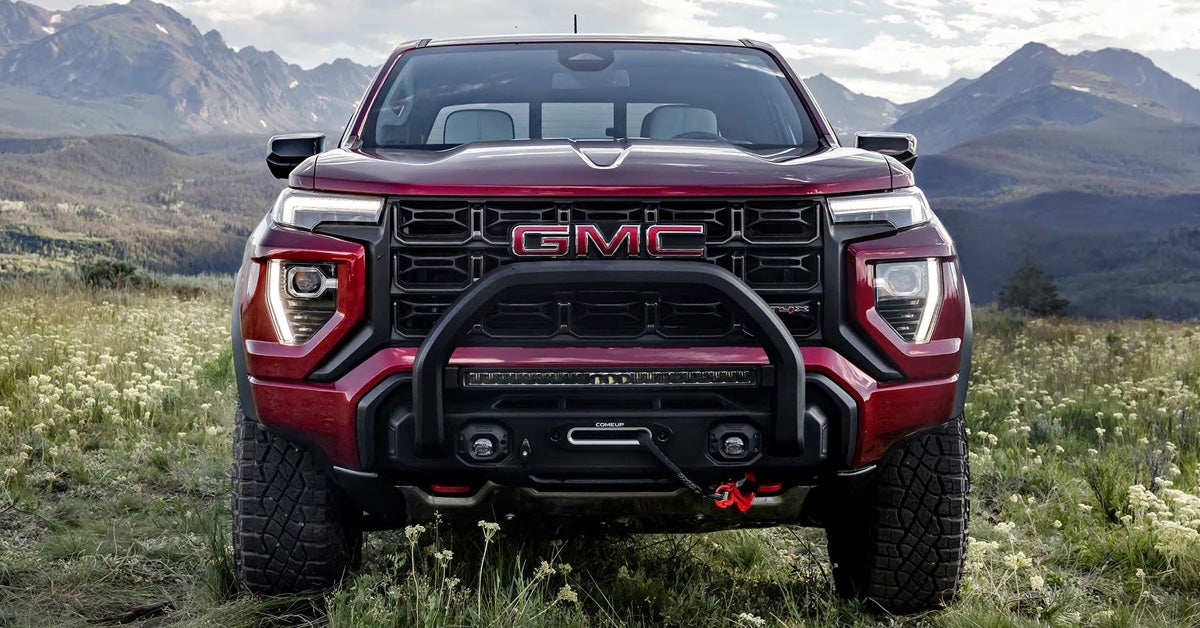
A parked black 2026 Sierra 1500

5 Signs Your GMC's Needs Its Wheel Aligned [2026]

Wheel alignment problems often reveal themselves through a few clear warning signs, including a vehicle that pulls to one side, a crooked steering wheel, uneven tire wear, reduced handling stability, and alignment issues that appear after hitting a pothole or curb. Recognizing these signs your car needs an alignment early can help protect your tires, improve driving comfort, and keep your GMC Sierra 1500, Canyon, or Terrain tracking straight on the road. At Joe Ball GMC, we're here to support drivers through every stage of vehicle ownership, from finding the right GMC and exploring financing options to ordering genuine parts and caring for your vehicle over time. Whether you're shopping for your next GMC or looking for support with your current one, our team is ready to assist. Contact us or visit Joe Ball GMC today to learn more about keeping your GMC performing at its best. Explore New GMC Get Directions Contact Us Sign 1: Is Your GMC Pulling to One Side While Driving? One of the most noticeable signs you need a wheel alignment is when your GMC consistently drifts to the left or right while you're trying to drive straight. Instead of maintaining its path with minimal steering input, the vehicle may require frequent corrections to stay centered in the lane. This can become especially noticeable during longer drives or on roads where you would normally expect the vehicle to track straight. For example, imagine driving your GMC Canyon down a familiar stretch of road. You briefly relax your grip on the steering wheel and notice the truck gradually moving toward one side of the lane. If this happens repeatedly under similar driving conditions, it may point to an alignment issue rather than a one-time road condition. A vehicle that pulls to one side can make driving feel less natural and may be one of the earliest warning signs that the wheels are no longer aligned as intended. Sign 2: Is Your Steering Wheel Crooked When Driving Straight? A steering wheel that sits off-center while you're driving in a straight line can be one of the more subtle signs of bad alignment. Everything may seem normal at first, but over time you may notice that the wheel needs to be held slightly to the left or right to keep the vehicle moving where you want it to go. Consider a GMC Terrain traveling down a straight roadway. The vehicle continues forward without obvious pulling, yet the steering wheel is noticeably tilted instead of resting in its centered position. That mismatch can indicate that the wheels and steering components are no longer aligned properly. Unlike some alignment symptoms that develop gradually, a crooked steering wheel is often something drivers notice every time they get behind the wheel. Because it is constantly in view, it can serve as an early clue that something has changed. Paying attention to the position of the steering wheel during normal driving can help identify alignment concerns before they become more noticeable. Sign 3: Are Your Tires Wearing Unevenly? Your tires can reveal a lot about the condition of your vehicle. When alignment is out of specification, the tires may not meet the road surface evenly, causing certain areas of the tread to wear down faster than others. This type of wear can be difficult to spot at a glance, which is why periodic tire inspections are helpful. Common patterns that may point to an alignment concern include: Excessive wear along the inner edge of the tire Excessive wear along the outer edge of the tire Feathered or uneven tread surfaces One tire wearing noticeably faster than the others For drivers of a GMC Sierra 1500, uneven tire wear can become especially frustrating because tires represent a significant maintenance expense. In many cases, addressing an alignment concern early may be far less costly than replacing tires prematurely. That is one reason why discussions about GMC wheel alignment cost often focus on the long-term value of protecting tire life, not just the service itself. If you notice unusual tread wear patterns, it may be worth taking a closer look at the vehicle's alignment. Sign 4: Does Your GMC Feel Less Stable on the Road? A properly aligned vehicle typically feels composed and predictable, while one with alignment issues can feel less settled during everyday driving. The change is not always dramatic. Sometimes it starts as a subtle feeling that the vehicle no longer responds as confidently as it once did. Consider the difference between two otherwise similar drives in a GMC Canyon. In one situation, the truck feels planted and follows your intended path smoothly through gentle curves. In the other, it may feel slightly reluctant to hold its line, requiring more attention and steering input than expected. While several factors can influence vehicle behavior, alignment is one possibility worth considering. This is also why some drivers begin researching a GMC front-end wheel alignment after noticing that the vehicle simply feels "off" without any obvious warning signs. When the driving experience becomes less predictable than usual, it can be a clue that the wheels are no longer working together as intended. Sign 5: Have You Recently Hit a Pothole, Curb, or Road Hazard? Sometimes the warning sign is not a symptom you can see or feel right away. Instead, it is an event you remember. A hard impact from a pothole, curb, or other road hazard can be enough to affect wheel alignment, even if the vehicle seems to drive normally afterward. Common situations that may lead to alignment concerns include: Striking a deep pothole Bumping a curb while parking Driving through rough construction zones Hitting road debris Encountering uneven or damaged pavement For example, a driver might hit a pothole in their GMC Terrain and continue driving without noticing any immediate changes. Days or weeks later, one of the signs your car needs an alignment may begin to appear. The connection is not always obvious because the impact and the symptom do not necessarily occur at the same time. Keeping track of recent road impacts can provide useful context when trying to determine whether an alignment issue may be developing. Why Wheel Alignment Matters for Your GMC Wheel alignment is the adjustment of your GMC's wheels so they are positioned correctly relative to each other and the road. When alignment is off, even slightly, it can affect how your vehicle tracks, responds to steering inputs, and wears its tires over time. Many of the common signs your car needs an alignment begin gradually, making them easy to miss during everyday driving. A properly aligned vehicle helps support a more consistent driving experience by keeping the wheels pointed in the intended direction. Whether you drive a GMC Sierra 1500 for work, a Terrain for daily commuting, or a Canyon for weekend adventures, alignment plays a role in how your vehicle feels behind the wheel. Some of the most common reasons alignment matters include: More predictable steering response Improved tire wear patterns Better straight-line tracking Reduced need for constant steering corrections Because alignment issues often develop over time, recognizing early warning signs can help prevent small concerns from becoming larger tire or handling problems. How Much Does a GMC Wheel Alignment Cost in 2026? The cost of a wheel alignment depends on factors such as your GMC model and the type of alignment service required. While alignment pricing can vary, Pittsburgh-area drivers may see alignment specials advertised around $100, while some GMC alignment estimates fall between roughly $160 and $240 depending on the vehicle and service needs. A GMC Sierra 1500, Canyon, and Terrain may not all require the same alignment service, which is one reason costs can differ. If you've noticed signs you need a wheel alignment, addressing the issue early may help prevent uneven tire wear and other related concerns. For current alignment pricing and recommendations for your specific GMC, contact our service team for an estimate. How much does a wheel alignment cost? Wheel alignment costs can vary based on factors such as your GMC model and the type of alignment needed. Contact our service team for current pricing and an estimate tailored to your specific vehicle. What causes a misaligned wheel? Wheel alignment can be affected by impacts from potholes, curbs, road debris, rough pavement, and construction zones. Alignment issues may also develop gradually over time as vehicle components experience normal wear. What are the signs my GMC needs its wheels aligned? Common signs include the vehicle pulling to one side while driving, a crooked steering wheel when traveling straight, uneven tire wear, reduced stability on the road, and alignment concerns that appear after hitting a pothole or curb. What happens if I drive with a misaligned wheel? A misaligned vehicle may experience uneven tire wear, reduced driving stability, and changes in steering feel. If left unaddressed, alignment issues can contribute to premature tire replacement. Get a Wheel Alignment Estimate and Find Your Next Ride at Joe Ball GMC Wheel alignment issues often start small. A slight pull while driving, an off-center steering wheel, or unusual tire wear may not seem urgent at first, but recognizing these warning signs early can help you maintain a more confident driving experience. Talk to us for a wheel alignment estimate. Drivers throughout Pittsburgh, Munhall, and Homestead can explore a wide selection of GMC vehicles at Joe Ball GMC, including the Sierra 1500, Canyon, and Terrain. Whether you're searching for a capable truck or a versatile SUV, our inventory offers options for a variety of driving needs. Looking for more GMC ownership tips? Explore resources covering Canyon trim options, stuck ignition keys, and Sierra A/C issues to learn more about vehicle features, maintenance concerns, and model comparisons. You can also browse our service center, parts department, and financing options for additional resources related to GMC ownership. When you're ready to take the next step, browse our inventory, visit us, or contact the Joe Ball GMC team for additional assistance. Get Directions to Joe Ball GMC Disclaimer: All information is provided for general informational and entertainment purposes only. While we strive for accuracy, we cannot guarantee that all content is complete, current, or error-free. Any reliance you place on such information is strictly at your own risk. This article may include opinions and is not endorsed by, or officially affiliated with, any vehicle manufacturer or brand. Always consult official sources – such as the vehicle’s owner’s manual, authorized dealerships, or certified professionals – for the most up-to-date and personalized information.
Read More
2026 GMC Canyon

GMC Canyon Package & Trim Options [2026 Guide]

The 2026 GMC Canyon gives buyers more than just four trim levels to compare. Alongside Elevation, AT4, AT4X, and Denali, available package options like Technology Plus, AT4 Premium, Nightfall, and the AT4X AEV Edition can significantly change how the Canyon is equipped for daily driving, off-road use, or added comfort. At Joe Ball GMC, we’re here to help drivers explore the GMC Canyon with support that extends well beyond the showroom floor, including sales, service, parts, and conversational guidance on our financing options. Whether you're comparing trims in person or narrowing down your next truck from home, we invite drivers from Pittsburgh, Munhall, and Homestead to visit Joe Ball GMC or contact our team today. Explore The New Canyon Get Directions Contact Us What Are the 2026 GMC Canyon Trim Levels? The Canyon lineup is straightforward, but the personality of each trim changes meaningfully depending on what you want from your truck. The 2026 GMC Canyon is offered in four trim levels: Elevation, AT4, AT4X, and Denali, each with its own pricing position and intended use. Elevation (Starting MSRP: $38,900) The Elevation serves as the foundation of the Canyon lineup, offering core truck functionality with trailering tools and driver-focused technology. For buyers who want midsize truck capability without stepping immediately into specialty off-road or premium territory, this is the natural starting point. AT4 (Starting MSRP: $45,500) Move into the AT4, and the Canyon shifts toward off-road utility. With hardware built for rougher terrain, this trim makes sense for drivers who expect more adventure-focused capability while staying below the highest pricing tiers. AT4X (Starting MSRP: $57,300) AT4X takes that formula much further. With specialized equipment like Multimatic DSSV dampers, front and rear electronic locking differentials, Baja drive mode, and underbody camera views, this trim is clearly aimed at buyers prioritizing serious off-road performance. Denali (Starting MSRP: $53,300) Denali takes a different route. Rather than pushing deeper into trail-focused specialization, it emphasizes premium appointments like perforated leather-appointed seating, open-pore wood trim, Bose audio, and a Head-Up Display. Among the available 2026 GMC Canyon packages, some trims also open the door to additional capability, styling, or technology-focused upgrades depending on configuration. How Does the 2026 GMC Canyon Trim Comparison Change From One Model to the Next? Looking at the 2026 GMC Canyon trim levels side by side, the biggest difference is how each model shifts the truck’s purpose rather than simply adding more equipment. The move from Elevation to AT4 changes the Canyon’s focus toward more dedicated off-road functionality, including hardware like a two-speed Autotrac transfer case, Advanced Hill Descent Control, and an automatic locking rear differential. Step from AT4 to AT4X, and the upgrades become far more specialized. The AT4 is built for capable off-road use. AT4X is engineered for buyers who want features like launch control, rocker protectors, and terrain-specific enhancements that go beyond general trail driving. The Denali comparison is different. Rather than competing with the AT4X on extreme off-road specialization, it takes the Canyon in a more refined direction with exclusive interior materials, standard wireless charging, and upscale design distinctions. Not every jump between trims is about doing more. Sometimes it is about doing something different. Which 2026 GMC Canyon Packages Add the Most Value? Value depends on what you expect your Canyon to do. In a 2026 GMC Canyon trim comparison, some packages expand capability, others sharpen comfort, and some simply change the truck’s visual personality. For buyers who prioritize convenience and connected functionality, the available Technology Plus Package adds another consideration depending on trim configuration. That makes package selection about more than appearance or off-road upgrades alone. The AT4 Premium Package takes a comfort-focused approach, adding leather-appointed front seating surfaces for buyers who want a more refined cabin feel without stepping into a different trim altogether. The AT4X AEV Edition is built with a very different purpose. With AEV hot-stamped boron steel skid plates, stamped steel bumpers, 35-inch Goodyear Wrangler Territory MT tires, front winch capability, and a bed-mounted spare tire carrier, it is clearly aimed at serious off-road use. The Nightfall Edition and Nightfall Essentials Package focus on styling, with black badging, dark wheel treatments, and appearance-focused exterior upgrades. The right package depends less on what looks best on paper and more on how the truck will actually be used. What Technology Features Define the 2026 GMC Canyon Lineup? For many truck shoppers, technology is not just a bonus feature; it is part of the ownership experience. The Canyon lineup blends infotainment, trailering support, driver assistance, and available package upgrades that can meaningfully change how the truck feels day to day. Driver Information & Infotainment Core technology features across the Canyon lineup include: 11.3-inch GMC Infotainment System Google built-in compatibility Voice-activated functionality Wireless Apple CarPlay compatibility Wireless Android Auto compatibility 11.0-inch Driver Information Center These features keep navigation, communication, and vehicle information within easy reach. Visibility & Camera Technology Available visibility-focused technology includes: HD Rear Vision Camera with Hitch View HD Surround Vision Up to 10 available camera views Available underbody camera views on select trims For drivers towing equipment or navigating tighter terrain, these tools can make a noticeable difference. Available Technology Upgrades Depending on configuration, buyers may also find the available Technology Plus Package as part of their decision-making process, adding another layer to how the Canyon can be equipped. Additional available technology includes: Canyon Pro Safety Canyon Safety Plus Available Head-Up Display Available OnStar functionality Available remote commands Automatic Crash Response Which 2026 GMC Canyon Trim Fits Your Driving Priorities Best? Choosing the right Canyon starts with how you actually plan to use it, not simply which trim sits highest in the lineup. If your truck life revolves around everyday hauling, commuting, and practical utility, Elevation makes the most sense as the straightforward starting point. If weekend plans regularly involve dirt, uneven trails, or towing gear into less forgiving terrain, the AT4 becomes the more logical fit thanks to its purpose-built off-road hardware. AT4X is for a narrower buyer. This trim makes sense if off-road capability is the priority rather than occasional recreation. Features like specialized trail equipment make it the more focused choice. Denali fits a different kind of driver, someone who wants Canyon utility paired with a more premium cabin experience. For tech-focused shoppers searching for a 2026 GMC Canyon technology package, the better question is which trim aligns with the features you actually use most, whether that means driver information tools, connected services, or expanded visibility systems. The best trim is the one that matches your routine, not someone else’s checklist. What comes with the 2026 GMC Canyon Technology Package? The 2026 GMC Canyon offers an available Technology Plus Package on certain configurations. Package contents vary by trim, so included features depend on the specific Canyon model selected. What comes with the 2026 GMC Canyon Premium Package? The AT4 Premium Package includes leather-appointed front seating surfaces and is available for the Canyon AT4. What comes with the 2026 GMC Canyon Nightfall Package? The Nightfall Edition includes rocker protectors, 20-inch machine-faced aluminum wheels with dark pockets, an accessory bed-mounted sports bar, black AT4 accessory badges, and black GMC accessory emblems. The Nightfall Essentials Package includes the wheel treatment plus dealer-installed black badging. What are the trim options for the 2026 GMC Canyon? The 2026 GMC Canyon is available in four trim levels: Elevation, AT4, AT4X, and Denali. Each trim emphasizes a different mix of utility, off-road capability, or premium comfort. Explore the GMC Canyon and More at Joe Ball GMC Choosing the right GMC Canyon often comes down to the details. For some drivers, that means comparing trims and available packages. For others, it means understanding how everyday ownership features, towing tools, or connected technology fit into the bigger picture. Whether you're shopping for a Canyon or exploring other GMC vehicles, Joe Ball GMC is here to support drivers from Pittsburgh, Munhall, and Homestead with vehicle sales, service, parts, and financing guidance. If you're continuing your GMC research, you may also find helpful information in topics like Sierra Transparent Trailer View, troubleshooting a stuck ignition key, or understanding common GMC air-conditioning concerns. If you're ready to compare available models, ask questions about trim and package availability, or continue exploring your options, contact Joe Ball GMC today, visit us, or browse our wider vehicle selection online. Get Directions to Joe Ball GMC Disclaimer: All information is provided for general informational and entertainment purposes only. While we strive for accuracy, we cannot guarantee that all content is complete, current, or error-free. Any reliance you place on such information is strictly at your own risk. This article may include opinions and is not endorsed by, or officially affiliated with, any vehicle manufacturer or brand. Always consult official sources – such as the vehicle’s owner’s manual, authorized dealerships, or certified professionals – for the most up-to-date and personalized information.
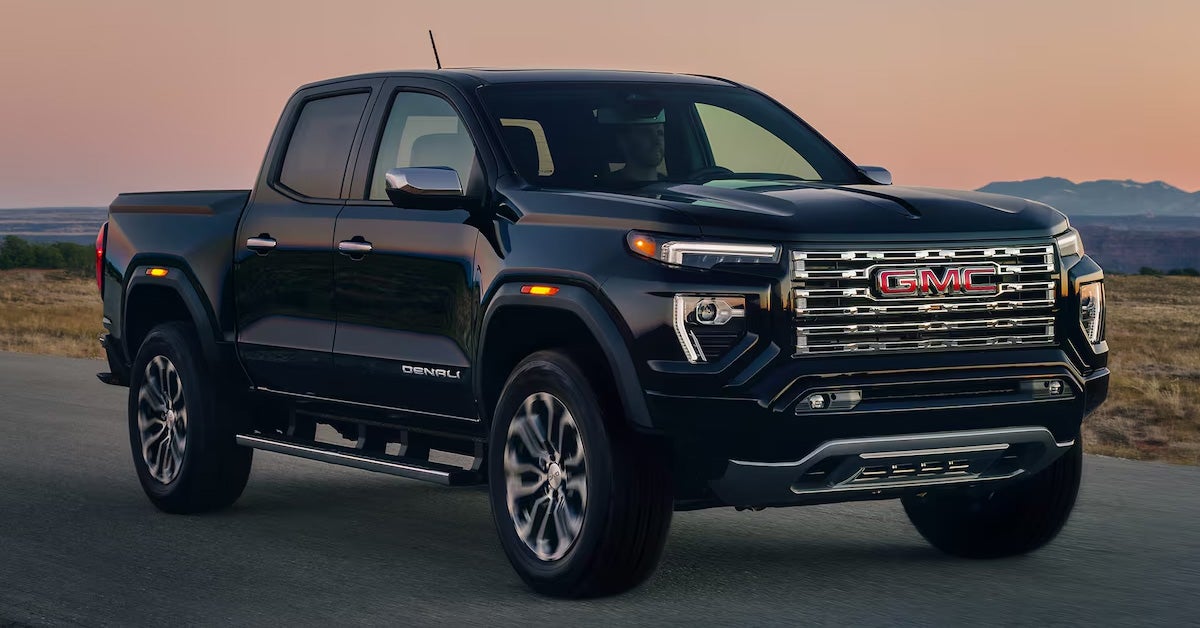
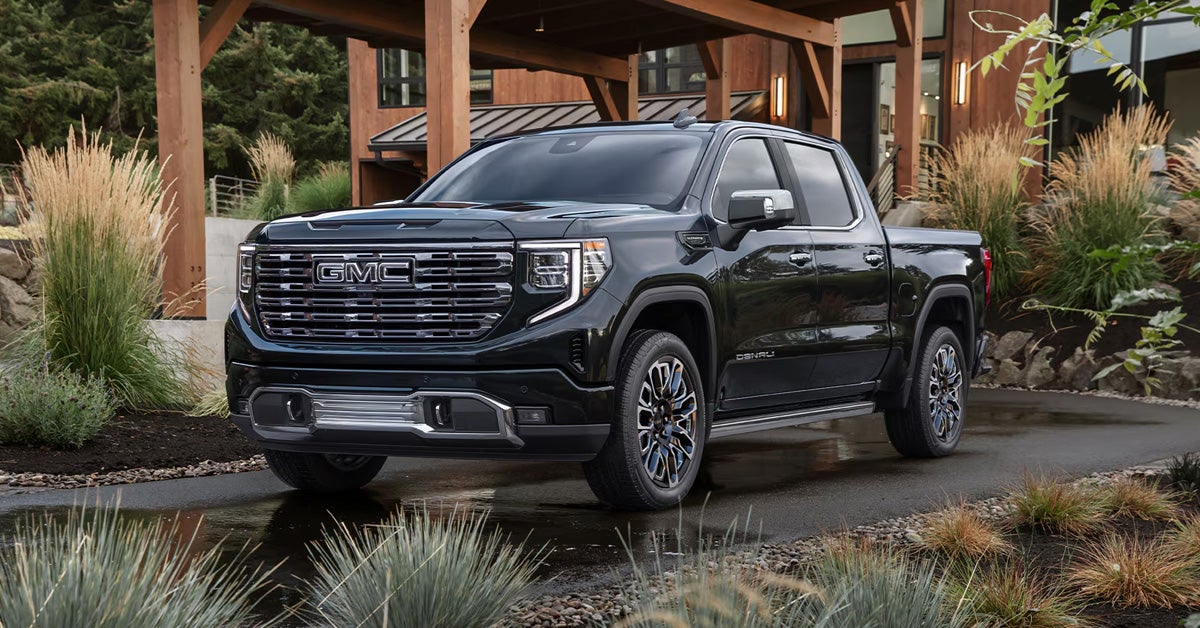
Parked black 2026 GMC Canyon

How to Remove a Key Stuck in Your GMC’s Ignition

A GMC key stuck in the ignition can often be resolved by checking that the vehicle is fully in park, relieving tension on the steering wheel, and ensuring the battery has enough power to support ignition release systems. Simple, careful steps can help free the key without causing damage, whether you are dealing with a GMC Canyon key stuck in the ignition or a situation where a car key stuck in the ignition with a dead battery is preventing release. Understanding these basics gives you a clear, safe path to remove the key and get back on the road. At Joe Ball GMC, we are here to support you through every step of vehicle ownership, from diagnosing issues like a GMC key stuck in the ignition to helping you find your next GMC Canyon. Our team can assist with service, parts, and flexible financing options designed to fit your needs. Visit our dealership or contact us today to get expert help and keep your vehicle running the way it should. Explore The New Canyon Get Directions Contact Us What Should You Do First When Your GMC Key Won’t Come Out? A GMC key stuck in the ignition can catch you off guard, whether you are parked in your driveway or trying to leave a crowded area in Pittsburgh, Munhall, or Homestead. It is a frustrating but fairly common issue, especially for drivers dealing with a key getting stuck in ignition of a GMC Canyon. The good news is that most situations can be handled with a few simple checks before anything more serious is needed. Start with the basics and stay calm. Small adjustments often make the difference: Make sure the vehicle is fully shifted into Park Gently turn the steering wheel to release tension Check that the key is in the correct position before removing it In vehicles like the Canyon, everyday driving habits and small mechanical factors can influence how the ignition behaves. Taking a moment to go through these quick steps is often the safest way to begin when figuring out how to remove a key stuck in the ignition. Why Is Your GMC Key Getting Stuck in the Ignition? When a GMC key stuck in ignition issue happens, it is usually tied to a small mechanical or electrical condition rather than a major failure. In many Canyon situations, the cause is something simple that prevents the ignition from recognizing it is safe to release the key. A few common factors to consider include: Gear position: If the vehicle is not fully in Park, even by a small margin, the key may stay locked in place Steering wheel tension: Pressure on the wheel can bind the ignition cylinder and make removal difficult Battery condition: In cases involving a car key stuck in the ignition, a dead battery scenario, limited power may interfere with systems connected to the ignition release Modern vehicles like the Canyon include Keyless Entry and Start (standard), which means electronic systems can also play a role in how the ignition behaves. In some cases, more than one of these factors can overlap, making the issue feel inconsistent or harder to pinpoint at first. How Can You Safely Remove a Key Stuck in Your GMC’s Ignition? If you are figuring out how to remove a key stuck in the ignition, the goal is to work slowly and avoid forcing anything. A careful, step-by-step approach is especially helpful in vehicles like the Canyon, where both mechanical and electronic factors may be involved. Follow these steps: Confirm the vehicle is fully in Park Even a slight misalignment can keep the key locked. Firmly shift into Park and try again Gently turn the steering wheel Move it left and right while lightly turning the key; this can relieve pressure inside the ignition Cycle the ignition position Turn the key slightly forward and back, then attempt removal once it is fully in the correct position Inspect the key itself Look for visible wear or bending that could prevent a smooth release Keep movements gentle and controlled. Forcing the key can lead to damage that may be required. Can a Dead Battery Cause Your Car Key to Get Stuck in the Ignition? A car key stuck in the ignition, a dead battery situation can happen when the vehicle does not have enough power to complete the systems that allow the key to release. In a Canyon, electrical components are tied closely to ignition behavior, so a weak or drained battery can interrupt that process and leave the key in place. Modern setups, including Push Button Start (standard), rely on proper electrical function. When power is low, the system may not fully register that the vehicle is in a state where the key can be removed. This can make a GMC Canyon key stuck in the ignition issue feel sudden or confusing. Here are a few safe steps to try: Check the battery condition Look for signs of a drained or unresponsive battery Restore power if possible Attempt removal after power returns Once systems reset, try removing the key again When Should You Stop Troubleshooting and Seek Professional Help? There comes a point where continuing to troubleshoot can do more harm than good. If your Canyon key refuses to come out after several careful attempts, it may be time to step back and consider a closer inspection. Watch for these signs: The key will not budge at all After multiple attempts using safe methods, there is no movement or progress The ignition feels loose or damaged Any unusual movement or resistance can point to internal wear The issue keeps coming back Repeated problems, including cases similar to a car key stuck in the ignition or a dead battery scenario, may signal a deeper electrical or mechanical concern Picture being stuck in a parking lot in Pittsburgh or running errands through Munhall or Homestead, only for the problem to return again. That kind of pattern often means the issue is not temporary. Avoid forcing the key at this stage. Persistent problems may require a proper inspection to prevent further damage. How Can You Prevent a GMC Key from Getting Stuck Again? Preventing a key from getting stuck in the ignition of a GMC Canyon often comes down to small, consistent habits. With a Canyon, everyday driving routines can influence how smoothly the ignition system responds over time. A few simple practices can help reduce the chances of running into the issue again: Always shift fully into Park Take an extra second to confirm the gear is fully engaged before turning off the vehicle Avoid forcing the key If something feels off, pause and adjust instead of applying pressure Keep the battery in good condition Stable power supports systems connected to ignition behavior Stay aware of changes If the key feels tighter than usual or requires extra effort, it may be an early sign to address Think of it as part of your regular driving rhythm. Small adjustments today can help keep your Canyon running smoothly and avoid unexpected interruptions later. What are the possible causes of a key getting stuck in the ignition? A key getting stuck in the ignition can be caused by the vehicle not being fully in Park, steering wheel tension, or battery-related issues that affect ignition release systems. How do I remove the key stuck in the ignition while my battery is dead? To remove a key stuck in the ignition during a car key stuck in ignition battery dead situation, check the battery condition, restore power if possible, and attempt removal once electrical systems reset. How much does it cost to fix a key that gets stuck in the ignition? Fixing a key stuck in the ignition can cost around $100 to $500, depending on the service needed. Is it safe to force a stuck key in the ignition? No, forcing a stuck key is not safe and can cause damage to the ignition components, leading to further repairs. Stay Prepared on the Road with Expert Support from Joe Ball GMC Dealing with a stuck key can turn a normal day into a frustrating delay, especially when you are on a tight schedule around Pittsburgh, Munhall, or Homestead. The right approach starts with simple checks, knowing when to pause, and understanding when the issue may need a closer look. Small habits and awareness can go a long way in keeping your Canyon running smoothly and avoiding repeat problems. If you found this helpful, there is more to discover about getting the most out of your vehicle. Learn more about AC troubleshooting guide, get familiar with trailer view setup, or take a closer look at Super Cruise basics to better understand how your GMC works day to day. These quick reads can help you stay prepared for both common issues and advanced features. At Joe Ball GMC, we are proud to serve drivers throughout Pittsburgh, Munhall, and Homestead with a wide selection of vehicles, including the Canyon. Whether you are troubleshooting a concern or planning your next upgrade, our team is here to help with service, parts, and flexible financing options tailored to your needs. Visit our dealership or contact us today to experience support that keeps you moving forward with confidence. Get Directions to Joe Ball GMC Disclaimer: All information is provided for general informational and entertainment purposes only. While we strive for accuracy, we cannot guarantee that all content is complete, current, or error-free. Any reliance you place on such information is strictly at your own risk. This article may include opinions and is not endorsed by, or officially affiliated with, any vehicle manufacturer or brand. Always consult official sources – such as the vehicle’s owner’s manual, authorized dealerships, or certified professionals – for the most up-to-date and personalized information.
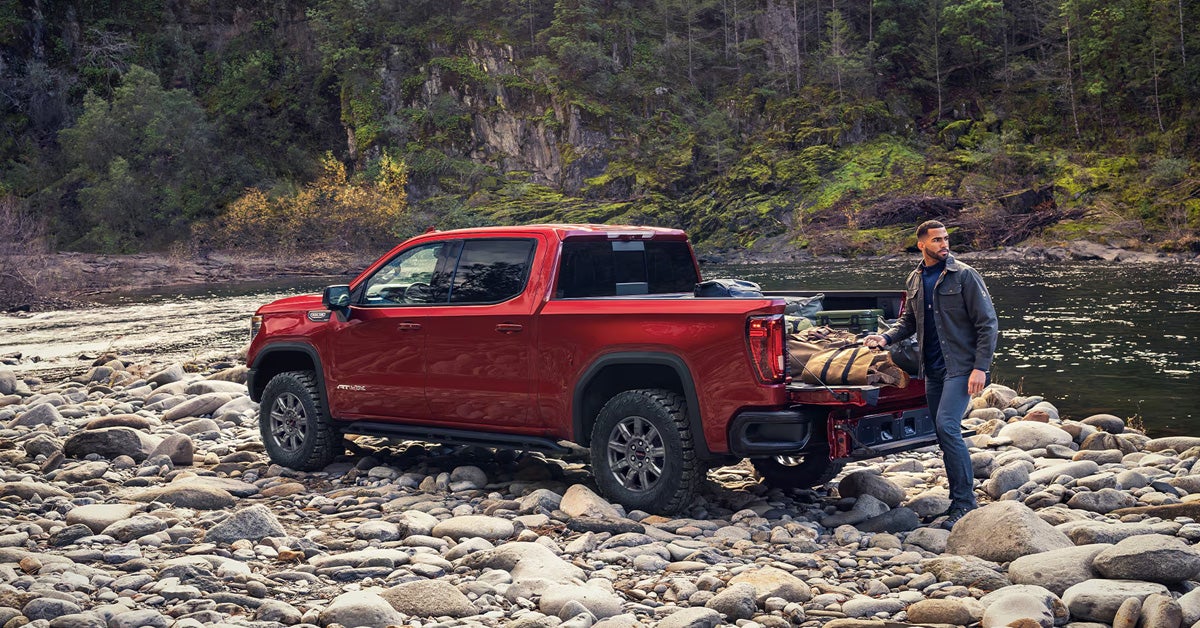
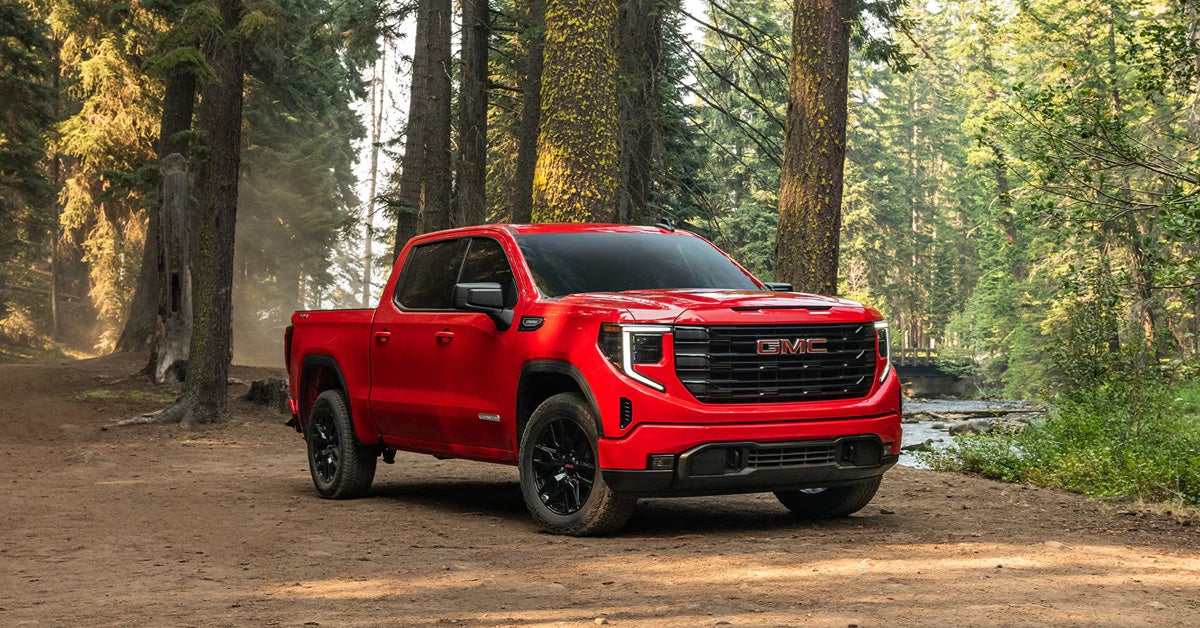
A red 2026 GMC Sierra 1500 parked in the woods

Why is Your GMC Sierra's Air Conditioner Not Working? [2026]

A GMC Sierra air conditioning system that is not working is most commonly caused by a refrigerant leak, a failed AC compressor, or a faulty blend door actuator. Electrical issues such as blown fuses or relays, along with a malfunctioning radiator fan, can also prevent your GMC Sierra from blowing cold air. Identifying the exact cause early is key because solutions can range from a simple recharge to more involved repairs like compressor replacement. At Joe Ball GMC, our team is here to help keep your GMC Sierra 1500 running at its best with expert service, parts support, flexible financing options, and knowledgeable guidance every step of the way. With ASE-certified technicians, extensive GM experience, and convenient scheduling options, we are equipped to handle everything from quick diagnostics to major AC repairs. Contact us today or stop by to get your air conditioning system checked and restored to proper working condition, or browse our available vehicle inventory to explore options that fit your needs. Explore Sierra 1500 Models Get Directions Contact Us Why Is Your GMC Sierra AC Not Blowing Cold Air? When your Sierra 1500 starts pushing warm air on a hot day, it is usually a sign that something in the cooling process is not functioning as it should. GMC Sierra air conditioning problems often begin subtly, then quickly become impossible to ignore, especially during daily drives or long commutes. Instead of guessing, it helps to understand what the system is trying to do. Your AC relies on pressure, airflow, and temperature control working together. When one part falls out of sync, cooling performance drops. Here are a few common scenarios drivers experience: Weak airflow that never gets cold This often points to low refrigerant levels or a system imbalance. Air that starts cold, then turns warm This can happen when components struggle to maintain pressure or consistency. Uneven cooling inside the cabin One side may feel cooler than the other, signaling airflow or internal control issues. AC shuts off during longer drives This may be tied to overheating or system protection behavior. Catching these signs early can help prevent more expensive repairs later. If your Sierra 1500 is no longer keeping you comfortable, having it inspected by a trained technician can quickly narrow down the cause and get your AC system working properly again. What Are the Most Common GMC Sierra Air Conditioning Problems? When a GMC Sierra air conditioning not working issue shows up, it is usually tied to a handful of known problem areas. Each one affects the system differently, which is why proper diagnosis matters before any repair is made. Here are the most common causes found in a Sierra 1500: Refrigerant leaks The system may lose Freon over time, often due to leaks in components like the condenser. Some cases point to specific weak spots, such as weld areas, where leaks are more likely to develop. AC compressor failure The compressor is responsible for circulating refrigerant. If it fails or does not engage, the entire cooling process stops. Blend door actuator malfunction This small component controls how air is directed and mixed inside the cabin. When it fails, temperature control becomes inconsistent or incorrect. Electrical system faults Blown fuses or faulty relays can interrupt power to the AC system, preventing it from operating at all. Radiator fan issues A malfunctioning fan can cause overheating, which may force the system to reduce or stop cooling. Each of these problems requires a different fix, so identifying the exact cause is the first step. If your Sierra 1500 is showing signs of AC trouble, scheduling a professional inspection can save time and prevent unnecessary repairs. How Can You Tell If Your GMC Sierra Has a Refrigerant Leak? A refrigerant leak is one of the most common reasons a Sierra 1500 loses cooling performance, but it is not always obvious at first. Unlike a sudden failure, leaks tend to develop gradually, which can make the issue easy to overlook until the air is no longer cold. Signs to Watch For If you are trying to figure out how to fix AC in GMC Sierra models, these symptoms often point to a leak: Cooling fades over time The air may start out cold but becomes warmer over days or weeks. AC works inconsistently Some drives feel fine, others do not, depending on refrigerant levels. No visible mechanical failure The system appears to run normally, but the temperature never drops enough. Where Leaks Commonly Occur Certain areas are more prone to failure: Condenser components, especially near weld points Hoses or connection points within the AC system How Leaks Are Confirmed Technicians typically rely on: UV dye testing to trace escaping refrigerant Pressure gauges to measure system levels Because leaks do not fix themselves, delaying service often leads to larger repairs. If your Sierra 1500 shows these patterns, a proper inspection can pinpoint the source and help restore consistent cooling. What Happens When the AC Compressor or Electrical System Fails? Some GMC Sierra AC problems are not gradual; they happen all at once. When the compressor or electrical system fails, your Sierra 1500 can go from cool air to none at all in a single drive. When the AC Compressor Stops Working The compressor is responsible for circulating refrigerant through the system. When it fails, cooling cannot happen. Common signs include: No cold air at any setting The system runs, but the temperature never drops. Compressor not engaging The pulley may not spin when the AC is turned on. Sudden loss of cooling Unlike leaks, this issue often appears without warning. When Electrical Components Cause the Issue Electrical faults can shut the system down even if mechanical parts are still functional. Key areas to check: Blown fuses A failed fuse can disable the compressor entirely. Faulty relays These control power delivery and can interrupt operation. Multiple fuse locations Both under-hood and dashboard fuse boxes may be involved. These types of failures can be tricky to confirm without proper tools. If your Sierra 1500 loses AC performance suddenly, a professional diagnosis can quickly determine whether the issue is mechanical or electrical and prevent unnecessary part replacements. Could a Blend Door Actuator or Radiator Fan Be the Problem? Not all cooling issues come from major components. In some cases, smaller parts like the blend door actuator or radiator fan are the reason a GMC Sierra AC not blowing cold becomes noticeable during everyday driving. Blend Door Actuator Issues The blend door actuator controls how air is directed and mixed inside the cabin. When it fails, the system may struggle to deliver consistent temperatures. Watch for these signs: Different temperatures from the left and right vents One side may blow warm air while the other stays cool. Clicking sounds behind the dashboard This can indicate the actuator is stuck or not moving properly. Airflow feels normal, but temperature control is off The system runs but cannot adjust as expected. Radiator Fan Problems The radiator fan plays a supporting role in keeping temperatures stable. When it stops working correctly, it can affect AC performance. Common indicators include: AC performance drops during longer drives Engine temperature rises alongside reduced cooling These issues can be easy to misdiagnose because the system still appears to function. If your Sierra 1500 shows these symptoms, a proper inspection can isolate the exact cause and prevent unnecessary part replacements. How Can You Troubleshoot GMC Sierra AC Problems at Home? Before scheduling a service visit, there are a few basic checks you can do at home to better understand GMC Sierra air conditioning problems. These steps are not meant to replace professional diagnostics, but they can help you narrow down what might be going wrong in your Sierra 1500. Simple Checks You Can Start With Inspect the fuses and relays Look through both the under-hood and dashboard fuse boxes. A blown fuse can stop the AC system from functioning entirely. Check refrigerant pressure Using a pressure gauge can help determine if levels are too low. Low pressure often points to a leak somewhere in the system. Listen for unusual sounds Clicking behind the dashboard may indicate an internal airflow control issue. Look for visible signs of leaks Moisture or residue around AC components can suggest refrigerant loss. When to Stop and Seek Help If these checks do not clearly identify the issue, it is best not to guess. Modern AC systems rely on precise measurements and specialized tools. Taking a few minutes to inspect your Sierra 1500 can save time, but a trained technician can confirm the root cause and prevent unnecessary repairs. How Much Does It Cost to Fix GMC Sierra AC Problems? Repair costs can vary widely depending on what is causing your GMC Sierra air conditioning not working issue. Some fixes are relatively quick, while others involve major components and higher labor time. Typical AC Repair Cost Ranges Here is a general breakdown for a Sierra 1500: AC recharge or service: $200 to $300 Often needed when refrigerant levels are low General AC repairs: $400 to $450 Covers smaller fixes or part replacements AC compressor replacement: $1,500 to $1,700 One of the more expensive repairs due to parts and labor Note: These estimates include parts and labor but do not include taxes. What Affects the Final Cost? Several factors can influence how much you will actually pay: Type of problem A simple leak is very different from a full compressor failure Vehicle age Older vehicles may require more extensive repairs Warranty coverage Some repairs may be covered under a 5-year or 60,000-mile warranty, if applicable Understanding these ranges helps set expectations, but an accurate diagnosis is key. If your Sierra 1500 is not cooling properly, a professional inspection can pinpoint the issue and give you a clear estimate before any work begins. Where Can You Get Your GMC Sierra AC Fixed Near You? When you are figuring out how to fix the AC in GMC Sierra models, choosing the right service team makes a real difference. A proper repair is not just about replacing parts; it is about accurate diagnosis and efficient turnaround so you can get back on the road without delays. At Joe Ball GMC, the service team brings together decades of hands-on experience working with both domestic and foreign vehicles, including the Sierra 1500. Their technicians, advisors, and parts specialists are ASE-certified and supported by extensive GM knowledge, which helps ensure issues are identified correctly the first time. What You Can Expect Experienced professionals Over 275 years of combined automotive experience in the shop Strong warranty support A Warranty Administrator with over 31 years of GM experience Fast turnaround times Same-day parts availability in most cases Convenience built in Shuttle service, loaner vehicles, and a comfortable lounge with WiFi Flexible scheduling Open six days a week, with extended hours on Tuesdays Whether your AC issue is minor or more complex, having a trusted team handle it can save time and frustration. Contact Joe Ball GMC to schedule your service and get your Sierra 1500 cooling properly again. Why is my AC not blowing cold air in my GMC Sierra? A GMC Sierra AC not blowing cold air is most commonly caused by a refrigerant leak, a failed AC compressor, a faulty blend door actuator, blown fuses or relays, or a malfunctioning radiator fan. How do you reset the AC on a GMC Sierra? Resetting the AC on a GMC Sierra usually means letting the system recalibrate itself. One common way is to remove the HVAC fuse for about 1 to 2 minutes, then start the engine and let it run for a few minutes without touching any controls so the system can reset. Another method is to hold certain buttons, like auto and power, or briefly disconnect the battery, to restart the system. How much does an AC repair service cost in a GMC Sierra 1500? AC repair services for a GMC Sierra 1500 typically range from $200 to $1,700, depending on the issue, with AC recharge costing about $200 to $300, general repairs $400 to $450, and compressor replacement $1,500 to $1,700. Note: These estimates include parts and labor but do not include taxes. What are the things to check if my GMC truck's AC is not working properly? You should check for refrigerant leaks, inspect AC fuses and relays, measure refrigerant pressure with a gauge, listen for clicking noises from the blend door actuator, and look for radiator fan issues that may affect cooling performance. Get Expert Help for Your GMC Sierra AC Today If your Sierra 1500 is not keeping you cool, getting it checked early can prevent bigger repairs down the road. At Joe Ball GMC, our experienced team is ready to diagnose the issue and get your AC system working properly again. We proudly serve drivers in Pittsburgh, Munhall, and Homestead, and we are here to support all your service, parts, and vehicle needs. While you are here, continue exploring helpful tips and features for your truck, including the Transparent Trailer View guide, Super Cruise explained, and key fob troubleshooting. If you are also considering your next vehicle, browse our selection, including the Sierra 1500, and find the right fit for your daily drive. Visit Joe Ball GMC today or contact us to schedule service or learn more. Get Directions to Joe Ball GMC Disclaimer: All information is provided for general informational and entertainment purposes only. While we strive for accuracy, we cannot guarantee that all content is complete, current, or error-free. Any reliance you place on such information is strictly at your own risk. This article may include opinions and is not endorsed by, or officially affiliated with, any vehicle manufacturer or brand. Always consult official sources – such as the vehicle’s owner’s manual, authorized dealerships, or certified professionals – for the most up-to-date and personalized information.
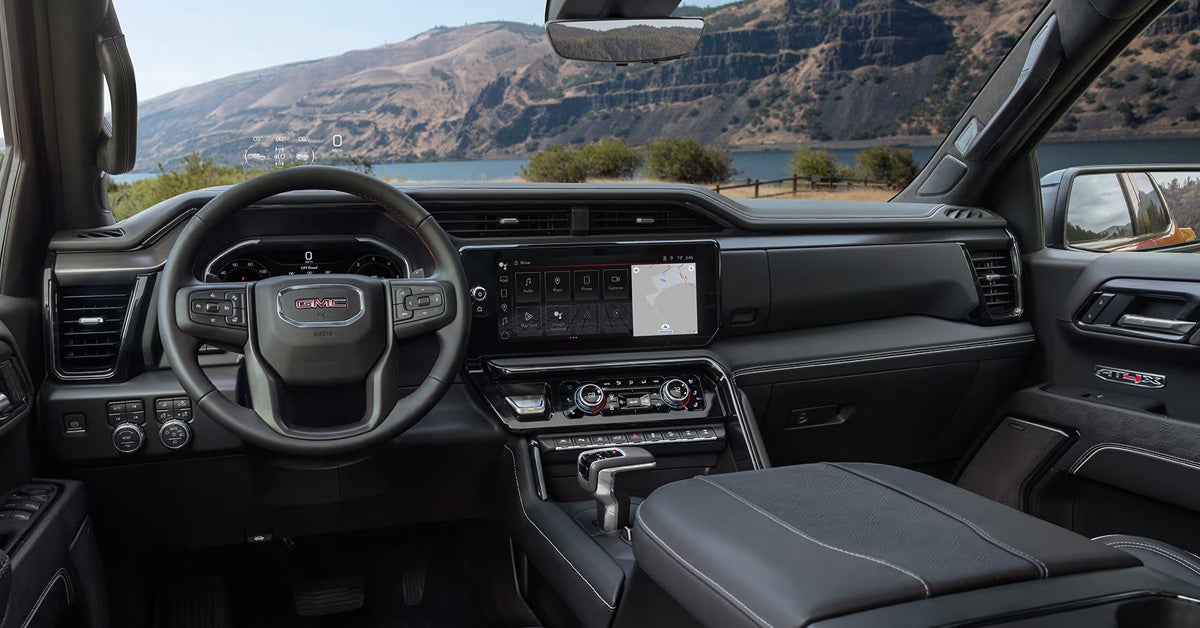
A man loading the bed of a red 2026 GMC Sierra 1500

How to Use "Transparent Trailer View" on Your Sierra 1500 [2026]

Transparent Trailer View on the 2026 GMC Sierra 1500 allows drivers to see a clear, unobstructed view behind a compatible trailer by combining the tailgate camera with an accessory rear trailer camera. With the proper equipment, accurate measurements, and a quick calibration process through the GMC Trailering App, this feature enhances forward visibility while towing and helps drivers stay more confident on the road. Understanding how to set up, calibrate, and activate Transparent Trailer View ensures the Sierra 1500 delivers its full trailering capability when it matters most. At Joe Ball GMC, we are here to help you make the most of advanced features like Transparent Trailer View on your Sierra 1500. From expert sales guidance to certified service, genuine GMC parts, and trailering accessories, our team is ready to support all your automotive needs. Visit us or contact Joe Ball GMC today to learn more, get hands-on assistance, or schedule help with your GMC truck. Explore Sierra 1500 Get Directions Contact Us How Does Transparent Trailer View Work on the 2026 GMC Sierra 1500? Transparent Trailer View on the 2026 GMC Sierra 1500 lets drivers see behind a trailer by blending the tailgate camera with an accessory rear trailer camera. This creates a “see-through” effect, making it easier to monitor traffic, obstacles, and road conditions while driving forward. The system works best in everyday towing situations like changing lanes, merging onto highways, or navigating tight roads. It automatically turns off when the vehicle is shifted out of a forward gear or when another camera view is selected. Key components include: The Sierra 1500’s factory tailgate camera An accessory camera mounted on the trailer Image processing that aligns both views into a seamless display Transparent Trailer View reduces blind spots and increases confidence for Sierra 1500 owners, especially during frequent towing. To see this feature in action or get help setting it up, contact the team at Joe Ball GMC for expert guidance and hands-on support. What Equipment Is Required to Use Transparent Trailer View on a GMC Sierra 1500? To use Transparent Trailer View on your Sierra 1500, you need the right combination of cameras, software, and trailer compatibility. The Sierra 1500 invisible trailer setup relies on: A Sierra 1500 with the ProGrade Trailering System An accessory camera mounted on the rear of your trailer A compatible trailer up to 32 feet in length Access to the GMC Trailering App for setup and calibration These components work together to merge the tailgate and trailer camera feeds into a single, seamless view, making it easier to see what’s behind your trailer. Having the correct equipment ensures accurate alignment and reliable performance. What Is the Sierra 1500 Invisible Trailer Setup Process? Setting up Transparent Trailer View on a Sierra 1500 is easier than it might seem once you understand the key steps. The process combines proper GMC accessory trailer camera installation, trailer measurements, and in-vehicle configuration to create the “see-through” effect that makes towing safer. Step-by-Step Setup Process Install the accessory trailer camera Mount the camera on the rear of the trailer, centered horizontally and slightly above the tailgate camera Connect the camera to the 7-pin or auxiliary trailer receptacle Create a trailer profile in the GMC Trailering App Open the app on the Sierra 1500 infotainment screen Enter trailer measurements like coupler-to-rear distance and trailer width Select the Transparent Trailer option under Towing Assistance Setup Calibrate the system Drive straight at speeds under 35 mph The system will automatically align the cameras to merge the views Repeat calibration if prompted for the best results Why Following the Setup Steps Matters Proper setup ensures the Sierra 1500 invisible trailer setup functions smoothly every time you tow. A misaligned camera or skipped calibration can reduce visibility and limit the effectiveness of the Transparent Trailer View. How Do You Install the GMC Accessory Trailer Camera Correctly? Installing the GMC accessory trailer camera correctly is a critical step in getting the Transparent Trailer View to work effectively on your Sierra 1500. A well-positioned camera ensures clear visibility behind the trailer and makes it easier to calibrate the transparent trailer GMC technology for accurate alignment. Steps for Proper Camera Installation Position the camera Mount it on the rear of the trailer, centered horizontally Place the camera slightly higher than the Sierra 1500 tailgate camera to avoid obstruction Secure the camera Use the provided brackets or mounts to prevent movement Ensure the camera is stable even on bumpy roads Connect the camera to power Plug into the 7-pin or auxiliary trailer connector near the hitch Check the cable routing to avoid pinch points or interference Test the camera feed Open the Sierra 1500 infotainment screen to confirm the camera is displaying properly Adjust positioning if the view is misaligned before calibration Tips for a Smooth Calibration After installation, it’s important to calibrate the transparent trailer GMC systems properly. Drive in a straight line at speeds under 35 mph while following the on-screen prompts in the Trailering App. Accurate camera placement makes this process quicker and ensures the “invisible trailer” effect works correctly every time. How Do You Create a Trailer Profile in the GMC Trailering App? Creating a trailer profile in the GMC Trailering App is a key step to unlock all the features of your Sierra 1500, including 2026 Sierra 1500 towing camera views. A properly set up profile ensures the Transparent Trailer View displays accurately and that your truck recognizes the dimensions of your trailer for safer towing. Steps to Set Up a Trailer Profile Open the Trailering App Access the app through the Sierra 1500 infotainment screen Make sure your truck is parked and in a forward gear for setup Add a New Trailer Select “Create New Trailer” and enter a name for easy reference Input essential measurements such as trailer width and coupler-to-rear distance Configure Towing Assistance Choose “Transparent Trailer” under Towing Assistance Setup Adjust any settings recommended by the app for your trailer type Save and Test the Profile Confirm the profile is saved in the system Use the camera view to check alignment and visibility before hitting the road Why Trailer Profiles Make Towing Safer By entering accurate measurements, the Sierra 1500 can display precise 2026 towing camera views that help reduce blind spots and improve confidence when maneuvering with a trailer. This step also makes calibration easier and ensures the Invisible Trailer Setup functions as intended. What Measurements Are Needed During Transparent Trailer Setup? Accurate measurements are essential when learning how to use Transparent Trailer View GMC on your Sierra 1500. Proper measurements ensure the system aligns the tailgate and trailer camera feeds correctly, giving a true “see-through” view behind your trailer. Without precise input, the invisible trailer effect can appear distorted or misaligned, which reduces the benefit of this advanced towing feature. Key Measurements to Enter When setting up Transparent Trailer View, focus on these critical dimensions: Trailer width – Measure the widest part of the trailer to ensure full coverage Coupler-to-rear distance – The length from the hitch to the back of the trailer Trailer height – Optional for some setups, helps the system align vertical angles Camera placement – Distance and height relative to the Sierra 1500 tailgate camera Tips for Accurate Measurement Use a tape measure on a flat surface for the most precise results Double-check each measurement before entering it into the GMC Trailering App Mark the camera position clearly to avoid shifts that could affect alignment Taking the time to measure accurately makes the Sierra 1500’s Transparent Trailer View more reliable, helping you tow with confidence and clarity every time. How Do You Calibrate Transparent Trailer View on a GMC Sierra 1500? Calibrating Transparent Trailer View is a key step in the Sierra 1500 invisible trailer setup, ensuring that the tailgate and trailer cameras align perfectly to create the “see-through” effect. Proper calibration makes towing safer and gives drivers a clearer view of what is behind the trailer while moving forward. Steps to Calibrate Transparent Trailer View Prepare your trailer Make sure the GMC accessory trailer camera is installed and connected Confirm the trailer profile is set up in the Trailering App Drive in a straight line Keep speeds under 35 mph on a flat, open surface The system uses this movement to automatically align the camera feeds Monitor on-screen prompts Follow any instructions the infotainment screen displays If the system requests a repeat calibration, perform another straight-line pass Test the view Shift through forward gears and verify that the “invisible trailer” effect is smooth Adjust trailer or camera placement if the view appears misaligned Why Calibration Matters Even with correct installation, skipping calibration can result in a distorted or partially obstructed view. Accurate calibration ensures that the Sierra 1500 invisible trailer setup functions reliably, giving drivers confidence during lane changes, turns, and highway towing. How Do You Activate Transparent Trailer View on a GMC Sierra 1500? Once the GMC accessory trailer camera is installed and the Sierra 1500 invisible trailer setup is complete, activating Transparent Trailer View is simple and intuitive. This feature allows drivers to see behind the trailer in real time, improving visibility and confidence while towing. Steps to Activate Transparent Trailer View Access the Camera App Open the infotainment screen on your Sierra 1500 Select the Camera App from the main menu Choose the Transparent Trailer View Tap the Transparent Trailer icon at the bottom of the display The system merges the tailgate camera and trailer camera feeds for a seamless view Confirm the View Make sure the trailer appears correctly aligned on the screen Check that all obstacles behind the trailer are visible before moving forward Tips for a Smooth Experience Always engage Transparent Trailer View while in a forward gear; it automatically turns off in Reverse, Neutral, or Park Keep the GMC accessory trailer camera clean and free of debris to maintain a clear image If the view appears distorted, check the camera placement and recalibrate if needed Activating Transparent Trailer View enhances the Sierra 1500’s towing capabilities, giving drivers a clearer perspective behind their trailer and making tight maneuvers much easier. When Does Transparent Trailer View Turn Off Automatically? Transparent Trailer View on the Sierra 1500 is designed to help drivers focus on what’s behind the trailer while moving forward, but it doesn’t remain active in every driving situation. Understanding when the system turns off helps ensure safe towing and proper use of your Sierra 1500’s cameras. Situations That Disable Transparent Trailer View Shifting out of a forward gear – The view automatically turns off if the truck is in Reverse, Neutral, or Park Switching camera views – Selecting another camera angle, such as the rear or side view, will temporarily disable the Transparent Trailer view System prompts – If calibration is needed or if the trailer profile is missing, the system may not display the Transparent Trailer view until corrected Why This Matters Knowing these limits prevents confusion when towing. Even after you calibrate transparent trailer GMC systems, the feature is intended as an aid, not a replacement for careful observation. Drivers should always rely on mirrors and direct sightlines in addition to the trailer view. What Are the Key Safety Considerations When Using Transparent Trailer View? Transparent Trailer View is a powerful tool for Sierra 1500 owners, but it is not a replacement for attentive driving. Understanding safety considerations ensures you get the most out of the 2026 Sierra 1500 towing camera views while keeping yourself and others on the road safe. Essential Safety Tips Always monitor your surroundings – Even with the invisible trailer effect, check mirrors and blind spots Keep speeds moderate during calibration – Accurate alignment of the trailer camera improves visibility and prevents distortion Ensure cameras are clean and unobstructed – Dirt, debris, or snow can reduce the clarity of 2026 Sierra 1500 towing camera views Understand system limitations – Transparent Trailer View only works in forward gears and may temporarily turn off when switching camera angles Double-check trailer setup – Proper trailer width, coupler-to-rear distance, and GMC accessory trailer camera installation are critical for accurate views Why These Practices Matter Even the most advanced technology cannot replace situational awareness. By combining the Transparent Trailer View with careful observation, drivers can navigate tight spaces, change lanes safely, and tow with confidence. How Does Transparent Trailer View Improve Towing Confidence? Transparent Trailer View on the Sierra 1500 transforms how drivers interact with their trailer while on the road. By combining the tailgate camera and GMC accessory trailer camera, this feature allows drivers to see a near “invisible” trailer, giving a clear view of vehicles, obstacles, and road conditions behind them. Understanding how to use Transparent Trailer View GMC technology can make towing feel safer and more controlled, even in tight or crowded areas. Key Ways It Boosts Confidence Clear visibility in tight spaces – Maneuvering into parking lots or narrow streets becomes easier with fewer blind spots Safer lane changes on highways – Drivers can quickly see surrounding traffic behind the trailer Reduced guesswork – The stitched camera view removes the uncertainty of what’s directly behind the trailer Better overall awareness – Enhances other 2026 Sierra 1500 towing camera views by integrating them into a comprehensive perspective Real-World Impact Imagine pulling a long trailer through downtown Pittsburgh or navigating winding roads outside Homestead. Transparent Trailer View allows you to make these maneuvers with confidence, knowing you have a reliable visual of the area behind your trailer. It turns what used to be stressful towing situations into more predictable, manageable experiences. Which Sierra 1500 Drivers Benefit Most From Transparent Trailer View? Transparent Trailer View is designed to enhance towing for a wide range of Sierra 1500 owners, but certain drivers see the greatest advantage from the Sierra 1500 invisible trailer setup. Understanding who benefits most can help you maximize the system’s value and improve safety on every trip. Drivers Who Gain the Most Frequent tower owners – Those who regularly haul trailers, boats, or campers benefit from improved visibility and reduced blind spots New or less experienced tow drivers – Transparent Trailer View helps build confidence when maneuvering large trailers for the first time Drivers navigating tight spaces – Parking lots, residential streets, and construction zones are easier to handle with a clear rear view Those towing long or wide trailers – Longer trailers often create significant blind spots that the Sierra 1500 invisible trailer setup helps eliminate Everyday Advantages Even if you tow occasionally, having a transparent view behind your trailer makes merging onto highways, passing slower vehicles, and backing out of tight driveways simpler and safer. Drivers in urban areas like Pittsburgh or busy suburban roads around Munhall and Homestead will particularly appreciate the added perspective and peace of mind. Where Can Drivers Learn More About Sierra 1500 Trailering Technology? For drivers looking to get the most out of their Sierra 1500, understanding all aspects of towing technology is key. From transparent trailer setups to 2026 Sierra 1500 towing camera views, knowing how each system works can make every trip safer and more efficient. Ways to Explore Trailering Features GMC manuals and guides – Official documentation covers the Sierra 1500’s towing capabilities and step-by-step instructions for setup In-vehicle tutorials – The infotainment system includes guidance for setting up the GMC accessory trailer camera installation and creating trailer profiles Online resources and videos – Demonstrations can show calibration, camera alignment, and how to use Transparent Trailer View in real-world scenarios Hands-on practice – Familiarizing yourself with camera angles and trailer setup in a safe, open area builds confidence before hitting busy roads Benefits of Learning About Trailering Technology Knowing how to install and use towing features properly reduces stress when maneuvering trailers and helps prevent accidents. Drivers who understand the Sierra 1500 invisible trailer setup gain better awareness, smoother control, and more confidence during every towing task. Frequently Asked Questions About Transparent Trailer View on the Sierra 1500 What specific equipment do I need to use Transparent Trailer View on my Sierra 1500? You need a Sierra 1500 equipped with the ProGrade Trailering System, a compatible accessory trailer camera mounted on the rear of your trailer, a conventionally hitched trailer up to 32 feet long, and access to the GMC Trailering App for setup and calibration. Does Transparent Trailer View work with fifth-wheel or gooseneck trailers? No, this feature is only compatible with conventionally hitched trailers. Fifth-wheel and gooseneck setups are not supported. How do I calibrate the Transparent Trailer View after installation? After installing the accessory trailer camera and creating a trailer profile, drive straight at speeds under 35 mph, following the prompts in the Trailering App. The system automatically aligns the cameras to create the “invisible trailer” effect. What is the maximum trailer length supported for the “invisible” view feature? The maximum supported trailer length is 32 feet. Why is the Transparent Trailer image distorted or not appearing on my infotainment screen? Distortion or a missing image can occur if the accessory trailer camera is misaligned, the trailer profile is not set up correctly, or the system requires recalibration. Ensuring proper camera placement and entering accurate measurements usually resolves the issue. Explore More About Sierra 1500 Towing and Technology Transparent Trailer View is just one of the many advanced features that make the Sierra 1500 a leader in towing and technology. From improved visibility behind your trailer to seamless integration with the ProGrade Trailering System, these tools are designed to make towing safer, easier, and more confident. Drivers in Pittsburgh, Munhall, and Homestead can take advantage of these features while exploring the wide selection of Sierra 1500 models and other GMC vehicles. If you’re curious about optimizing your Sierra 1500 for every towing situation, you can also learn more about how GMC’s trailering systems work and how to make the most of advanced driver-assistance features. Features like Super Cruise features, ProGrade Trailering setup, and Key Fob troubleshooting are all worth exploring to get the most out of your Sierra 1500’s technology. Take the next step to experience the full capabilities of the Sierra 1500. Contact Joe Ball GMC today to ask questions, schedule a demonstration, or explore available models in our inventory. Whether you’re navigating city streets, suburban roads, or towing through rural areas, these features help you tow with confidence every time. Get Directions to Joe Ball GMC Disclaimer: All information is provided for general informational and entertainment purposes only. While we strive for accuracy, we cannot guarantee that all content is complete, current, or error-free. Any reliance you place on such information is strictly at your own risk. This article may include opinions and is not endorsed by, or officially affiliated with, any vehicle manufacturer or brand. Always consult official sources – such as the vehicle’s owner’s manual, authorized dealerships, or certified professionals – for the most up-to-date and personalized information.
The interior of a 2026 GMC Sierra 1500 showing the steering wheel and infotainment system

How Does Super Cruise Work in the GMC Sierra 1500? [2026]

Super Cruise in the 2026 GMC Sierra 1500 uses mapped highways, onboard cameras, radar, and a driver attention system to enable hands-free steering and speed control on compatible roads. This technology reduces driver fatigue on long trips and enhances safety through continuous monitoring and lane precision. Users get a fully integrated advanced driver assist experience that blends convenience, confidence, and premium capability within a full-size pickup. Joe Ball GMC is here to support drivers throughout the Pittsburgh region with sales, service, parts, and expert guidance on GMC technologies like Super Cruise. Our team is ready to answer questions, schedule test drives, and help you explore the Sierra 1500 in person. Visit us or contact us today to get started. Explore New Sierra 1500 Get Directions Contact Us What Is Super Cruise and Why Is It Available on the 2026 GMC Sierra 1500? Super Cruise is a hands free driver aid that works on set roads. The truck can steer, stay in lane, and set speed with less work from the driver. Many roads in the US are set up for this tech and the map grows each year. It takes stress off long trips. The 2026 GMC Sierra 1500 Super Cruise gives truck buyers a new mix of ease, safe feel, and high tech style. This system blends with the truck in a clean way. The screen will show when the truck is set for hands free use. A small light bar on the wheel will glow green when all set to go. If the driver must take back control, the light will flash, and a chime can sound. This keeps the driver alert at all times. Super Cruise is on the Sierra 1500 because buyers want more help on long roads. Many truck owners drive far for work or play. Long trips can make the mind and body tired. A hands free aid can help take off that load. It fits well with the aim of a strong full size truck that can do both hard jobs and smooth road trips. Key points that make it work include: A map of set roads A strong GPS link for lane spot and speed A front cam to read the road Radar to read cars in front and to the side A driver watch cam to make sure eyes stay on the road These parts work as one smart unit. They help the truck move with less stress on the driver. That is why many new buyers look at trucks with aids like Super Cruise. How Does Super Cruise Work on the Sierra 1500 During Real Driving? To grasp how Super Cruise works GMC owners first need to know that it links three core parts. The first part is the truck. The next part is the road map. The last part is the driver. Each part must check out for the hands free mode to start and stay in use. When the truck moves on a set road the truck will check: Road map match Lane lines Speed of cars near you GPS spot on the map Driver eyes on the road If all checks pass a light on the wheel turns green. At that point the truck can take the wheel and work the speed. The driver can take hands off but must keep eyes ahead. If eyes look off for too long the truck will warn with a light and sound. If the driver does not look back the truck will turn off the aid and slow down. The feel of real use is calm and safe. The wheel makes small moves to keep in lane. The speed can rise or fall to fit cars ahead. Lane change can work in some trims with a tap of the turn stalk. This keeps the flow smooth on long trips in the Sierra 1500. This is the core idea of how Super Cruise works GMC style on real roads. It is smooth, clear, and built for long haul use. It cuts stress and helps the mind stay sharp on long drives. What Steps Are Required for Super Cruise Setup and Use on the Sierra 1500? The setup for the GMC hands-free driving feature is clear and simple. The truck must have a live data link. The driver must have an active plan for the feature. The road must be part of the map set for use. All checks must pass before the light turns green on the wheel. Most owners will go through a short list for first use: Enroll in the plan for connected data. Read the guide on the screen. Wait for the map data to load. Drive on a set road. Look for the green light on the wheel. Take hands off when told it is safe. When the light turns green the truck will steer and watch lane lines. The driver can rest their hands but must keep eyes on the road. If eyes look off for too long the system will warn with sound and light. If no change is made the truck will slow down and will end the aid. Owners can also use the screen to view help tips. These show how to make the most of the tool on long trips. They also teach how to change lanes in a smooth way with a tap of the stalk. This makes the Sierra 1500 feel high tech and well built for long miles. What Features Complement Super Cruise on the Sierra 1500’s Driver Assistance Suite? The full driver aid suite helps the truck do more than steer on long roads. These aids work in real time and help the truck see, sense, and react. They also make Super Cruise setup and use feel more smooth and safe for the driver. Each tool has a clear role and adds to the feel of the Sierra 1500 on the road. Core aids that help with road and lane tasks include: Lane keep aid Lane shift alert Forward crash alert Auto brake for crash risk Blind spot alert Side view aids for tow use These tools help the truck hold its lane and keep the right pace. They also watch for risk from the front and the side. This means the driver has more time to act when risk shows up. It also means the truck can hold a clean line on long trips. Tow aids are part of the suite as well. Many truck owners haul gear or work loads each day. Tools like the tow guide and hitch view help the driver line up and stay safe on the move. This blends well with long trips and helps the driver stay fresh on long hauls. The screens in the cab play a key part. They give maps, lane cues, and risk alerts in a way that is clear and easy to read. They also show when aids are on or off. This makes the full setup feel smart and well built for both new and long time truck owners. What Sierra 1500 Trims Offer the Super Cruise Hands-Free Driving Feature? The Sierra 1500 advanced driver assist tech is found on high grade trims built for long miles and high comfort. This means buyers who want hands free use will look at the top of the line. These trims have the screens, seats, and linked tech needed for safe use of the tool on set roads. Current trims that can have the hands free aid include: Denali Denali Ultimate Both trims make room for linked data and map use for long trips. They also give the cab a calm space for long drives. The seats, sound, and high grade dash screen help keep stress low. This is great for work trips or road trips. Other trims can have some of the driver aid suite for lane, speed, and risk alert. These help the driver stay safe and sharp on short and long drives. They also help teach new users how the tech can help in real time. This makes the Sierra 1500 feel smart and well set for the road ahead. Why Does Super Cruise Matter for Drivers Who Tow or Travel Long Distances? Long trips can drain both mind and body. It can be hard to hold a lane, mind the speed, and watch for risk for hours at a time. The 2026 GMC Sierra 1500 Super Cruise can take on many of these small tasks to help keep the driver fresh. This can help cut stress and boost road safety on long routes. Drivers who tow feel these gains in more ways than one. Tow rigs add weight and length, and that can add strain on long trips. With hands free work on set roads the truck can keep steady space and lane form. That leaves the driver free to scan for road and tow risk. Key gains for long haul and tow use include: Less arm strain on long runs More time to scan for risk A smooth pace that fits road flow Good lane form for wide or long loads Less road stress for the mind The Sierra 1500 can also use tow view aids, cam views, and link tools for pick up and drop off. These tools help at slow speed and in tight spots. Once on the road the hands free aid takes much of the load off the driver. This blend of tools helps the truck shine on both job trips and fun trips. This is why tow crews and long haul users look for trucks with tech like this. It adds ease, time, and calm to long days on the road. It also makes the truck feel like a good fit for both work and life. How Safe Is the Super Cruise System on the 2026 GMC Sierra 1500? To grasp how Super Cruise works GMC engineers built the tool with many safe guards. It checks the map, lane lines, and cars near you at all times. It also checks the driver through a small cam that reads eye line and head pose. If eyes look off the road for too long the truck will warn with sound and light. The aim is to keep both mind and machine in sync on long runs. Key tools that help keep the aid safe include: A map of set roads GPS for lane spot Radar for cars near you A cam to read lane lines A driver watch cam to read eyes A light on the wheel for state cues These tools work as one group to cut risk and stress. They also help the Sierra 1500 keep a clean line in many road types. The truck can change lanes with a light tap of the stalk in some trims. If risk shows up the truck can slow down or end the aid. It is also key to note that the driver must stay alert and ready to take the wheel at all times. The tool is made to help on set roads not to make the truck fully self drive. This blend of human and tech is what keeps the tool safe for long miles. How Does Super Cruise Compare to Other Advanced Driver Assistance Systems? Many driver aids on the road today help steer, brake, and set speed. Most of these tools still need hands on the wheel at all times. With the GMC hands-free driving feature the truck can let the driver rest their hands while it holds lane and pace. That sets it apart from many aids in the truck space. Main ways this tool stands out include: It can steer with no hands on set roads It has a map of roads built for safe use It can check the driver with a watch cam It gives clear light cues on the wheel It blends with linked data for smooth use Some other aids can hold lane and speed but will beep if hands lift off the wheel. Some aids can shift pace in traffic but may not keep a clean line for long miles. The tool on the Sierra 1500 is built for long trips on set roads, and it can keep the truck in lane for long spans of time. It is still key to note that none of these aids make a truck drive on its own. The driver must stay alert and ready to take the wheel at all times. The tool is there to ease long runs not to take full control. This fit makes it a good match for truck buyers who want to use tech in a safe, calm, and real way. Is Super Cruise Worth Considering for Drivers in the Pittsburgh Region? Drivers in the Pittsburgh region know that long trips can be part of daily life. Some drive out of the city to work sites, while others head to parks, lakes, or trails on weekends. In these cases Super Cruise setup and use can help cut down on stress and keep the mind fresh. It turns long miles into a calm and safe road time. Many local trips fit well with the Sierra 1500 and its long range tech. These include: Runs to airports Drive time to work sites Weekend trips out of town Towing for work or play Night drives after long days Roads that lead to towns near the city often have set lanes and long straight runs. These help the tool shine with smooth lane hold and steady pace. The driver can keep eyes on the road while the truck holds the wheel and speed. It is also easy to use. Once set up the tool needs only clear roads and a watchful driver. The light on the wheel tells when hands may lift or when hands must go back. This makes the tool a good fit for both new and long time truck owners. For many in the region the value is in time, ease, and less stress. The tool helps the truck do more work while the driver keeps a safe watch. This blend makes the Sierra 1500 a smart pick for those who drive far each week. Where Can Shoppers Experience the 2026 GMC Sierra 1500 With Super Cruise? Shoppers who want to try the Sierra 1500 advanced driver assist tech can visit a local store to learn more. Staff can show how the screens work and how the tool can help on long trips. They can also guide users through the setup steps and show how the tool fits the day to day life of a truck owner. This is the best way to see how the Sierra 1500 can blend power, tow use, and high tech aids. A visit can include the chance to: Sit in the cab and try the dash See how maps and cams work Learn how the light bar gives cues Ask staff about plan needs Check tow and bed needs for work Plan a drive to see how the truck feels This helps new buyers make a smart choice. It also gives time to see how the truck fits work needs and home needs. Trucks that serve both roles must feel right at the wheel and right in the lot. Hands on time helps make that clear for each buyer. Frequently Asked Questions About Super Cruise on the 2026 Sierra 1500 Many shoppers look for quick answers to common Super Cruise questions to decide if the feature fits their needs. Clear details also help buyers compare driver assist systems across brands and trims before visiting a dealership. What is Super Cruise in the 2026 GMC Sierra 1500? Super Cruise is a hands-free driver aid that can steer and manage speed on set mapped roads. How do you activate and use Super Cruise? Super Cruise is activated once the data plan is linked, the truck is on a mapped road, and the light bar turns green. On which roads or conditions does Super Cruise work best? Super Cruise works best on divided highways that are part of its mapped road network. Does Super Cruise require hands-off or hands-on monitoring? Super Cruise allows hands-off wheel use but still requires eyes-on-road monitoring at all times. How does Super Cruise handle steering, braking, and acceleration? Super Cruise can assist with lane steering and can adjust speed and braking to match traffic ahead. Are there limitations or situations where Super Cruise should be disabled? Super Cruise should be disabled in bad weather, on roads without clear lane lines, or anywhere outside mapped routes. Does Super Cruise work in city traffic as well as on highways? Super Cruise is designed for mapped highways and is not intended for dense city traffic or complex surface streets. Explore Super Cruise and More at Joe Ball GMC Near Pittsburgh Drivers in Pittsburgh, Munhall, and Homestead who want to learn more about hands free tech can stop by and explore our wide range of trucks and SUVs. Our team can help you compare trims, view cab space, test seat comfort, and learn how linked road tech can help on long trips. We are here to guide you with sales, parts, and service that put your needs first. If you have questions, our staff is ready to help by phone, chat, or in person. Those who are new to hands free tools can gain more value by learning how other road aids work. Many truck buyers also ask how to make tow work more safe and smooth, which is why we offer guides on how the ProGrade trailering system can help with hitch, lane view, and load check. Others want quick help for day to day use, from key fob fix tips to trim choice for SUVs.     When you are ready to see these tools at work, we invite you to visit Joe Ball GMC. You can view our full line of trucks, including the Sierra 1500, and ask our team how these aids fit your life. Visit us or contact us today to learn more or plan your visit. We look forward to helping you get the right truck for your drive. Get Directions to Joe Ball GMC Disclaimer: All information is provided for general informational and entertainment purposes only. While we strive for accuracy, we cannot guarantee that all content is complete, current, or error-free. Any reliance you place on such information is strictly at your own risk. This article may include opinions and is not endorsed by, or officially affiliated with, any vehicle manufacturer or brand. Always consult official sources – such as the vehicle’s owner’s manual, authorized dealerships, or certified professionals – for the most up-to-date and personalized information.
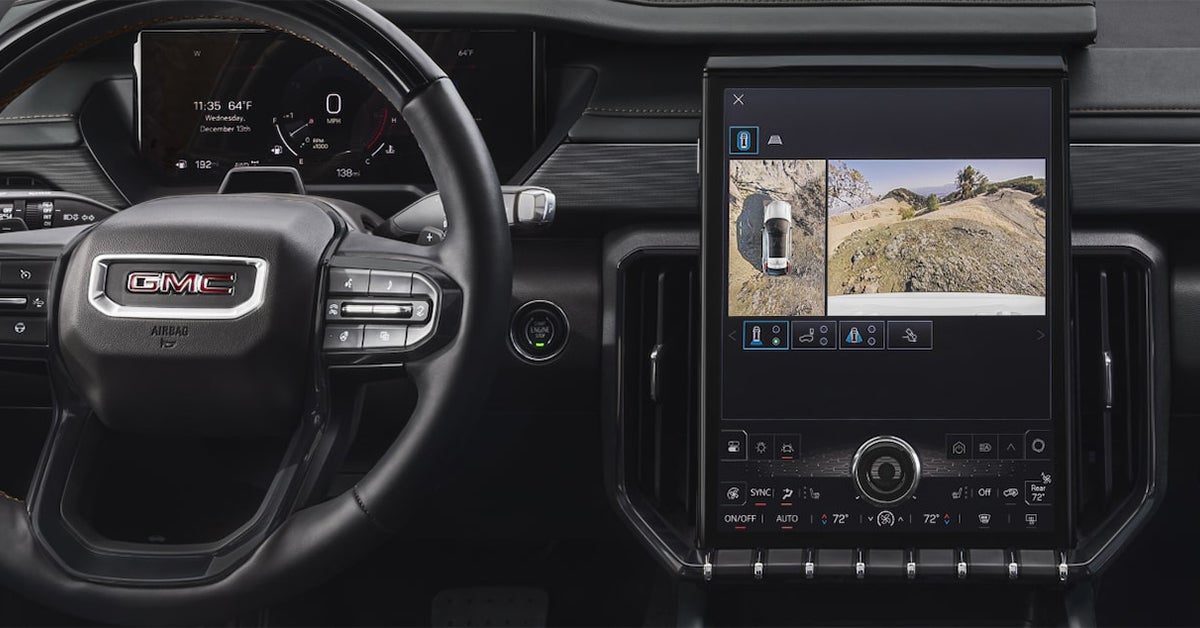
A white 2026 GMC Sierra HD hauling heavy equipment

How Does GMC’s ProGrade Trailering System Work? [2026]

The 2026 GMC ProGrade Trailering System transforms towing into a safer, more precise, and more confident experience. Using advanced camera technology, smart trailer monitoring, and integrated trailering features, it gives drivers of Sierra 1500, Sierra 2500 HD, and Sierra 3500 HD trucks complete control over hitching and hauling. From transparent trailer views to customizable trailer profiles and real-time alerts, ProGrade streamlines every step of the towing process while keeping safety and efficiency at the forefront. At JOE BALL GMC, we are dedicated to serving drivers in Glenshaw, Allison Park, Fox Chapel, and Etna with top-tier vehicles and support. Our team is ready to assist with all your automotive needs, from helping you find the perfect truck to providing expert service, genuine parts, and personalized guidance. Contact or visit us today to experience the capabilities of GMC vehicles and see how we can make your next towing adventure easier and more reliable. View Our Trucks Get Directions Contact Us How Does the GMC ProGrade Trailering System Work in 2026? The GMC ProGrade Trailering System 2026 is designed to make towing easier, safer, and more precise. It is built to give drivers of the Sierra 1500 full control when hitching and hauling trailers. The system combines cameras, sensors, and smart software to guide you step by step. Key features include: Transparent Trailer View – Lets you see behind the trailer as if it were invisible. Hitch View – Helps align the truck with the trailer quickly and safely. Bed View – Assists with gooseneck and fifth-wheel trailer connections. Trailer Tire and Light Monitoring – Alerts you to pressure issues or light failures. Trailer Profiles – Stores dimensions, maintenance reminders, and mileage for multiple trailers. The system works with other Sierra 1500 features to enhance control, including trailer sway control and integrated brake assistance. It is designed for both new and experienced drivers who want confidence when towing. With intuitive displays and real-time alerts, you can focus on driving while staying aware of your trailer. By combining safety, technology, and convenience, the GMC ProGrade Trailering System 2026 simplifies every step of towing. It helps prevent mistakes, saves time, and makes connecting a trailer less stressful. Whether on highways, campgrounds, or work sites, the system keeps towing manageable and safe. What Vehicles Offer the GMC ProGrade Trailering System? The GMC ProGrade Trailering System is available across several Sierra models, making towing easier for both light-duty and heavy-duty trucks. Understanding how ProGrade trailering works helps drivers pick the right vehicle for their needs. The system is designed to enhance safety, control, and confidence when hauling any size trailer. Key vehicles with the system include: Sierra 1500 – Ideal for light to medium towing tasks with advanced camera views and trailer assistance features. Sierra 2500 HD – Built for heavier loads, offering strong towing capacity, advanced sensors, and integrated trailering technology. Sierra 3500 HD – Supports the largest trailers with maximum power, sway control, and full ProGrade capabilities. Each truck uses the same core features, such as transparent trailer view, hitch guidance, and trailer monitoring, while adapting to different towing capacities. Drivers can store multiple trailer profiles and access real-time alerts regardless of which Sierra they choose. This makes switching between trailers or towing tasks simpler and more reliable. Whether hauling for work or recreation, the ProGrade system ensures a consistent and confident towing experience. Knowing which vehicle fits your load and towing style helps you get the most from every trip. How Do ProGrade Camera Views Improve Towing Visibility? The GMC ProGrade Trailering System uses multiple camera views to give drivers a clear look around their trailer. These views work with Sierra 3500 HD features to help keep every move safe and controlled. By reducing blind spots, drivers gain more confidence when backing, turning, or changing lanes. Key GMC towing assist features include: Transparent Trailer View – Lets drivers see behind the trailer as if it were not there. Hitch View – Offers a close-up of the hitch for precise alignment. Bed View – Assists with gooseneck and fifth-wheel connections. Rear Side View with Trailer Length Indicator – Helps track trailer edges during lane changes. Surround and Top-Down Views – Provides a full perspective around the truck and trailer. These camera views work together to make towing safer and easier. They allow drivers to focus on the road while the system guides them with visual cues. Whether navigating a tight job site or backing into a campsite, the ProGrade system improves both safety and ease. Using the Sierra 3500 HD with GMC towing assist features ensures drivers have the most complete view possible. It reduces guesswork and helps prevent accidents, even with large trailers. How Does Hitch View Make Connecting a Trailer Easier? Hitch View is a key part of the GMC ProGrade Trailering System. It helps drivers line up the trailer with the truck quickly and safely. On the Sierra 1500, this feature makes solo hitching simple, reducing the need for a second person to guide the process. Using a ProGrade trailering setup guide can help drivers get the most from Hitch View. Key benefits include: Close-Up Alignment – Shows a detailed view of the hitch for precise trailer connection. Guidelines on Screen – Helps center the ball or hitch receiver every time. Supports Various Trailer Types – Works with standard, gooseneck, and fifth-wheel trailers. Reduces Trial and Error – Makes connecting faster, safer, and less stressful. Hitch View integrates with other Sierra 1500 towing tools, including trailer sway control and trailer profiles. It gives drivers more confidence when backing up or positioning a trailer. By following a ProGrade trailering setup guide, new drivers can quickly learn how to connect trailers without frustration. This feature is especially useful for work tasks, recreational trips, or any time a trailer must be hooked up alone. It saves time and enhances safety while providing a clear, real-time view of the hitch area. What Is the In-Vehicle Trailering App and How Is It Used? The In-Vehicle Trailering App is part of the Sierra 2500 HD’s advanced towing tools. It helps drivers manage trailers with ease and stay aware of key conditions. This system shows how GMC trailering technology explained makes towing safer, smarter, and more organized. Key functions of the app include: Trailer Profiles – Store dimensions, weight, and maintenance reminders for multiple trailers. Trailer Tire and Light Monitoring – Check tire pressure and trailer lights directly from the display. Pre-Departure Checklists – Ensure all systems are ready before hitting the road. Maintenance Alerts – Keep trailers in top condition with reminders for inspections or service. Step-by-Step Guidance – Walks drivers through safe hitching and towing procedures. The app integrates with other Sierra 2500 HD features, including camera views and sway control. Drivers can monitor all trailer functions from inside the truck, making towing simpler and more secure. By using this app, both new and experienced towers can streamline the trailering process. This technology reduces mistakes, saves time, and gives drivers confidence when hauling heavy loads or large trailers. It is a key tool for anyone who wants a safer and more efficient towing experience. How Does the System Monitor Trailer Safety in Real Time? The GMC ProGrade Trailering System 2026 on the Sierra 1500 keeps drivers aware of trailer safety at all times. It uses sensors, cameras, and smart software to track key conditions. This allows drivers to react quickly and prevent accidents while towing. Key safety monitoring features include: Trailer Tire Pressure and Temperature Alerts – Warn if tires are low or hot before problems occur. Trailer Light Test – Checks all lights to ensure proper operation. Trailer Sway Control – Detects and corrects swaying for safer handling. Trailer Angle and Jack-Knife Alerts – Notifies drivers if a trailer is at risk of tipping. Gross Combined Weight Alerts – Warns if the truck and trailer exceed safe weight limits. These tools work together to provide real-time feedback while driving or backing up. Drivers can see alerts on the Sierra 1500 display, making it easy to address issues quickly. By monitoring trailer conditions continuously, the system helps keep both vehicle and trailer safe on every trip. The GMC ProGrade Trailering System 2026 simplifies safety management, giving drivers confidence with every load they haul. It is designed to prevent problems before they happen and make towing stress-free. How Do Trailer Sway Control and Braking Features Work Together? On the Sierra 2500 HD, trailer sway control and braking features work together to keep towing stable. Knowing how ProGrade trailering works helps drivers manage heavy loads safely. These systems detect sway or instability and take action before it becomes dangerous. Key ways the features work together include: Trailer Sway Control – Monitors trailer movement and applies brake pressure to reduce side-to-side sway. Integrated Brake Controller – Adjusts trailer brakes automatically for smoother stops. Adaptive Response – Works in tandem with sway control to maintain control on turns or windy roads. Real-Time Feedback – Alerts the driver if extra caution is needed. By combining sway control and braking, the Sierra 2500 HD improves handling for safer towing. Drivers can focus on the road knowing the truck and trailer respond as one. These features reduce stress and help prevent accidents, even with heavy or large trailers. This teamwork of systems ensures towing is safer and more predictable, giving confidence for every trip. How Does ProGrade Trailering Help Manage Weight and Load Limits? The Sierra 3500 HD uses advanced GMC towing assist features to track weight and load limits. This helps drivers tow safely without risking damage to the truck or trailer. Sensors monitor the combined weight and alert the driver if limits are exceeded. Key tools for managing weight include: Gross Combined Weight Alerts – Warn when the truck and trailer together exceed safe limits. Trailer Angle and Jack-Knife Alerts – Signal potential tipping issues before they happen. Load Distribution Guidance – Helps balance cargo for safer towing. Trailer Profiles – Store weight and dimension info for different trailers. These features work together to prevent overloading and uneven weight distribution. Drivers can make adjustments before or during travel, reducing stress and improving control. The Sierra 3500 HD ensures each load stays within safe limits for safer and more confident towing. By managing weight and load automatically, ProGrade trailering keeps trips safer and helps protect both truck and trailer. How Does myGMC App Integration Enhance the Trailering Experience? The Sierra 1500 allows drivers to connect their truck to the myGMC app, making towing easier and more efficient. Using the ProGrade trailer setup guide, the app helps manage trailer information and pre-trip checks from a smartphone. This keeps important trailering details within reach at all times. Ways the myGMC app enhances towing include: Trailer Tire and Light Monitoring – Check tire pressure and lights remotely before departure. Pre-Departure Checklists – Ensure the trailer is ready for the road. Trailer Profiles – Save information for multiple trailers, including dimensions and weight. Maintenance Reminders – Track service needs for safe and reliable towing. The app syncs with the Sierra 1500 to provide real-time updates and alerts. Drivers can make adjustments or checks without leaving the cabin. This integration streamlines trailering and increases confidence while towing large or heavy loads. With the myGMC app, towing becomes more organized and stress-free, giving drivers more control over every trip. How Is ProGrade Trailering Used in Everyday Towing Scenarios? The Sierra 2500 HD makes everyday towing safer and simpler with GMC trailering technology explained through practical tools. Drivers can rely on cameras, sensors, and alerts to handle both short trips and longer hauls. The system adapts to different loads and trailer types, improving control and confidence on the road. Common scenarios where ProGrade trailering helps include: Backing into Tight Spaces – Use Hitch View and Bed View cameras for precise alignment. Lane Changes with a Trailer – Trailer Side Blind Zone alerts make merging safer. Boat or RV Launching – Transparent Trailer View shows what is behind the trailer. Long-Distance Hauling – Trailer Sway Control and brake monitoring keep the load steady. These features allow drivers to focus on the road while the system provides real-time guidance. Whether hauling construction equipment, boats, or campers, the Sierra 2500 HD makes every tow easier. ProGrade trailering turns challenging maneuvers into routine, safer trips. The system’s combination of smart cameras and alerts ensures drivers have confidence in every towing situation. How Does ProGrade Trailering Compare Across Sierra 1500 and HD Models? The GMC ProGrade Trailering System 2026 is available on both Sierra 1500 and Heavy Duty models, but the features vary with towing capacity and truck size. Sierra 1500 offers essential trailering tools, while HD models like the 2500 HD and 3500 HD provide more advanced tech for heavier loads. Key differences include: Camera Views – Sierra 1500 includes multiple angles, while HD models add transparent trailer views and Bed View with zoom. Towing Capacity – Sierra 1500 handles lighter loads, HD models are built for maximum payloads and heavy trailers. Trailer Profiles – Both allow saving trailer settings, but HD models can store more detailed profiles for multiple trailers. Safety Features – Trailer Sway Control and brake integration are standard on HD models, adding stability for larger trailers. Overall, Sierra 1500 is ideal for daily towing, small trailers, and light loads. HD models enhance confidence for professional work or heavy recreational hauling. Both systems make towing easier, safer, and more controlled. Drivers can choose the model that fits their towing needs while enjoying ProGrade technology on every drive. What Should Drivers Know Before Using ProGrade Trailering for the First Time? Before towing with the Sierra 2500 HD, it is important to understand how ProGrade trailering works. The system provides tools to help you connect, monitor, and control your trailer safely. Learning the basics ensures a smoother, more confident towing experience. Drivers should keep these tips in mind: Check Trailer Settings – Set up the trailer profile in the system before leaving. This includes weight, brake type, and lights. Inspect Hitch and Connections – Ensure all pins, safety chains, and wiring are secure before moving. Use Camera Views – Familiarize yourself with front, side, and hitch views to guide the trailer safely. Monitor Load and Sway – Pay attention to the trailer’s weight distribution and stability alerts. Start Slow – Practice in an empty lot or quiet road to get a feel for braking and turning. By following these steps, first-time drivers can take full advantage of ProGrade features while keeping safety a priority. Frequently Asked Questions About How Does GMC’s ProGrade Trailering System Work? Drivers often want fast, reliable answers about towing technology before hooking up a trailer. The questions below cover the most common details drivers look for when learning about GMC’s ProGrade Trailering System and how it supports safe, confident towing. What is the ProGrade Trailering System on GMC trucks? The ProGrade Trailering System is a group of built-in tools designed to help drivers connect, manage, and tow trailers more safely. It includes camera views, trailer profiles, braking support, and real-time monitoring features. Which GMC models include the ProGrade Trailering feature in 2026? The ProGrade Trailering System is offered on GMC trucks such as the Sierra 1500, Sierra 2500 HD, and Sierra 3500 HD. How do I set up and activate ProGrade Trailering? Drivers activate the system by creating a trailer profile through the in-vehicle touchscreen or the myGMC app. This setup includes entering trailer weight, brake type, and lighting details. What trailer and vehicle data does the system monitor? The system monitors trailer weight, load balance, brake status, tire pressure (when equipped), sway detection, and vehicle speed during towing. Can ProGrade assist with trailer sway or braking? Yes, ProGrade can work with integrated trailer brakes and vehicle braking systems to help reduce trailer sway and improve overall control. Are there limitations to using ProGrade on certain trailers? Some features may not function on trailers without electric brakes or compatible wiring. Trailer size and weight limits also affect available system functions. Does using ProGrade require any special maintenance or calibration? No special maintenance is required beyond normal inspections. Calibration may be needed if trailer brakes, sensors, or related components are serviced or replaced. Contact JOE BALL GMC for More Information If you’re in Glenshaw, Allison Park, Fox Chapel, or Etna, our team is ready to help. We can answer questions, show you the Sierra 1500, Sierra 2500 HD, Sierra 3500 HD, and guide you through all available towing features. You can also explore our site to learn practical tips on your GMC, like troubleshooting your key fob with GMC Key Fob Issues. Or compare trims and models to find the best value, such as GMC Terrain Trim Guide or the Sierra 1500 vs Tundra comparison. Stop by JOE BALL GMC or give us a call today to see our full selection and learn how to make towing easier and safer with GMC trucks. Get Directions to Joe Ball GMC Disclaimer: All information is provided for general informational and entertainment purposes only. While we strive for accuracy, we cannot guarantee that all content is complete, current, or error-free. Any reliance you place on such information is strictly at your own risk. This article may include opinions and is not endorsed by, or officially affiliated with, any vehicle manufacturer or brand. Always consult official sources – such as the vehicle’s owner’s manual, authorized dealerships, or certified professionals – for the most up-to-date and personalized information.
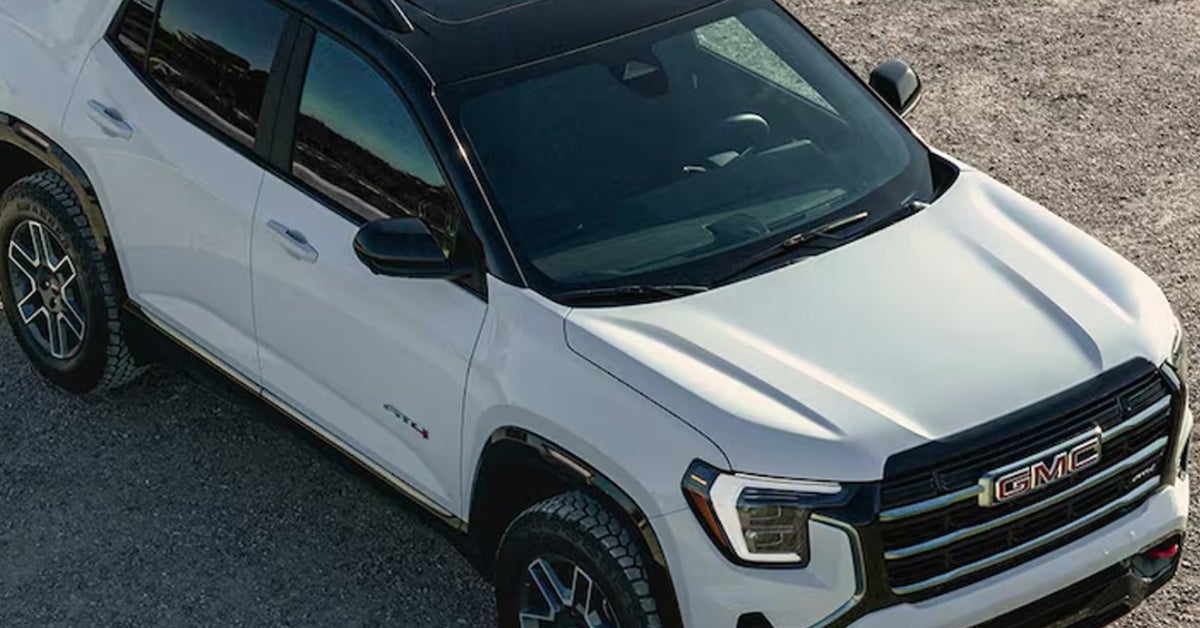
The steering wheel and infotainment system of the 2025 GMC Acadia

5 Reasons Your GMC Key Fob May Not be Working

A GMC key fob can stop working for several common reasons, including a dead battery, signal interference, the need for reprogramming, physical damage, or issues with the vehicle’s keyless entry system. Whether you drive a Sierra, Terrain, Acadia, Yukon, or Sierra EV, understanding these five causes can help you quickly identify the problem and get your key fob working again. Paying attention to signs like reduced range, unresponsive buttons, or intermittent operation can save time, prevent frustration, and keep you in control of your vehicle. Joe Ball GMC is proud to serve drivers in Glenshaw, Allison Park, Fox Chapel, and Etna, offering expert support for all your automotive needs. From sales to service, parts, and key fob repair, our team is ready to help you keep your vehicle running smoothly. Give us a call or contact us today to schedule an appointment and experience the difference of working with a dealership that puts customers first. View Our New Inventory Get Directions Contact Us 1. Your GMC Key Fob Has a Dead Battery A dead battery is the top reason a GMC key fob stops working. If your fob won’t unlock the car or works only at close range, the battery may be drained. This is often an easy fix that can restore your key fob’s function quickly. Common signs a key fob battery is low include: The fob only works when you are near the vehicle Buttons need multiple presses to respond The signal range is much shorter than usual Replacing the battery is simple. Most key fobs open with a small coin or screwdriver. Inside is a coin-style battery, usually marked CR2032. Match the number, pop in a new battery, and snap the fob back together. For a Sierra or other GMC models, this step often restores full function. 2. Signal Interference Is Blocking the Connection Sometimes a GMC key fob won’t connect due to signal interference. Other devices or strong radio waves can block the fob’s signal. This issue is more common in urban areas or near tall buildings. Signs that interference may be the problem include: The fob works in some spots but not others Doors unlock only when standing very close Pressing buttons repeatedly sometimes works To fix this, try simple steps first: Move the vehicle to a different location Step away from nearby electronics or Wi-Fi routers Test the fob again to see if it responds For Terrain owners, interference can happen in parking garages or crowded streets. Changing your location often solves the issue and restores normal function. 3. Your GMC Key Fob Needs Reprogramming A GMC key fob won’t unlock a car if it has lost synchronization with the vehicle. This can happen after a battery swap, a power surge, or an electrical reset. When this occurs, the fob might light up but not send the correct signal. Signs that reprogramming is needed include: The fob works only intermittently A new battery does not fix the problem Buttons light up, but the vehicle does not respond Reprogramming usually requires a dealer or trained technician. Our team at Joe Ball GMC can reset the fob and pair it to your vehicle’s system quickly. For Acadia owners, this issue can appear unexpectedly, leaving the doors unresponsive. Once reprogrammed, the key fob typically works like new. 4. The Key Fob Is Damaged or Worn Out A key fob can stop working if it has been dropped, exposed to water, or worn from daily use. Buttons may stick, the casing may crack, or the internal circuits may fail. In these cases, you may need to repair or replace parts to restore function. Signs your key fob may be damaged include: Buttons feel loose or sticky Cracks or dents on the casing The fob works intermittently or not at all To fix a GMC key fob, the battery and circuit board may need to be moved to a new casing or repaired. Small drops or spills can cause unseen internal damage. For Yukon owners, fob wear can happen faster if the key is used frequently or carried in bags with heavy items. Taking quick action can save time and prevent further damage. 5. The Issue May Be Inside Your GMC Vehicle A GMC key fob may fail to connect if the vehicle itself has an electrical problem. Faulty wiring, a blown fuse, or a malfunctioning receiver can stop the car from recognizing the fob. Low battery voltage in the vehicle can also prevent keyless entry from working properly. Signs the vehicle may be the problem include: A second key fob also does not work Power locks respond slowly or not at all The fob lights up but the car does not react Fixing the issue usually requires a trained technician. They can inspect fuses, wiring, and the receiver module to restore full function. For Sierra EV owners, these issues can appear unexpectedly. Prompt service can save time and prevent further frustration. Get Professional Key Fob Help at Joe Ball GMC If your key fob is not working, our team at Joe Ball GMC can help. We handle all types of fob issues, from dead batteries to damaged circuits. Whether you drive a Sierra, Terrain, or Acadia, we have the tools and know-how to restore your keyless entry. Services we provide to fix a GMC key fob include: Battery replacement and testing Reprogramming lost or unsynced fobs Repairing or replacing damaged key fob components Inspecting vehicle systems when the issue is not with the fob Our trained technicians can diagnose the problem quickly and provide the right solution. Contact or visit Joe Ball GMC to get your key fob working reliably and keep your vehicle secure. Drivers in Glenshaw, Allison Park, Fox Chapel, and Etna can call or stop by for fast, professional service. Keep your key fob functioning and enjoy peace of mind with help from Joe Ball GMC. Frequently Asked Questions About GMC Key Fob Issues If your GMC key fob is not working properly, you may have questions about the cause and how to fix it. These answers provide quick guidance to help you troubleshoot key fob issues. Is a dead battery the most common reason a GMC key fob stops working? Yes. A dead or weak battery is the top reason a key fob stops working and prevents it from connecting to your vehicle. How long do GMC key fob batteries typically last? Key fob batteries usually last 2–3 years, though heavy use or extreme temperatures can shorten their lifespan. What battery does a GMC key fob use? Most GMC key fobs use a coin-style battery, typically a CR2032. Always check your fob to match the exact number. Can my smartphone interfere with my GMC key fob? Yes. Strong electronic signals from smartphones or other devices can cause signal interference, preventing the fob from connecting. Could the problem be with my GMC vehicle instead of the key fob? Yes. Electrical issues, a low car battery, blown fuses, or a faulty receiver module can prevent the key fob from working. If you’re still having trouble after checking these issues, contacting or visiting Joe Ball GMC can help you get professional support and ensure your key fob works reliably. Get Help and Explore More at Joe Ball GMC If your key fob is giving you trouble, our team at Joe Ball GMC is here to help. Drivers in Glenshaw, Allison Park, Fox Chapel, and Etna can contact or visit us for professional support and quick solutions. While you’re here, take a look at our wide selection of vehicles, including the Sierra, Terrain, Acadia, Yukon, and Sierra EV. Our experts can help you find the right model to fit your needs and budget. You can also explore our comparison guides to make the best choice. Check out the 2026 GMC Terrain best value to see which trim fits your lifestyle. Compare the Sierra 1500 Denali vs Tundra Platinum to see how they match up. SUV shoppers may want to review the 2025 Terrain vs Corolla Cross for a detailed comparison. Contact or visit Joe Ball GMC today to get your key fob working, explore our inventory, and see how we can help with all your automotive needs. Get Directions to Joe Ball GMC Disclaimer: All information is provided for general informational and entertainment purposes only. While we strive for accuracy, we cannot guarantee that all content is complete, current, or error-free. Any reliance you place on such information is strictly at your own risk. This article may include opinions and is not endorsed by, or officially affiliated with, any vehicle manufacturer or brand. Always consult official sources – such as the vehicle’s owner’s manual, authorized dealerships, or certified professionals – for the most up-to-date and personalized information.
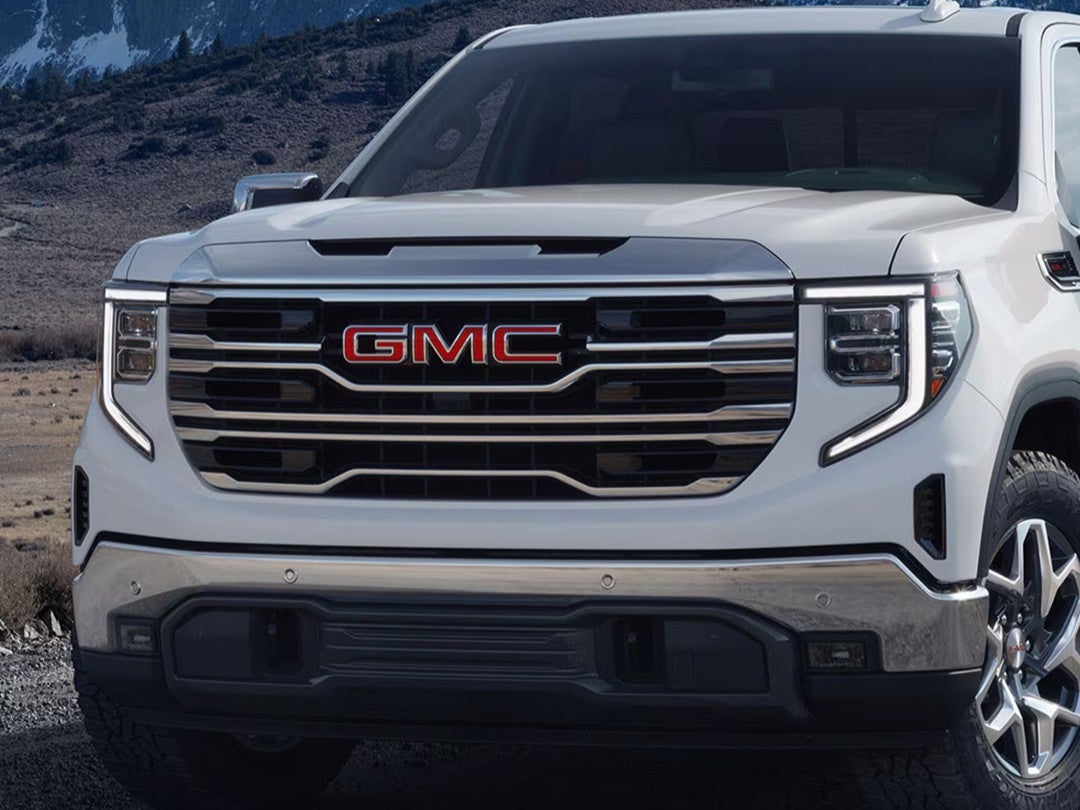
2026 GMC Terrain AT4 parked in rough terrain

Which GMC Terrain Trim Is the Best Value? [2026]

Finding the Best Value in the 2026 GMC Terrain Lineup At Joe Ball GMC, our team proudly serves drivers throughout Glenshaw, Allison Park, Fox Chapel, and Etna, providing trusted automotive expertise and a customer-first experience every step of the way. Whether you’re searching for a new GMC Terrain, scheduling certified service, or looking for genuine GMC parts, our dealership is here to make your experience seamless and rewarding. From sales to service and everything in between, we’re committed to helping you find the right vehicle and keep it running at its best. Contact us today or stop by Joe Ball GMC to experience professional care and personalized attention that puts your needs first. The 2026 GMC Terrain continues to shine as a compact SUV that blends comfort, technology, and performance in a refined, family-friendly package. Drivers across the Pittsburgh area are drawn to its premium features, versatile trims, and upscale design—but one big question remains: Which GMC Terrain trim offers the best value for your money in 2026? This guide breaks down the Terrain lineup to help you decide which model delivers the perfect balance of features, performance, and price, so you’ll know exactly which GMC Terrain trim to buy for your lifestyle and budget. View GMC Terrain Inventory Get Directions Contact Us What’s New for the 2026 GMC Terrain? The 2026 GMC Terrain builds on its strong reputation with fresh design touches, smarter technology, and more standard features than ever before. It remains a favorite among drivers who want a compact SUV that feels refined yet capable. Every detail has been fine-tuned to bring more comfort, safety, and style to your daily drive. This year’s updates focus on convenience and innovation. Here’s what stands out for 2026: 15-inch Premium GMC Infotainment System now standard across all trims for a more connected, driver-focused cabin. Adaptive Cruise Control and over 16 standard driver-assistance features, helping you stay safe and confident on every trip. Refined exterior styling with new LED lighting and wheel designs that add a bold, modern look. Improved interior materials that elevate comfort while keeping the cabin sleek and practical. Updated connectivity including enhanced smartphone integration and more intuitive menu controls. Under the hood, every Terrain comes equipped with a 1.5L Turbo engine paired with an 8-speed automatic transmission for smooth, efficient power. The available all-wheel-drive system adds control and traction when roads get rough or slick. These upgrades make the Terrain an even stronger choice for drivers looking for lasting value and modern comfort. As you compare trims, you’ll see how GMC has refined each level to offer distinct features for every lifestyle—helping you find the 2026 GMC Terrain best trim value that fits your needs. Breaking Down the 2026 GMC Terrain Trims The 2026 GMC Terrain lineup gives drivers a mix of style, comfort, and performance at every level. Whether you need an everyday SUV or a refined ride with all the extras, there’s a Terrain trim made for you. Here’s a clear breakdown of each option to help you decide which GMC Terrain trim to buy. Trim Highlights Elevation Ideal for drivers who want style and value. It offers bold looks, great fuel economy, and impressive standard tech. Many GMC Terrain Elevation reviews praise its balance of affordability and quality. Elevation Premium Adds a touch of luxury. You’ll find upgraded interior materials, advanced comfort features, and a more refined cabin feel. Perfect for those who want a little extra without breaking the budget. AT4 Built for adventure. It includes a rugged off-road design, extra underbody protection, and advanced traction control for dirt or snow. A smart pick for drivers who love weekend getaways. Denali The most refined trim. Expect premium leather, cutting-edge technology, and top-tier comfort. It’s crafted for drivers who want the best the Terrain has to offer. Each trim offers something unique, from affordability to luxury to all-terrain confidence. With this range of choices, finding the 2026 GMC Terrain that matches your lifestyle and budget is easier than ever. Is the 2026 GMC Terrain Elevation the Smartest Buy? For many drivers, the 2026 GMC Terrain Elevation hits the sweet spot between affordability, comfort, and modern features. With a starting price around $30,100, it delivers a strong mix of technology, safety, and style that appeals to everyday drivers who want more without spending too much. Many GMC Terrain Elevation reviews highlight its balance of smart pricing and premium features as a key reason it’s often viewed as the 2026 GMC Terrain best trim value. Here’s what you’ll find in the Elevation trim: Heated front seats and steering wheel for comfort during cold commutes. 11-inch Driver Information Center that gives clear access to key driving data. Remote start and keyless entry for daily convenience. Standard GMC Infotainment System with smartphone compatibility and crisp graphics. LED exterior lighting that enhances visibility and adds modern style. The Elevation trim also gives you a choice between front-wheel drive (FWD) and all-wheel drive (AWD). When comparing Terrain AWD vs FWD value, the decision depends on your driving needs: Driv e Type Best For FWD Drivers who want better fuel economy and a lower price. Ideal for city and highway driving. AWD Those who face rain, snow, or dirt roads. Offers added traction and confidence in rough conditions. With its well-rounded mix of comfort, performance, and design, the Terrain Elevation gives you everything most drivers need at a price that makes sense. It’s practical, stylish, and built to last—making it one of the smartest buys in the 2026 lineup. Are the Terrain Elevation Packages Worth It? For drivers who want a little more style and comfort, the Terrain Elevation packages bring premium upgrades without a huge jump in price. These packages are designed to give the SUV a more upscale feel while adding smart tech and design touches that improve everyday driving. Many drivers near Fox Chapel and Etna find that these extras make the Terrain Elevation packages worth it, especially if they want more luxury without moving up to the Denali trim. Here’s what the Elevation Premium Package adds: CoreTec seating surfaces that feel soft, durable, and easy to clean. 19-inch alloy wheels that enhance the Terrain’s bold, modern look. AutoSense power liftgate for easy loading and unloading, perfect for busy families. Wireless phone charging so you can keep devices powered without the clutter of cables. Advanced driver assistance options that increase comfort and peace of mind on long drives. Feature Benefit CoreTec Seating Comfort and durability that feels close to leather. 19-Inch Wheel s Improved handling and a more aggressive design. AutoSense Liftgate Hands-free convenience for quick access to cargo. Wireless Charging Keeps your phone powered and cords out of sight. When you look at the total package, the added value is clear. These upgrades enhance comfort, add convenience, and boost the Terrain’s appeal without pushing the cost too high. For drivers who appreciate refined details and modern features, the Terrain Elevation packages are often well worth the investment. Comparing Terrain AWD vs FWD Value When deciding which GMC Terrain trim to buy, one key choice is whether to go with all-wheel drive (AWD) or front-wheel drive (FWD). Each setup offers unique strengths depending on your driving needs and where you live. For drivers in Western Pennsylvania, where winters can be snowy and roads can get slick, this decision can make a real difference in day-to-day comfort and confidence. Here’s a quick look at how they compare: Feature FWD AWD Starting Price Lower cost, ideal for budget-conscious drivers. Higher cost, but adds capability and traction. Fuel Economy Better efficiency, great for city and highway use. Slightly less efficient due to added weight and power use. Performance Smooth and steady for most conditions. Grips better in rain, snow, and on hills. Maintenance Fewer moving parts, lower long-term cost. More complex, may have higher service costs. For drivers in areas like Allison Park or Glenshaw, where hills and winter weather can challenge traction, AWD adds confidence and peace of mind. It automatically adjusts power to each wheel, helping the Terrain stay stable on icy or uneven roads. However, FWD versions remain the better choice for drivers who spend most of their time on dry pavement or highways. The improved fuel efficiency and lower upfront cost make it a strong value for daily commuting. When it comes to Terrain AWD vs FWD value, the best choice depends on your routine. For those who face changing weather and rougher roads, AWD is a smart upgrade. For everyday city and highway driving, FWD offers solid performance at a lower cost—making it the most practical pick for many Western Pennsylvania drivers. When to Step Up: AT4 and Denali Trims For drivers who want more than the basics, the AT4 and Denali trims of the 2026 GMC Terrain deliver distinct upgrades in both performance and luxury. These trims cater to two very different types of drivers—those who love outdoor adventure and those who value upscale refinement. Choosing between them depends on what you expect from your SUV and how you plan to use it. Trim Best For AT4 Drivers who want capability and rugged style. Denali Drivers who prefer luxury, comfort, and premium technology. AT4 is built for adventure. It includes: Off-road suspension tuned for rough trails and unpaved roads. Hill Descent Control that helps maintain steady speed on steep slopes. Red recovery hooks that add function and bold design. Standard all-wheel drive for dependable traction on dirt, gravel, or snow. These upgrades make the AT4 perfect for drivers who enjoy weekend trips or live in areas where road conditions change often. It’s the most capable Terrain when it comes to handling the elements. Denali, on the other hand, focuses on refinement. It features: Heated and ventilated front seats for all-season comfort. HD Surround Vision for a clearer view of your surroundings. Premium suspension system for a smoother, more controlled ride. Exclusive Denali interior details, including upscale materials and chrome accents. For many drivers, these upgrades are well worth the cost if they value comfort, advanced tech, and a high-end finish. However, if you want the 2026 GMC Terrain best trim value, the Elevation still stands out as the most balanced choice. It offers a strong mix of style, comfort, and practicality at a price that fits most budgets—making it the smarter everyday pick for most Terrain buyers. Frequently Asked Questions About the 2026 GMC Terrain What are the differences between the GMC Terrain Elevation FWD and AWD trims? The main difference is how power is delivered to the wheels. The FWD Terrain Elevation sends power to the front wheels for better fuel economy and a lower price, while the AWD version automatically adjusts power between all four wheels for improved traction on wet, snowy, or uneven roads. Which standard safety and tech features come with the base Elevation trim? The Elevation trim includes over 16 standard driver-assistance features, such as Automatic Emergency Braking, Lane Keep Assist, Forward Collision Alert, and Adaptive Cruise Control. It also features an 11-inch Driver Information Center, a 15-inch Premium GMC Infotainment System, LED headlights, and remote start. How much does adding AWD cost and is it worth it? Adding AWD typically costs around $1,600 to $2,000 depending on the specific configuration. It’s well worth it for drivers in areas with snow, rain, or hilly terrain, as it enhances control and safety. For mostly city or highway driving, FWD remains the better value due to lower fuel use and purchase cost. Which optional packages on the Terrain offer the most value? The Elevation Premium Package offers the best mix of upgrades for the price. It includes CoreTec seating, 19-inch alloy wheels, an AutoSense power liftgate, wireless phone charging, and premium interior touches. These features add everyday convenience without reaching the higher costs of Denali-level trims. When might it make sense to wait for higher trims like AT4 or Denali? Stepping up to AT4 makes sense for drivers who need enhanced off-road performance or frequently travel on dirt, gravel, or snowy roads. The Denali is ideal for those who want top-tier comfort, advanced technology, and luxury materials. For most buyers, however, the Elevation trim remains the 2026 GMC Terrain best trim value, offering the right balance of price and features. Find the Best GMC Terrain for Your Drive After looking at the full lineup, the 2026 GMC Terrain Elevation stands out as the best trim value. It blends style, technology, and comfort with a price that makes sense for everyday drivers. For those around Glenshaw, Fox Chapel, Etna, and Allison Park, this trim strikes the perfect balance between capability and cost—ideal for families, commuters, and weekend travelers alike. If you’re still deciding which GMC Terrain trim to buy, you can check out helpful comparisons that show how GMC stands out. Learn how it stacks up in our GMC Terrain comparison, or see how GMC trucks shine in our Sierra Denali matchups. You can also explore how the Terrain competes against other small SUVs in our compact SUV guide. Each of these resources helps you see why so many drivers choose GMC for quality and reliability. When it comes to value, the 2026 GMC Terrain Elevation delivers more for less—modern design, advanced tech, and refined comfort all in one package. Visit Joe Ball GMC today to experience it in person. Explore our wide selection of GMC vehicles, ask about current offers, and take your test drive with a team that’s proud to serve Glenshaw, Fox Chapel, Etna, and Allison Park. For more insight, check out our detailed GMC Terrain Elevation review and see firsthand why this trim is the smart choice for drivers who expect more from their SUV. Get Directions to Joe Ball GMC Disclaimer: All information is provided for general informational and entertainment purposes only. While we strive for accuracy, we cannot guarantee that all content is complete, current, or error-free. Any reliance you place on such information is strictly at your own risk. This article may include opinions and is not endorsed by, or officially affiliated with, any vehicle manufacturer or brand. Always consult official sources – such as the vehicle’s owner’s manual, authorized dealerships, or certified professionals – for the most up-to-date and personalized information.
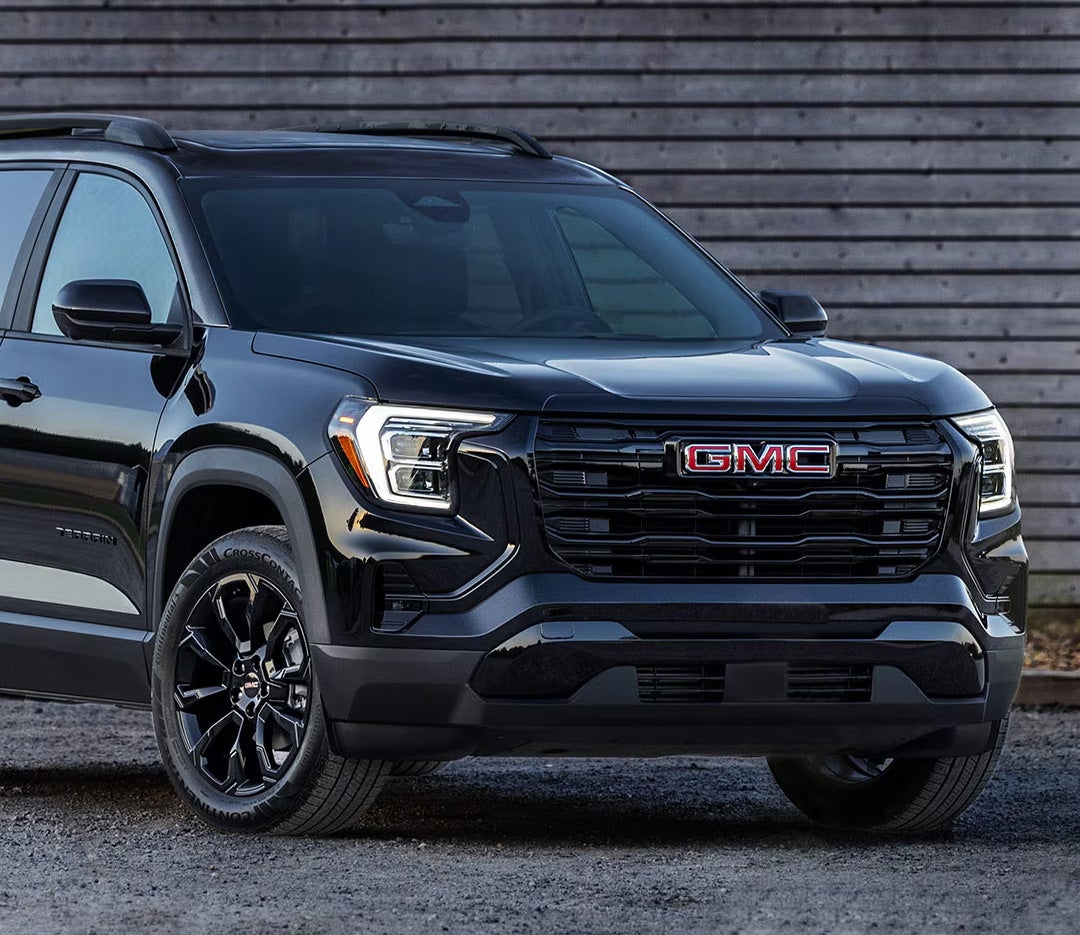
2025 GMC Sierra 1500

2025 GMC Sierra 1500 Denali vs Toyota Tundra Platinum

For those weighing their options in the luxury full-size pickup segment, comparing the 2025 GMC Sierra 1500 Denali and the Toyota Tundra Platinum highlights the differences in power, towing capability, interior comfort, and technology. Drivers can see how the Sierra Denali stacks up against the Tundra Platinum in performance, premium features, and utility, helping you decide which truck best suits your lifestyle, work needs, and weekend adventures. At Joe Ball GMC, we are committed to serving drivers in Glenshaw, Allison Park, Fox Chapel, and Etna with a full range of automotive solutions. From helping you find the right truck to providing expert service, genuine parts, and financing options, our team is here to make every aspect of vehicle ownership simple and stress-free. Whether you’re shopping for a new pickup or maintaining your current vehicle, visit us a call or contact us today to experience the Joe Ball GMC difference. 2025 GMC Sierra 1500 Get Directions Contact Us Which Full-Size Pickup Offers Better Power and Performance? When it comes to power and performance, the 2025 GMC Sierra 1500 Denali and Toyota Tundra Platinum each deliver strong capabilities. Both trucks are built for drivers who need strength for work, towing, or weekend adventures. Comparing their engines, horsepower, torque, and towing capacity makes it easier to see which pickup fits your needs. Engine Options and Performance Truck Engine & Transmission Sierra 1500 Denali 6.2L V8 with 10-speed automatic Tundra Platinum i-FORCE Twin-Turbo V6 with 10-speed automatic or hybrid i-FORCE MAX option The Sierra 1500 Denali’s V8 engine delivers 420 horsepower and 495 lb.-ft. of torque. The Tundra Platinum’s V6 produces 389 horsepower and 479 lb.-ft. of torque. The hybrid i-FORCE MAX boosts Tundra’s output to 437 horsepower and 583 lb.-ft., offering extra power for heavy towing. Towing Capability Truck Maximum Towing Sierra 1500 Denali 9,400 lbs. Tundra Platinum 12,000 lbs. For drivers focused on towing, the Tundra Platinum can handle heavier trailers, while the Sierra 1500 Denali provides strong, balanced performance for most towing needs. Both pickups feature a 10-speed automatic transmission, which delivers smooth shifts and responsive acceleration. The Tundra Platinum’s hybrid option also improves fuel efficiency during towing or long drives. When comparing these trucks, it’s clear that each offers strong performance. The Sierra 1500 Denali emphasizes traditional V8 power, while the Tundra Platinum combines turbocharged efficiency with impressive towing capacity. How Do These Trucks Compare in Interior Comfort and Luxury Features? The Sierra Denali vs Tundra Platinum comparison shows both trucks offer premium interiors with thoughtful design and high-quality materials. Each cabin is built to provide comfort, convenience, and advanced technology for drivers and passengers. Interior Materials and Design Truck Interior Highlights Sierra 1500 Denali Leather seats, open-pore wood trim, plaited contrast stitching Tundra Platinum Leather-trimmed surfaces, soft-touch panels, refined finishes The Sierra 1500 Denali emphasizes classic luxury with wood accents and detailed stitching. The Tundra Platinum delivers a modern feel with soft materials and wide seating surfaces. Both provide a comfortable environment for long drives or daily commutes. Seating and Comfort Technology Sierra Denali: 16-way power front seats with massage function Tundra Platinum: Heated and ventilated front and rear seats Both trucks offer spacious rear seating and versatile cabin layouts Infotainment and Digital Displays Truck Key Tech Features Sierra 1500 Denali Ultimate 40"+ combined digital screens, premium audio options Tundra Platinum 12.3" digital gauge cluster, 14" multimedia touchscreen These features keep drivers connected and in control. Large screens in the Sierra Denali Ultimate provide an immersive digital experience. The Tundra Platinum balances functionality with clear, easy-to-read displays. Cabin Space and Practical Comfort Both pickups provide generous legroom and headroom. Families or passengers in Glenshaw, Fox Chapel, or nearby towns will appreciate the roomy crew cabs. Cargo storage inside the cabin is well thought out, making both trucks practical for daily use or road trips. Which Pickup Excels in Safety and Driver Assistance? In a luxury trucks face-off 2025, both the Sierra 1500 Denali and Tundra Platinum offer advanced safety and driver-assistance features. Each truck is designed to keep drivers and passengers protected on highways, local roads, and off-road adventures near Allison Park and Etna. Key Safety Features Truck Driver Assistance Highlights Sierra 1500 Denali Super Cruise® hands-free driver assistance, GMC Pro Safety suite, adaptive cruise, front and rear park assist Tundra Platinum Toyota Safety Sense™ 2.5, blind spot monitor with rear cross-traffic alert, trailer backup guide, panoramic view monitor The Sierra 1500 Denali’s Super Cruise® allows hands-free driving on compatible highways. Combined with adaptive cruise and park assist, it reduces stress during long drives. The Tundra Platinum focuses on safety in everyday and towing scenarios. Its trailer backup guide keeps trailers aligned, and the panoramic view monitor offers a complete 360-degree view of the surroundings. Safety Features for Work and Adventure Both trucks provide multiple airbags and stability systems for secure handling. Blind spot monitoring and lane departure alerts enhance confidence in traffic. Towing and off-road safety tech supports drivers hauling trailers or exploring trails. Drivers near Glenshaw, Allison Park, Fox Chapel, and Etna can feel confident behind the wheel of either pickup. Each truck blends cutting-edge technology with proven safety systems. How Do Exterior Design and Utility Features Differ? When comparing the best full‑size pickup Denali vs Platinum, both trucks deliver bold looks and practical features. Each pickup combines style with utility for work, towing, or weekend trips. Exterior Design Highlights Truck Key Design Features Sierra 1500 Denali Ultimate Vader Chrome grille, chrome accents, signature Denali wheels Tundra Platinum Bold front fascia, chrome trim, large alloy wheels The Sierra Denali Ultimate stands out with its premium Vader Chrome grille and polished trim. The Tundra Platinum offers a muscular, aggressive front design for a commanding road presence. Cargo Bed and Utility Features Truck Bed & Tailgate Features Sierra 1500 Denali MultiPro Tailgate with six functions, CarbonPro composite bed Tundra Platinum Aluminum-reinforced bed, deck rail system, available power tailgate Sierra’s MultiPro Tailgate enhances loading and hauling flexibility, while the CarbonPro bed adds durability. Tundra’s aluminum-reinforced bed and deck rail system keep cargo secure. Wheels, Accents, and Curb Appeal Both trucks feature large alloy wheels for stability and style. Chrome and trim accents highlight premium craftsmanship. Drivers in Fox Chapel and nearby areas will appreciate the mix of performance and striking looks. Both pickups blend aesthetics with function, giving drivers a strong presence on the road and practical tools for hauling or towing. Which Truck Offers Better Technology for Towing and Trailering? When it comes to Sierra Denali towing vs Tundra Platinum, both trucks offer advanced tools to make hauling safer and easier. Drivers in Glenshaw and Etna will find these features helpful for work and recreation. Towing and Trailering Technology Truck Key Towing Features Sierra 1500 Denali In-vehicle trailering app, trailer light test, trailer sway control, selectable traction modes, adaptive suspension Tundra Platinum Trailer Backup Guide with Straight Path Assist, TRD Off-Road package, towing/haul modes, deck rail system The Sierra 1500 Denali includes a built-in trailering app that tracks trailer profiles, statuses, and diagnostics. Its adaptive suspension helps maintain smooth handling while towing heavy loads. The Tundra Platinum offers the Trailer Backup Guide with Straight Path Assist, helping drivers maneuver trailers with precision. TRD Off-Road and towing modes enhance control on rugged or uneven terrain. Off-Road and Hauling Support Both pickups offer drive mode options for hauling, off-road trips, and difficult weather conditions. Sierra Denali’s adaptive suspension adjusts automatically for heavy payloads. Tundra Platinum’s TRD packages improve traction and handling in off-road settings. With these tools, both trucks make towing trailers, boats, or recreational equipment safer and more manageable for weekend adventures or work tasks. Fuel Efficiency and Engine Options: Which Pickup Saves More on Gas? When comparing the 2025 GMC Sierra 1500 Denali vs Toyota Tundra Platinum, fuel efficiency is an important factor for drivers in Allison Park and Fox Chapel. Both trucks offer powerful engines, but their MPG and options differ. Engine Options and Powertrains Truck Engine Choices Sierra 1500 Denali 6.2L V8 standard, 5.3L V8 available, optional Duramax 3.0L Turbo-Diesel Tundra Platinum i-FORCE Twin-Turbo V6, i-FORCE MAX Twin-Turbo V6 Hybrid The Sierra 1500 Denali relies on traditional V8 power with an optional diesel engine for better towing efficiency. The Tundra Platinum offers a hybrid powertrain, improving fuel economy for daily driving and long trips. Fuel Economy Estimates Truck Estimated MPG (City/Highway) Sierra 1500 Denali 18/23 mpg (V8) Tundra Platinum 18/23 mpg (gas), 20/24 mpg (i-FORCE MAX hybrid) Hybrid technology in the Tundra Platinum allows for better fuel efficiency on highways. Meanwhile, Sierra 1500’s diesel option can save fuel on long hauls while carrying heavy loads. Practical Considerations for Daily and Weekend Use Both pickups handle suburban commutes and long drives around Pittsburgh comfortably. Sierra 1500 offers multiple engine choices for tailored power or efficiency needs. Tundra Platinum hybrid reduces fuel costs without sacrificing performance on longer trips. For drivers who frequently tow or travel, understanding fuel efficiency and engine options helps balance performance with savings. Which Luxury Pickup Delivers the Best Value for Drivers in Glenshaw and Surrounding Areas? When comparing the Sierra Denali vs Tundra Platinum, value is about more than just price. Local drivers want trucks that offer features, comfort, and capability for daily use and weekend adventures. Pricing and Standard Features Truck Starting MSRP & Key Standard Features 2025 Sierra 1500 Denali $65,400 – 6.2L V8, 12-way power front seats, MultiPro Tailgate, GMC Pro Safety suite 2025 Tundra Platinum $63,675 – i-FORCE Twin-Turbo V6, leather-trimmed interior, Toyota Safety Sense 2.5, heated seats While the Tundra Platinum starts slightly lower in price, the Sierra 1500 Denali offers more luxury features as standard. Drivers in Glenshaw and nearby areas benefit from premium materials, advanced safety, and tech that enhances everyday driving. Available Upgrades for Added Value Sierra Denali: 16-way heated/ventilated front seats with massage, Duramax Turbo-Diesel engine, CarbonPro bed. Tundra Platinum: i-FORCE MAX hybrid, TRD Off-Road package, upgraded infotainment with navigation. Both trucks provide options that suit hauling, towing, and recreational activities. Choosing the Sierra Denali or Tundra Platinum depends on whether local drivers prioritize premium comfort or hybrid fuel savings. Framing Value for Local Drivers The Sierra 1500 Denali delivers strong resale value with high-end features included. Tundra Platinum balances price and fuel efficiency, especially for suburban commuting. For drivers weighing best full-size pickup Denali vs Platinum, total value includes performance, tech, and comfort. For Glenshaw, Allison Park, and Fox Chapel drivers, understanding standard features and optional upgrades helps ensure the right choice for both daily use and weekend trips. Frequently Asked Questions: 2025 Sierra 1500 Denali vs Tundra Platinum How does the 2025 GMC Sierra 1500 Denali compare to the Toyota Tundra Platinum? The Sierra 1500 Denali emphasizes luxury, advanced technology, and towing versatility, while the Tundra Platinum focuses on strong standard performance, hybrid availability, and durable construction. Which truck has more powerful standard engine output? The Sierra 1500 Denali comes with a standard 6.2L V8 producing 420 hp and 495 lb.-ft. of torque. The Tundra Platinum’s standard i-FORCE Twin-Turbo V6 delivers 389 hp and 479 lb.-ft. of torque. Which offers higher max towing capacity? The Tundra Platinum can tow up to 12,000 lbs., while the Sierra 1500 Denali has a maximum tow rating of 9,400 lbs. How do their resale values and reliability compare? Both trucks have strong resale value and reliability. Historically, Toyota trucks are slightly favored for long-term durability, while GMC offers high resale due to premium features. Which model offers more luxurious interior features? The Sierra 1500 Denali has leather seating with plaited stitching, 16-way power heated/ventilated seats with massage, and advanced digital displays. The Tundra Platinum offers leather-trimmed interiors, heated/ventilated front and rear seats, and a large infotainment screen. Explore Your Next GMC Vehicle at Joe Ball GMC For drivers in Glenshaw, Allison Park, Fox Chapel, and Etna, Joe Ball GMC offers a wide selection of vehicles to suit every need. From powerful full-size pickups like the Sierra 1500 to versatile SUVs and commercial trucks, our team is ready to help you find the right fit. Stop by our dealership or contact us today to learn more about available models, features, and financing options. If you’re comparing GMC SUVs or looking for tips on choosing a work-ready truck, we have resources to guide you. Drivers from Glenshaw, Allison Park, Fox Chapel, and Etna can learn more about the capabilities, features, and practical uses of GMC vehicles. Be sure to check out GMC SUV comparison for a closer look at the Terrain and Corolla Cross. You can also explore GMC truck checklist for helpful tips on choosing the right commercial vehicle for your needs. This resource helps local drivers weigh performance, comfort, and features across GMC’s full lineup. Explore your next vehicle and see why so many drivers trust Joe Ball GMC for their automotive needs. Get Directions to Joe Ball GMC Disclaimer: All information is provided for general informational and entertainment purposes only. While we strive for accuracy, we cannot guarantee that all content is complete, current, or error-free. Any reliance you place on such information is strictly at your own risk. This article may include opinions and is not endorsed by, or officially affiliated with, any vehicle manufacturer or brand. Always consult official sources – such as the vehicle’s owner’s manual, authorized dealerships, or certified professionals – for the most up-to-date and personalized information.
2025 Terrain

2025 GMC Terrain vs Toyota Corolla Cross: SUV Comparison

Which Compact SUV Fits Your Needs: 2025 GMC Terrain vs Toyota Corolla Cross? At Joe Ball GMC, we’re dedicated to serving drivers in Glenshaw, Allison Park, Fox Chapel, Etna, and the surrounding areas with top-notch automotive solutions. Whether you’re shopping for a new or pre-owned vehicle, need expert service, or are looking for genuine parts, our team is here to assist you every step of the way. From helping you find the right vehicle to keeping it running like new, we strive to provide a seamless experience. Contact us today or give us a call to see how we can meet all your automotive needs. If you’re trying to decide between the 2025 GMC Terrain and the Toyota Corolla Cross, this comparison is for you. We’ll break down key aspects like performance, safety features, interior comfort, technology, and pricing, giving you a clear picture of how these compact SUVs stack up. By the end of this guide, you’ll have the insights you need to determine which SUV is the best fit for your lifestyle, whether it’s for daily commuting, family trips, or weekend adventures. Stop by Joe Ball GMC or reach out to our team to see these vehicles in person and experience firsthand the features that make each SUV unique. How Do the Powertrains and Performance Compare in the Terrain vs Corolla Cross Specs? When comparing the 2025 GMC Terrain vs Toyota Corolla Cross, power and efficiency are key factors to consider. Both SUVs offer options designed for daily driving and weekend adventures. Here’s a look at how their engines, drivetrains, and fuel efficiency stack up. Engine Options and Drivetrain Vehicle Engine & Drivetrain GMC Terrain 1.5L turbo 4-cylinder engine; FWD standard, AWD available with 8-speed automatic Toyota Corolla Cross 2.0L 4-cylinder (gas) or 2.0L Hybrid; FWD standard, AWD available for both The GMC Terrain’s turbocharged engine delivers responsive acceleration and smooth highway performance. The Corolla Cross offers a traditional gas engine and a hybrid option, which focuses on fuel efficiency. Both SUVs provide all-wheel drive for better handling in rain, snow, or light off-road conditions. Terrain’s AWD comes with available Hill Descent Control for steep or uneven roads. Horsepower and Torque GMC Terrain: 170 hp, 203 lb.-ft. torque Corolla Cross (Gas): 169 hp, 151 lb.-ft. torque Corolla Cross Hybrid: 196 net combined hp The Terrain produces strong torque, which helps when merging or towing light loads. The Corolla Cross Hybrid trades some torque for higher fuel efficiency while keeping power sufficient for daily drives. Fuel Efficiency (City/Highway MPG) Vehicle City / Highway MPG GMC Terrain 26 / 28 Corolla Cross (Gas) 31 / 33 Corolla Cross Hybrid 45 / 38 The Corolla Cross Hybrid leads in fuel efficiency, making it ideal for long commutes. Terrain offers balanced performance with respectable fuel economy for a turbo SUV. Overall, the 2025 GMC Terrain vs Toyota Corolla Cross matchup shows a choice between responsive performance and fuel efficiency. Terrain shines for drivers who value torque, all-wheel drive, and light off-road capabilities. Corolla Cross is best for efficiency-focused buyers who still want capable daily performance. What Safety and Driver Assistance Features Stand Out in GMC vs Toyota SUV Comparison? When evaluating the GMC vs Toyota SUV comparison, safety is a major factor. Both the GMC Terrain and Toyota Corolla Cross include advanced technologies to protect drivers, passengers, and others on the road. These features are designed to provide confidence for families, commuters, and weekend travelers in Glenshaw, Allison Park, Fox Chapel, and Etna. GMC Terrain Standard Safety Features The Terrain comes with over 15 standard safety and driver assistance technologies, including: Automatic Emergency Braking Forward Collision Alert Lane Keep Assist with Lane Departure Warning Adaptive Cruise Control Rear Vision Camera Rear Cross-Traffic Alert Blind Spot Monitoring Front Pedestrian Braking Rear Park Assist High-Definition Surround Vision (available) Teen Driver technology Tire Pressure Monitoring Safety Alert Seat OnStar® Safety & Security Automatic Headlights Toyota Corolla Cross Safety Features The Corolla Cross includes Toyota Safety Sense™ 3.0, which provides a suite of protective technologies: Pre-Collision System with Pedestrian Detection Full-Speed Dynamic Radar Cruise Control Lane Departure Alert with Steering Assist Lane Tracing Assist Road Sign Assist Automatic High Beams Blind Spot Monitor with Rear Cross-Traffic Alert Why These Features Matter Adaptive Cruise Control helps maintain safe distances in traffic. Blind Spot Monitoring and Rear Cross-Traffic Alert reduce risk when changing lanes or backing up. Lane Keep Assist prevents accidental lane drift during long drives. Families and daily commuters benefit from added confidence on highways and in city streets. Overall, the GMC Terrain emphasizes a robust set of standard safety tools, while the Corolla Cross focuses on a full suite of driver assist technologies. Both SUVs give drivers the tools needed to stay secure and alert on every trip. How Do Terrain vs Corolla Cross Features Enhance Everyday Comfort? When comparing Terrain vs Corolla Cross features, both SUVs are designed for comfort, convenience, and versatility. The GMC Terrain focuses on premium seating and flexible space, while the Corolla Cross adds efficiency and practical design. These features make everyday driving easier for families and commuters in Glenshaw, Allison Park, Fox Chapel, and Etna. Interior Comfort and Seating Vehicle Seating & Comfort GMC Terrain Heated front premium cloth seats, heated steering wheel, spacious cabin Corolla Cross SofTex or mixed-media seats, heated front seats on higher trims, ergonomic layout Terrain offers a cozy and refined feel with supportive seating for long drives. Corolla Cross seats are efficient and easy to clean, ideal for daily use and families. Cargo Space and Versatility Terrain: 60/40 split-folding rear seats for maximum cargo flexibility Corolla Cross: 60/40 split rear seats, roomy rear cargo area Both SUVs allow easy transport of sports gear, groceries, or luggage. Available Sunroof and Lighting Options GMC Terrain: available panoramic sunroof with power sunshade Corolla Cross: available moonroof on select trims Both features brighten the cabin and add an open-air feel for passengers. Technology and Infotainment Vehicle Infotainment & Tech GMC Terrain 15" diagonal premium infotainment system, wireless Apple CarPlay/Android Auto, 11" driver info display Corolla Cross 8" touchscreen, wireless Apple CarPlay/Android Auto, 7" or 8" digital gauge cluster Terrain provides a larger touchscreen and driver display for easy access to information. Corolla Cross offers intuitive controls and connectivity for smartphones and apps. With its spacious cabin, flexible cargo options, and advanced technology, the GMC Terrain provides a comfortable and versatile ride. The Corolla Cross emphasizes practical comfort while keeping connectivity simple and easy for daily life. Which SUV Offers the Most Stylish and Functional Exterior Design? In this 2025 compact SUV matchup, style and function go hand in hand. The GMC Terrain and Toyota Corolla Cross both offer designs that stand out while staying practical for everyday use. From city streets in Glenshaw and Allison Park to weekend trips, these SUVs balance bold looks with usability. Exterior Styling and Distinctive Features Vehicle Key Exterior Features GMC Terrain Elevation and Black Edition trims, blacked-out accents, two-tone roof option, LED headlamps and tail lamps Corolla Cross Nightshade and XSE trims, black accents, LED Daytime Running Lights, available two-tone roof Terrain’s Elevation and Black Edition trims feature dark grille accents and high-gloss black wheels. Corolla Cross Nightshade adds sporty blacked-out exterior elements with a sleek roofline. Both SUVs offer LED lighting for better visibility and a modern look. Wheels and Roof Options GMC Terrain: 17–19" wheels depending on trim, available panoramic sunroof Corolla Cross: 17–18" alloy wheels, available moonroof Two-tone roof options on both vehicles enhance visual appeal and individuality. Practical Exterior Features Roof rails for extra cargo or gear-carrying flexibility Compact size for easier parking in city streets or tight spaces Visibility features like LED lighting and wide windows improve safety and convenience The GMC Terrain combines bold design and functional touches to create a stylish, versatile SUV. Corolla Cross emphasizes clean, sporty lines and practical elements for everyday use. Both offer unique appeal depending on your style and needs. How Do Pricing and Trim Options Affect Your 2025 GMC Terrain vs Toyota Corolla Cross Decision? When evaluating the GMC Terrain vs Corolla Cross specs, pricing and trim levels play a key role in deciding which SUV fits your needs. Both vehicles offer multiple trims, each adding unique features and technology. Understanding starting prices and available upgrades helps you find the right combination of value and performance. Starting MSRP Comparison Vehicle Starting MSRP 2025 GMC Terrain $30,000 2025 Toyota Corolla Cross $24,135 Terrain’s starting price is higher but includes advanced features, safety technologies, and premium interior options. Corolla Cross has a lower base price, making it accessible for budget-conscious buyers while still offering standard safety features. Trim Levels and Notable Upgrades GMC Terrain: Elevation, Black Edition; adds premium wheels, Blacked-out accents, panoramic sunroof, and advanced driver features. Toyota Corolla Cross: LE, XLE, Hybrid Nightshade, XSE; adds SofTex seating, moonroof, adaptive front lights, and hybrid efficiency. Upgrading trims can enhance comfort, style, technology, and fuel efficiency depending on your priorities. Value-Added Features GMC Terrain offers a no-cost maintenance plan on select trims and comprehensive warranty coverage. Available technology packages include larger infotainment screens, 11” driver information display, and premium sound options. Corolla Cross offers Toyota Safety Sense™ 3.0 and hybrid efficiency upgrades as part of higher trims. By comparing GMC Terrain vs Corolla Cross specs, buyers can see which SUV delivers the best balance of features, value, and technology for their lifestyle. The Terrain emphasizes premium comfort and advanced options, while Corolla Cross focuses on efficiency and practical daily driving. Which SUV is Better for Commuting, Family Use, and Weekend Adventures? When considering the 2025 GMC Terrain vs Toyota Corolla Cross, versatility and capability are key for families and commuters. Both SUVs offer features designed to handle daily driving and weekend trips in Fox Chapel, Etna, and nearby areas. Understanding cargo space, off-road readiness, and fuel efficiency helps buyers choose the right SUV for their lifestyle. Versatility and Cargo Space Vehicle Cargo & Space Features GMC Terrain 60/40 split-folding rear seats, spacious cargo area, roof rails for extra gear Toyota Corolla Cross 60/40 rear seats, roomy cargo space, roof rails for carrying equipment Terrain’s flexible seating and cargo options make packing for weekend adventures easy. Corolla Cross provides practical cargo space, ideal for commuting and small family trips. Performance for Daily Life and Adventures GMC Terrain: Off-road capable with available AWD and Hill Descent Control Terrain can tow light trailers, bikes, or small watercraft for weekend fun Corolla Cross: Hybrid efficiency with up to 45 combined MPG, easy for daily commuting Electronic On-Demand AWD enhances grip on slippery or uneven roads Which SUV Fits Your Needs? Families benefit from Terrain’s spacious cabin and towing ability for outdoor activities. Commuters enjoy Corolla Cross’s fuel-efficient hybrid engine for longer drives and city traffic. Both SUVs offer safety, comfort, and technology that make everyday driving easier. Overall, the GMC Terrain excels for drivers who need extra cargo space, towing, or off-road capability. Corolla Cross suits buyers focused on fuel efficiency and practical daily use. Both are strong choices depending on your lifestyle and driving needs. How does the 2025 GMC Terrain compare to the Toyota Corolla Cross? The GMC Terrain offers a more powerful turbocharged engine and off-road capability, while the Corolla Cross focuses on fuel efficiency and hybrid options. Which SUV offers better fuel efficiency? The Toyota Corolla Cross Hybrid trims provide the best fuel efficiency, reaching up to 45 combined MPG. The GMC Terrain delivers up to 28 MPG. Does the Terrain have more cargo space than the Corolla Cross? Yes, the GMC Terrain provides a more spacious cargo area with 60/40 split-folding rear seats for maximum versatility. Which model has more advanced safety technology? The GMC Terrain features over 15 standard safety and driver assistance technologies, while the Corolla Cross includes Toyota Safety Sense™ 3.0. Both offer advanced driver aids. How do their prices and warranties compare? The Terrain Elevation starts around $30,000 with premium trims and value-added features, while the Corolla Cross base starts at $24,135. Both offer competitive warranties, with Terrain providing select no-cost maintenance plans. Finding the Right SUV for Your Needs When choosing between the GMC Terrain and the Toyota Corolla Cross, it comes down to what matters most to you. Consider power, fuel efficiency, technology, and style. The Terrain delivers strong performance, advanced safety, and versatile cargo space. The Corolla Cross stands out for hybrid efficiency and practical daily driving. For drivers in Glenshaw, Allison Park, Fox Chapel, and Etna, visiting Joe Ball GMC is the best way to see both SUVs in person. Our team can help match you with the right trim, features, and options for your lifestyle. For more guidance on comparing compact SUVs, check out our Terrain vs Honda article. It provides insights on performance, comfort, and technology that are easy to compare. You may also find our GMC truck checklist useful for evaluating vehicle features or our fixing squeaky brakes guide for practical maintenance tips. Whether you’re ready for a test drive or just exploring your options, contact Joe Ball GMC today. Our sales and service experts are here to help you find the SUV that fits your needs. Explore our wide selection of GMC vehicles, including the latest GMC Terrain, and see why so many drivers in the area trust us for their automotive needs. Get Directions to Joe Ball GMC Disclaimer: All information is provided for general informational and entertainment purposes only. While we strive for accuracy, we cannot guarantee that all content is complete, current, or error-free. Any reliance you place on such information is strictly at your own risk. This article may include opinions and is not endorsed by, or officially affiliated with, any vehicle manufacturer or brand. Always consult official sources – such as the vehicle’s owner’s manual, authorized dealerships, or certified professionals – for the most up-to-date and personalized information.
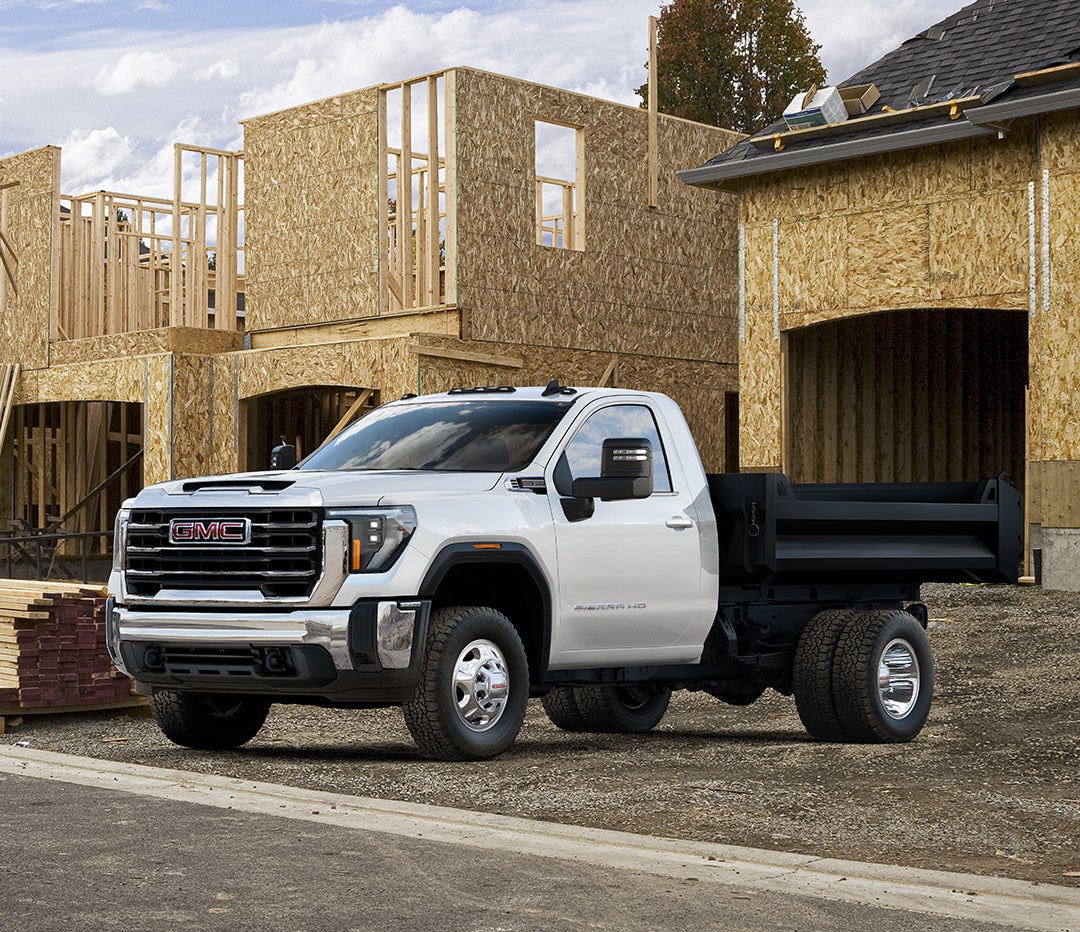
GMC Terrain SUV exterior

2025 GMC Terrain vs Honda CR-V: Compact SUV Comparison

Shopping for a compact SUV in the Glenshaw, Allison Park, or Fox Chapel area? Two top contenders are likely on your list: the 2025 GMC Terrain and the 2025 Honda CR-V. Both are modern, feature-packed, and built to handle everything from daily commutes to weekend road trips. But when it comes to choosing between them, the details make all the difference. This 2025 GMC Terrain vs Honda CR-V comparison takes a closer look at the essentials—performance, efficiency, tech, safety, value, and reliability. We’ll explore how the Terrain’s bold design, massive 15-inch infotainment screen, and over 15 standard safety features stack up against the CR-V’s hybrid powertrain, minimalist cabin, and Honda Sensing safety suite. Whether you prioritize fuel economy or high-end features, this comparison helps you cut through the clutter. Here’s the takeaway: The 2025 GMC Terrain is built for those who want refined capability, tech-forward driving, and a distinctive look that doesn’t blend in with the crowd. And if you're in the Glenshaw area, Joe Ball GMC is ready to help you get behind the wheel. Visit our dealership today and take the 2025 GMC Terrain for a test drive. For shoppers in Etna, Allison Park, and beyond, this compact SUV face-off answers the big question: GMC vs Honda SUV—which one’s right for you? Let’s find out. How Do the Powertrains and Fuel Efficiency Compare? When choosing a compact SUV, the engine and fuel savings often top the list. This 2025 GMC Terrain vs Honda CR-V comparison breaks down what each one brings to the table under the hood. Let’s start with the GMC Terrain. Every model comes standard with a 1.5L turbocharged 4-cylinder engine. It’s paired with a front-wheel drive setup by default, but all-wheel drive is available across the lineup. You’ll also find a smooth CVT in the FWD model or an 8-speed automatic transmission in AWD versions. The Honda CR-V offers more choices when it comes to powertrains. Lower trims come with a 1.5L turbo engine, much like the Terrain. Higher trims, however, are equipped with a hybrid system that boosts both horsepower and fuel savings. Here’s a quick side-by-side: Model Engine Options 2025 GMC Terrain 1.5L Turbo 4-cylinder (standard) 2025 Honda CR-V 1.5L Turbo (LX, EX, EX-L) 2-Motor Hybrid (Sport Hybrid, Sport-L, Touring Hybrid) Now let’s talk mileage. Both SUVs are built with daily driving in mind, but the CR-V hybrid shines when it comes to fuel savings. Model/Trim City / Hwy MPG GMC Terrain FWD 26 / 28 MPG* GMC Terrain AWD Slightly lower due to added traction CR-V Turbo 28 / 34 MPG* CR-V Hybrid 40 / 34 MPG* If you’re driving around Etna or Fox Chapel, the Terrain offers a quiet, composed ride with steady power delivery. Its turbocharged engine is tuned for a mix of smooth highway cruising and small-town turns. AWD gives it added grip on rainy days or uneven roads. The CR-V hybrid is ideal for those who want to stretch every gallon. It’s more fuel-efficient in city traffic, which could make a difference in areas like Glenshaw or Allison Park where stop-and-go driving is common. Both SUVs have the power and control most drivers need. But this GMC vs Honda SUV comparison comes down to what you want more: turbo simplicity or hybrid savings. Which SUV Offers Better Interior Technology and Features? A smart, easy-to-use cabin makes every drive feel better. Whether you're commuting through Allison Park or heading out for errands in Fox Chapel, comfort and tech matter. In this part of our Honda CR-V vs GMC Terrain reliability comparison, we’ll look at how both SUVs measure up inside. Let’s start with screens and systems. Feature GMC Terrain Honda CR-V Touchscreen Size 15-inch display 9-inch display Smartphone Link Wireless Apple CarPlay® & Android Auto™ Wired on base; wireless on higher trims Built-in Navigation Google built-in Not standard on most trims Driver Display 11-inch screen Customizable gauge cluster The GMC Terrain stands out with its large 15-inch screen. It's bold, bright, and easy to reach. Google built-in lets you plan your route, check the weather, and more—without using your phone. The Terrain also features a clear 11-inch driver display that puts key info right in view. The CR-V keeps things more simple. Its 9-inch screen works well but feels small by today’s standards. Higher trims include a Bose sound system, which is great for long drives. Lower trims still support Apple CarPlay® and Android Auto™, though not always wirelessly. Here’s a look at seating and storage: GMC Terrain Heated front seats and steering wheel come standard 60/40 rear seats for flexible cargo space Premium cloth or available leather Quiet, smooth ride for longer drives Honda CR-V Power-adjustable front seats on EX and up Hybrid trims get sport stitching Slightly more total cargo room Available heated steering wheel on top trims When it comes to cabin quality, both SUVs feel well-built. The Terrain leans more into bold tech and comfort. The CR-V focuses on clean lines and soft materials. For daily drivers in Glenshaw or Etna, both vehicles offer good tech and comfort. But if screen size, wireless ease, and a high-tech look matter most to you, the GMC Terrain pulls ahead. As we continue this Honda CR-V vs GMC Terrain reliability comparison, it’s clear each SUV has strengths. But inside the cabin, the Terrain brings more tech to the table—right where you need it. What Are the Key Differences in Safety & Driver Assistance? When it comes to daily peace of mind, safety tech is just as important as style or speed. That’s why this SUV comparison 2025 takes a close look at the safety features in both the GMC Terrain and the Honda CR-V. Whether you're driving through the hills of Glenshaw or navigating tight corners in Etna, knowing your SUV has your back matters. Let’s start with what each SUV offers as standard. Safety Feature GMC Terrain Honda CR-V Adaptive Cruise Control Standard Standard Lane Keep Assist Standard Standard Blind Spot Alert Standard Standard on EX and up Rear Camera Views Up to 8 available Multi-angle rearview camera Rear Camera Mirror Available Not offered Parking Sensors Available Standard on higher trims The GMC Terrain includes over 15 safety and driver help features on every trim. That means even the base model gives you: Forward collision alert Lane keep assist Front pedestrian braking Rear seat reminder Following distance alert In contrast, the Honda CR-V comes with the Honda Sensing® suite. It includes: Collision Mitigation Braking System™ Road Departure Mitigation Lane Keeping Assist System Adaptive Cruise Control with Low-Speed Follow Traffic Sign Recognition Both systems are strong. Each uses radar and cameras to help alert you or take action when needed. The Terrain, however, offers features like a Rear Camera Mirror and available HD Surround Vision, which aren’t found on the CR-V. For folks driving in busy suburbs like Allison Park or Fox Chapel, having a clear view behind your SUV can make a big difference in crowded parking lots or driveways. The Terrain’s available surround view and smart camera angles help with that. In this part of our GMC vs Honda SUV review, it’s clear both models work hard to keep you safe. But if you want features like added camera views and real-time rearview video, the GMC Terrain gives you more options. Safety is key to long-term trust in your car. And in the Honda CR-V vs GMC Terrain reliability conversation, both hold strong. But when it comes to advanced views and standard tools, the Terrain has a slight edge. How Do Design and Styling Compare in These Compact SUVs? Style may be a matter of taste, but both of these SUVs bring their own look to the road. This 2025 GMC Terrain vs Honda CR-V comparison shows how each vehicle uses shape, detail, and color to stand out—or blend in. The GMC Terrain takes a bold approach. Its body is sharp, strong, and wide-set. It makes a statement before the engine even starts. Key design features on the GMC Terrain: First-ever two-tone roof (available) LED headlamps and tail lamps Black Edition trim with red GMC badging Elevation model with 19-inch gloss-black wheels Unique grille with a high-end look By contrast, the Honda CR-V keeps things clean and smooth. Its lines are rounded and subtle. It leans more toward minimal than bold. Standout styling details on the CR-V: Hybrid trims feature sport touches with orange seat stitching Sleek headlights and soft body curves Roof rails for a more rugged edge on select models Available 18-inch gloss-black wheels on Sport Hybrid Design Element GMC Terrain Honda CR-V Roof Options Two-tone available One-tone only Sport Styling Black Edition and Elevation trims Sport trim with orange stitching Lighting LED front and rear LED front; basic in lower trims Wheels Up to 19-inch gloss-black Up to 18-inch gloss-black The GMC Terrain may speak more to buyers who want to stand out. Its design is bold, dark, and eye-catching. The CR-V feels more refined and easygoing. It’s clean and quiet, with less focus on flash. If you’re the kind of driver who wants your SUV to turn heads in places like Fox Chapel or Glenshaw, the Terrain gives you more ways to do that. This 2025 GMC Terrain vs Honda CR-V comparison shows two very different styles—and two clear paths for buyers who know what they like. Which SUV Delivers More Value for the Price? When you're shopping for a compact SUV near Fox Chapel or Allison Park, value matters. That means looking beyond price tags. It means asking what you get for what you spend. In this 2025 GMC Terrain vs Honda CR-V comparison, we take a close look at price, features, and overall worth. Both SUVs start in the same price range: Model Starting MSRP 2025 GMC Terrain $30,000* 2025 Honda CR-V $30,100* That’s a near match. But what you get at that price makes the difference. Here’s what the GMC Terrain includes at base: Large 15-inch touchscreen Wireless Apple CarPlay® and Android Auto™ Heated front seats Heated steering wheel Remote start Over 15 standard safety features Turbocharged engine And here's what comes standard with the base CR-V LX: 7-inch touchscreen Wired Apple CarPlay® and Android Auto™ No heated seats No heated steering wheel Turbocharged engine Honda Sensing® safety suite To match the Terrain’s tech and comfort, buyers often need to step up to the CR-V EX or higher trims. That pushes the price up fast. Here’s a quick comparison of added-value features by price tier: Feature Terrain (Base) CR-V (Base) Heated Seats Yes No Remote Start Yes No Infotainment Size 15 inches 7 inches Safety Tech Count 15+ Honda Sensing only Wireless Smartphone Link Yes No In terms of Honda CR-V vs GMC Terrain reliability, both brands have a good track record. Honda is known for long-term durability. GMC is backed by a strong warranty and long-lasting build quality. So, which SUV gives you more for your money? If you're driving in Allison Park and want more features from day one, the GMC Terrain delivers. For tech, comfort, and safety at the base price, it’s hard to beat. This GMC Terrain vs Honda CR-V comparison shows that value isn’t just about price—it’s about what’s packed inside. Is the 2025 GMC Terrain More Reliable Than the Honda CR-V? When picking a compact SUV, long-term peace of mind is key. You want a vehicle that starts strong and stays strong. This SUV comparison 2025 takes a close look at how the GMC Terrain stacks up to the Honda CR-V in terms of dependability, service, and long-term value. Let’s start with brand history. GMC is known for Professional Grade strength and build quality. The Terrain is built to last, with durable parts and a proven powertrain. Honda has long been a name tied to dependable cars. Its CR-V models have a track record of lasting well over 150,000 miles. But reliability isn’t just about how long a car lasts. It’s also about how easy it is to keep going. That means looking at upkeep, service, and warranty. Category GMC Terrain Honda CR-V Engine Type 1.5L Turbo 1.5L Turbo or Hybrid Base Warranty 3 years / 36,000 miles 3 years / 36,000 miles Powertrain Warranty 5 years / 60,000 miles 5 years / 60,000 miles Routine Maintenance Dealer-based, service alerts via OnStar Honda Maintenance Minder system The Terrain is built for long road trips, commutes, and tough seasons. GMC includes OnStar-connected services that help drivers keep track of oil life, tire pressure, and service needs. The CR-V, especially in hybrid form, offers strong fuel savings and smooth engine performance. But hybrids come with more parts—some of which can cost more to fix if they fail out of warranty. Here’s where each SUV may shine when thinking long-term: GMC Terrain Rugged build and high-strength materials Strong dealer network and certified service All-wheel drive with added control for winter roads Honda CR-V Simple, trusted engine platforms Lower expected cost for base service Hybrid models may need fewer gas fill-ups In this part of our Honda CR-V vs GMC Terrain reliability breakdown, both models offer strong records. If you want classic, fuel-saving dependability, the CR-V delivers. If you want a durable frame with easy-to-track service, the GMC Terrain may be the better bet. This GMC vs Honda SUV face-off proves one thing: you’re in good hands either way. But for drivers who value strength, service tools, and time-tested engineering, the Terrain checks all the right boxes. What are the main differences between the 2025 GMC Terrain and Honda CR-V? The 2025 GMC Terrain offers a bolder design, a larger 15-inch infotainment screen, and more standard comfort features, while the Honda CR-V offers a hybrid powertrain and slightly better fuel economy. What engine options are available in the 2025 GMC Terrain? The 2025 GMC Terrain comes with a standard 1.5L turbocharged 4-cylinder engine. Is the 2025 GMC Terrain more luxurious than the Honda CR-V? Yes, the GMC Terrain includes more upscale features as standard, such as heated front seats, a heated steering wheel, and a premium interior design. Which SUV has a better infotainment system? The GMC Terrain offers a better infotainment system with a 15-inch display and Google built-in, while the CR-V maxes out at a 9-inch screen with Apple CarPlay and Android Auto. Explore the GMC Terrain SUV at Joe Ball GMC Today If you're comparing compact SUVs near Glenshaw, Etna, Fox Chapel, or Allison Park, both the 2025 GMC Terrain and Honda CR-V bring solid value. But the best pick depends on how you drive. The CR-V is a smart choice for drivers who want great gas mileage, especially those looking for a hybrid. It’s also a good match for simple commutes and daily errands. The GMC Terrain, on the other hand, offers more tech, stronger comfort features, and a bold design that stands out on city or country roads. Its available all-wheel drive and hill descent control give it the edge when you need grip in rough or hilly spots—something drivers in Pennsylvania know well. If you're still deciding which GMC is right for your lifestyle or business needs, we’ve got more helpful resources for you. If you’re looking beyond SUVs, check out our guide for GMC truck buyers who need something fit for the job site. Noticing odd noises during your test drive? Learn when it’s time to take action by reading about brake noise safety and what it may mean for your vehicle’s health. And if midsize pickups are on your list, don’t miss our comparison on truck model matchups to see how GMC holds up against the competition. Ready to find your next vehicle? Contact Joe Ball GMC today. We proudly serve Glenshaw, Allison Park, Etna, and Fox Chapel. Browse our wide selection of new and used GMC vehicles online, including the 2025 GMC Terrain, and schedule your visit today. Disclaimer: All information is provided for general informational and entertainment purposes only. While we strive for accuracy, we cannot guarantee that all content is complete, current, or error-free. Any reliance you place on such information is strictly at your own risk. This article may include opinions and is not endorsed by, or officially affiliated with, any vehicle manufacturer or brand. Always consult official sources – such as the vehicle’s owner’s manual, authorized dealerships, or certified professionals – for the most up-to-date and personalized information.

2025 GMC SIERRA 3500 HD CHASSIS CAB-EXT1 (1)

Buying a GMC Commercial Truck: The Ultimate Checklist

Buying a commercial truck isn’t just a purchase—it’s a business decision. Whether you're hauling materials across Etna or outfitting your crew for jobs in Fox Chapel, the right truck keeps your operations running smoothly. GMC delivers serious power and reliability with models like the Canyon, Sierra 1500, and Sierra 2500, all designed to handle demanding workday conditions. This ultimate checklist walks you through everything you need to know before buying a GMC commercial truck —from evaluating your hauling needs to understanding warranties and service options. If you’re in Glenshaw, Allison Park, or anywhere nearby, Joe Ball GMC is your trusted local partner for new and preowned commercial trucks. Visit us or contact our team to find the right truck that works as hard as you do. What Should You Know Before Buying a GMC Commercial Truck Near Glenshaw or Allison Park? Buying a commercial truck is a big step for any small business or trade crew. The right truck helps you get more done, stay safe on the road, and make the most of your budget. If you're based in Glenshaw, Allison Park, or nearby towns like Etna or Fox Chapel, your needs might vary—but the basics stay the same. Before heading to a dealership, like one of the trusted GMC commercial truck dealers in the area, make sure you're clear on a few key points. Start by Asking: What Will This Truck Do Every Day? You should know how you plan to use the truck. That way, you’re not stuck with a truck that’s too big or too small. Daily loads: How much weight do you need to carry? Towing needs: Will you tow gear or trailers often? Drive type: Will you need 4WD for hilly roads or snow? Cab space: Do you need to fit your whole crew in one truck? If you're doing light hauling or local job runs, a smaller truck like the GMC Canyon might be the right fit. It’s easy to park, great on gas, and built tough for everyday use. Think Long-Term, Not Just Short-Term A work truck should grow with your needs, not hold you back. Choose one that can keep up as your jobs get bigger or more complex. Will your team grow in the next year or two? Will your work shift from town roads to off-road sites? Do you plan to add gear racks, plows, or a trailer? Local Support Matters Choosing a dealer close to Glenshaw or Allison Park makes service and follow-up visits easier. You’ll save time and keep your truck in good shape. Look for GMC commercial truck dealers that offer: Flexible service hours Fast part orders Help with fleet or business needs Planning ahead makes the whole process easier. When you're ready, your local dealer can walk you through the rest—step by step. How Do You Know Which GMC Truck Fits Your Business Needs? Not every job calls for the same truck. That’s why it’s so important to match the truck to the work. Choosing the right one means better results, lower costs, and fewer delays. General Motors commercial trucks offer a wide range of choices. From light-duty to heavy-duty, each one is made to work hard. But which one is right for you? Look at the Work You Do Each Day Think about your main tasks. Your truck should help you get through your day—not slow you down. Use this quick guide to get started: Truck Model Best For Key Strengths Canyon Light hauling, small crews, in-town jobs Easy to park, good fuel use, smooth ride Sierra 1500 Mid-size jobs, towing under 13,000 lbs Power, tech features, strong build Sierra 2500 Heavy loads, tough sites, full crew and tools Strong frame, big engine, high tow power If your work involves tight streets, the Canyon might be your best bet. It gives you space and strength in a smaller size. Need more power and room? The Sierra 1500 strikes a good balance. It works well for towing trailers and hauling gear. For job sites that demand full power, the Sierra 2500 steps in. It handles big loads and long hours with ease. Think About Add-Ons and Upfits Will your truck need racks, tool boxes, or a lift gate? Not all trucks can handle the same gear. Check the bed size, frame strength, and power needs before you buy. Choose the Right Cab and Bed Not every truck comes with the same cab or bed length. Think about what fits your crew and your work best: Regular Cab: Best for solo jobs or short hauls Double Cab: More room for tools or one extra rider Crew Cab: Full team space and strong rear seating Standard Bed: Good mix of space and size Long Bed: Extra space for tools, gear, or haul jobs Choosing the right truck means thinking ahead. Make sure it works for what you do now—and what you’ll do next year. What Should You Look for When Inspecting a Commercial Truck? A close look can save you from big costs later. Whether you're buying new or browsing preowned commercial trucks, a proper check matters. This step is key—especially for hard-working models like the Sierra 2500. Check every area of the truck. Don’t rush. A short test or quick glance could miss signs of wear or damage. Start with the Outside Walk around the truck. Look at the body, frame, and lights. Body panels: Check for dents, rust, and signs of repair Frame: Look for cracks or bends—these can point to past damage Lights: Make sure headlights, brake lights, and turn signals all work Glass: Look for chips or cracks in windows and mirrors Move to the Inside The cab should be clean and fully working. Watch for signs of wear or leaks. Seats and floor: Look for tears, stains, or strong odors Dashboard: All gauges, lights, and buttons should work AC and heat: Test them in all settings Leaks: Check under mats and near seals for water signs Inspect Under the Hood The engine is the heart of your truck. It should run smooth and clean. Oil: Check the level and color. Old, dark oil can mean poor care Belts and hoses: Look for wear, cracks, or bulges Leaks: Watch for oil or fluid under the truck Battery: Look for corrosion or signs of age Test the Key Parts A short drive helps you spot issues you can’t see when parked. Brakes: Feel for pull, noise, or soft pressure Steering: Should be firm and smooth Ride: The truck should not shake or bounce Gears: The truck should shift with ease, with no delay Heavy-duty trucks like the Sierra 2500 are built to last—but they still need care. A well-inspected truck gives you more value and fewer problems later on. Take your time. Ask for service records. When in doubt, have a trusted tech give it a full check before you buy. Are the Specs Right for the Job? Before you buy a truck, take time to match its specs with your daily tasks. If the truck falls short, it could slow down your work—or cost more in fuel, wear, and commercial truck service down the road. A model like the Sierra 1500 fits many job needs, but not all. Specs help you know where it shines—and where you may need more. Key Specs to Review Before You Buy Use this list to help compare different trucks: Spec Why It Matters Payload Shows how much weight the bed can hold Tow rating Tells you how much the truck can pull safely Bed length Affects how much gear or tools you can carry Engine size Impacts power, speed, and fuel use Fuel type Gas or diesel—each has pros and cons Drivetrain 2WD vs. 4WD can change traction and handling Wheelbase Affects how the truck turns and rides Match the Truck to the Work For lighter jobs with less haul weight, the Sierra 1500 may be the perfect choice. It offers: Good fuel use for its class Strong tow power for mid-size trailers Plenty of space for tools or parts A ride that feels more like a pickup than a big rig But if your work includes heavy loads every day, you may need more power or payload. Specs help you know when to move up to a larger model. Don’t Forget Future Needs Your next job could be bigger than today’s. Choose a truck that lets you grow without replacing it too soon. Look for: Room for upgrades or add-ons Engines known for long life Trucks with easy commercial truck service access When you know the specs, you know what the truck can handle—and that helps you make the right choice the first time. Why Are Service Records and History So Important for Preowned Commercial Trucks? When you're looking at preowned commercial trucks, the outside can look clean—but it’s what’s under the hood that counts most. Service records and history reports give you a clear view of how the truck was treated before it hit the lot. Even a well-known model like the Sierra 1500 can have hidden issues if it hasn’t been cared for right. What to Look for in a Truck’s History A clean history means fewer risks for your work truck. Ask for: Full service records: Oil changes, tire checks, and brake jobs should all be listed Past repairs: See if parts like the transmission or brakes were fixed or swapped Accident history: Look for signs of frame damage or body work Number of owners: Fewer owners often means better upkeep DOT inspections: Trucks used for work should have passed safety checks Why These Records Matter Help spot patterns like missed oil changes Show if the truck sat too long between uses Confirm that key parts were fixed or kept up Give peace of mind before you sign any papers Trucks that skip service don’t last long. The right preowned commercial truck will have proof it’s been cared for, not just cleaned up. Tips for Buyers Use this checklist to guide your review: Item What to Look For Oil Change Records Done every 3,000–5,000 miles Brake Service Logs Pads and rotors replaced as needed Tire Records Rotations and replacements recorded Engine Work No long gaps in service, no major issues Mileage Consistency Matches what’s listed and looks steady Don’t guess about a truck’s past. A Sierra 1500 with solid service history can outwork many newer trucks with unknown care. What Will This Truck Really Cost Over Time? The price on the sticker is just the start. A truck’s true cost shows up over months and years. Even a solid workhorse like the Sierra 2500 can add up fast if you don’t plan ahead. Many GMC commercial truck dealers can help you understand the full picture before you buy. But it’s smart to run the numbers yourself too. What to Add Up Owning a truck means more than the loan. These key costs often get missed: Fuel use: How often will you fill up? Oil and filters: Needed every few months Tires: Can wear out faster with big loads Repairs: Even good trucks need work over time Insurance: May cost more if used for work Loan interest: Adds cost to each monthly bill Use This Table to Estimate Costs Cost Type How Often Estimated Impact Fuel Weekly or bi-weekly $75–$150 per fill-up Oil Change Every 5,000 miles $60–$120 Tires Every 40,000–60,000 mi $800–$1,200 per set Repairs & Service Yearly (or as needed) $500–$1,500 Insurance Monthly Varies by use, $100–$300 per month Loan Interest Monthly Based on credit and loan term Don’t Forget the Resale Value A truck that holds its value costs less in the long run. Sierra 2500 models tend to stay strong on trade-in—if well cared for. Look for these signs a truck will hold value: Good service history No frame or body damage One or two past owners Clean title Buying from trusted GMC commercial truck dealers helps too. They often include service records and may offer short-term coverage plans. Plan for the full cost—not just the down payment. That’s how smart buyers protect their bottom line. How Important Is Reliable Commercial Truck Service Near Etna and Fox Chapel? Service is more than oil changes. When your truck is down, your work stops. That’s why steady, skilled care is key—especially if you work near Etna or Fox Chapel. If your truck hauls gear, tools, or goods each day, you can’t risk long waits. A strong commercial truck service plan keeps you moving. Why Local Truck Service Matters Staying close to home matters when time is tight. Fast, local help cuts delays and saves money. Quick repairs: Nearby shops mean less time off the road Familiar staff: Local teams know your truck and your routes Fewer tows: A local stop means you may not need to haul your truck far Trusted parts: Shops linked to brands like GMC use parts that fit right Think Long Term Choosing a truck with good support helps over time. A model like the Canyon pairs tough build with easy upkeep. That helps reduce shop time. Look for: Service Need Why It Matters Brake checks Stops wear from turning or towing Oil and filter changes Keeps engine clean and cool Tire rotation Spreads wear evenly for longer life Warranty service Saves money while your truck is still under it Diagnostic scans Spots small issues before they get worse Don’t wait for a problem to find a plan. Make sure the shop is close, the staff is trained, and the parts are right. A smooth commercial truck service plan helps your truck work as hard as you do. What Are the Next Steps to Drive Your GMC Truck Off the Lot? You’ve picked the right truck. You know it fits your needs. Now it’s time to take the next step. At trusted GMC commercial truck dealers, like Joe Ball GMC, the buying process is clear. Staff are there to help from start to keys in hand. Be Ready with the Right Info Before you sign anything, make sure you have the right papers. This will help speed things up. Driver’s license: Needed for the test drive and the sale Proof of insurance: Must match the vehicle and buyer Proof of income: Some loans may ask for a pay stub Down payment: Bring a check, card, or proof of funds Financing pre-approval: Optional, but helps speed up the sale Know What You Want It helps to come in with a plan. If you’ve picked a Sierra 1500, know your trim level and key features. Use this simple guide: Step Why It Matters Pick your truck Have a model and trim in mind Take a test drive Make sure the ride feels right Ask about service plans Know what’s covered and what’s not Review final cost Double-check all numbers before signing Sign and drive Finish paperwork and take the keys Ask Smart Questions Don’t be afraid to speak up. Your truck is a big buy. What’s the full price with taxes and fees? What’s covered under the warranty? Are there service or oil change plans? Can I get help with fleet tools or upgrades? Buying a truck, like the Sierra 1500, should be a smooth, smart step. With the right dealer, it will be Frequently Asked Questions Choosing the right commercial truck comes with many questions. Whether you're starting your first purchase or upgrading your fleet, clear answers can help you move forward with confidence. How do I choose the right GMC commercial truck for my business? Choose based on your work needs: payload, towing, and daily use. The Canyon suits lighter tasks, the Sierra 1500 balances strength and comfort, and the Sierra 2500 is ideal for heavy-duty jobs. Should I buy a new or preowned GMC commercial truck? Buy new if you want full warranty coverage and the latest features. Buy preowned if you want to lower upfront costs and don’t mind light wear. What financing options are available for GMC commercial trucks? Most GMC dealers offer loans, lease options, and business fleet financing. Credit score and truck type may affect your terms. Can I trade in my old commercial truck when buying a new GMC? Yes. Most GMC dealers accept trade-ins. The value depends on age, condition, and mileage. Why should I choose GMC over other commercial truck brands? GMC trucks are built for work, offer strong towing, and include high-end trims. Models like the Sierra 1500 and 2500 balance strength and tech. These answers can guide your buying process, but nothing beats seeing the right truck in person. For expert help and to explore the latest GMC commercial trucks, visit or contact Joe Ball GMC today. Your Next GMC Starts Here at Joe Ball GMC Your next truck should work as hard as you do. Joe Ball GMC is proud to serve drivers from Glenshaw, Allison Park, Fox Chapel, and Etna with a wide mix of new and used trucks built for real jobs. If you're shopping for a Canyon, Sierra 1500, or Sierra 2500, our team can help you choose the right one for your crew and budget. Still have questions? We’re here to make the buying process clear, fast, and low stress. Come see what sets Joe Ball GMC apart. You can contact us online or by phone to get started today. Want to learn more before you buy? Take a look at how the Canyon vs Ford Ranger match up where it counts. Need help picking a trim? This GMC Canyon trim comparison breaks down the top features. We also offer trusted brake repair in Pittsburgh to help keep your GMC truck safe and ready for work.

Contact Us

Fill out this form below and we'll contact you shortly
*Required Fields