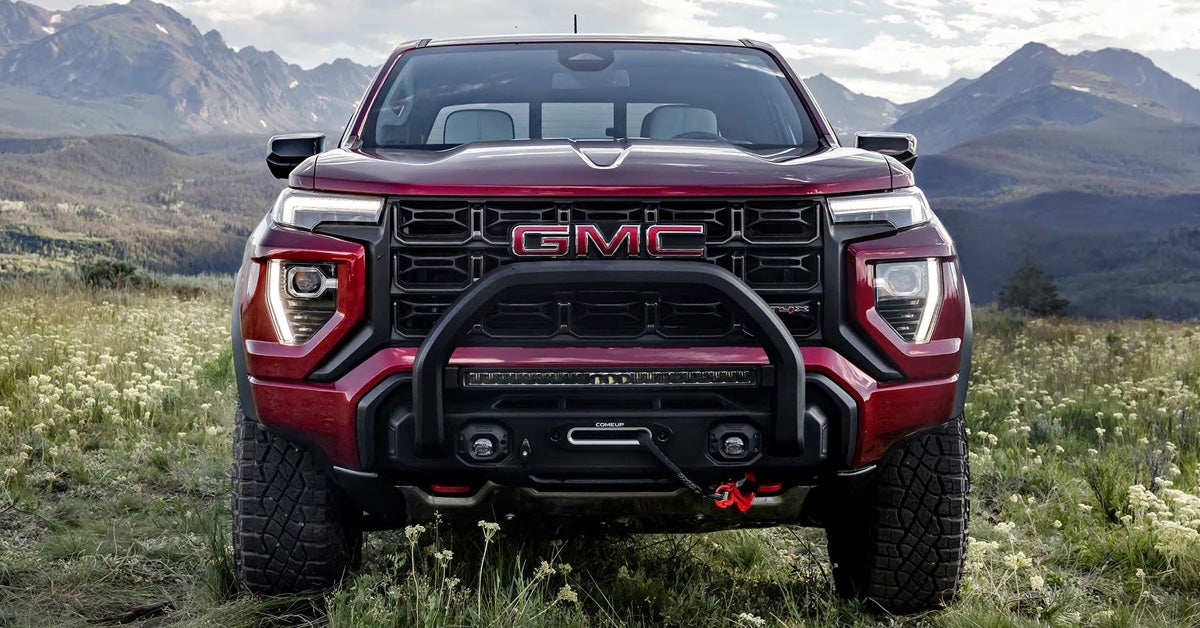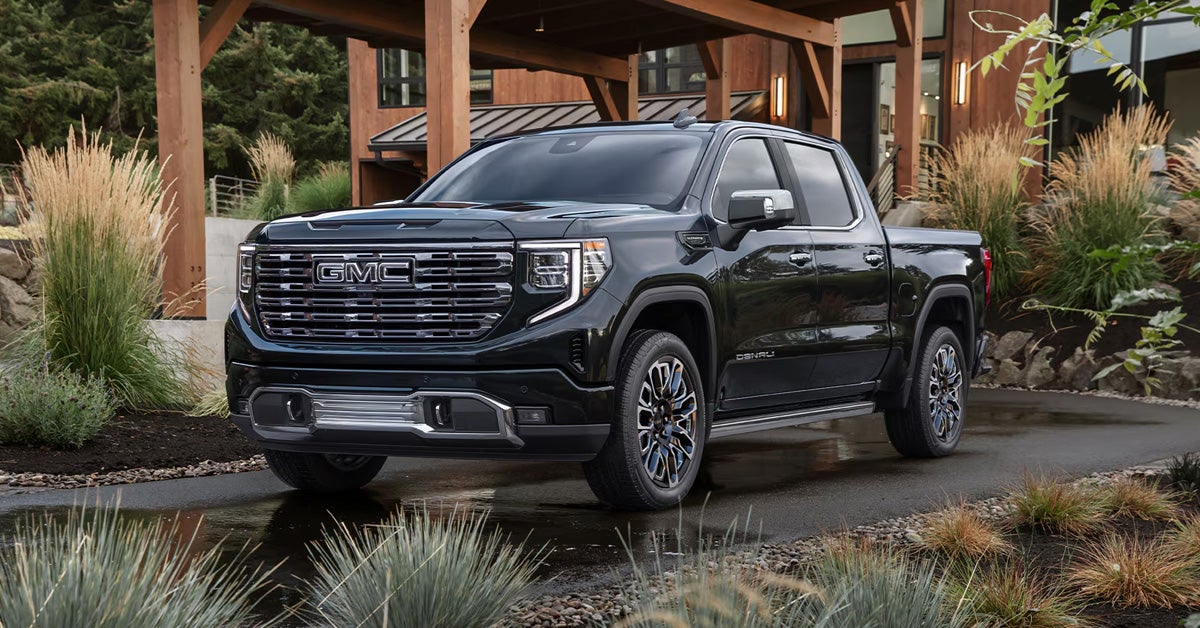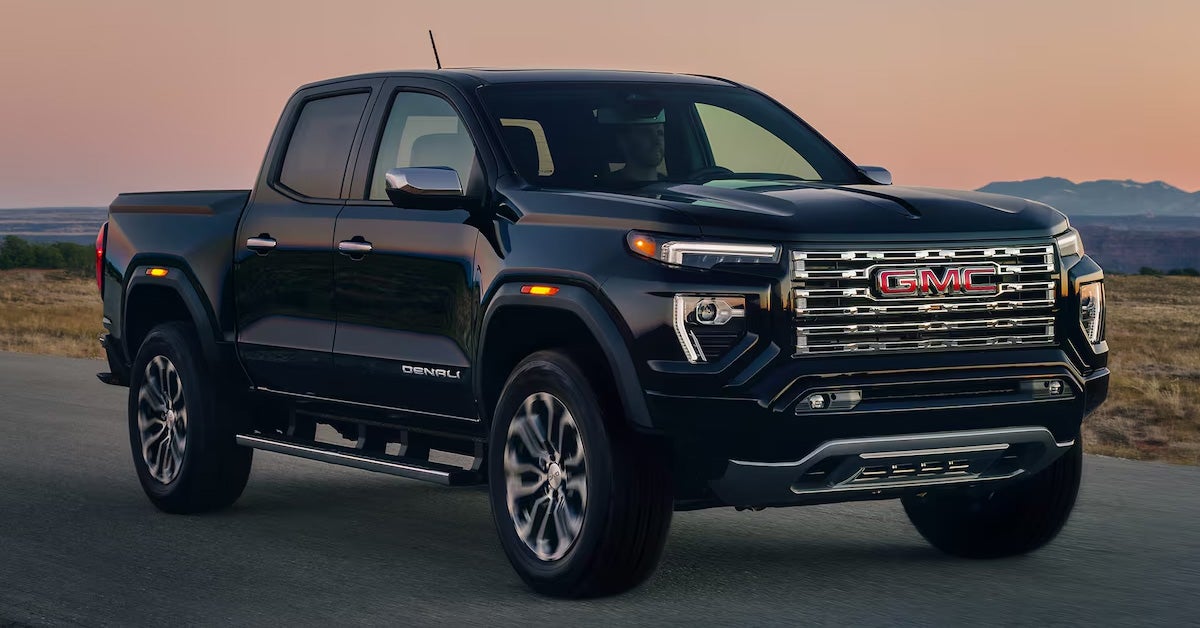



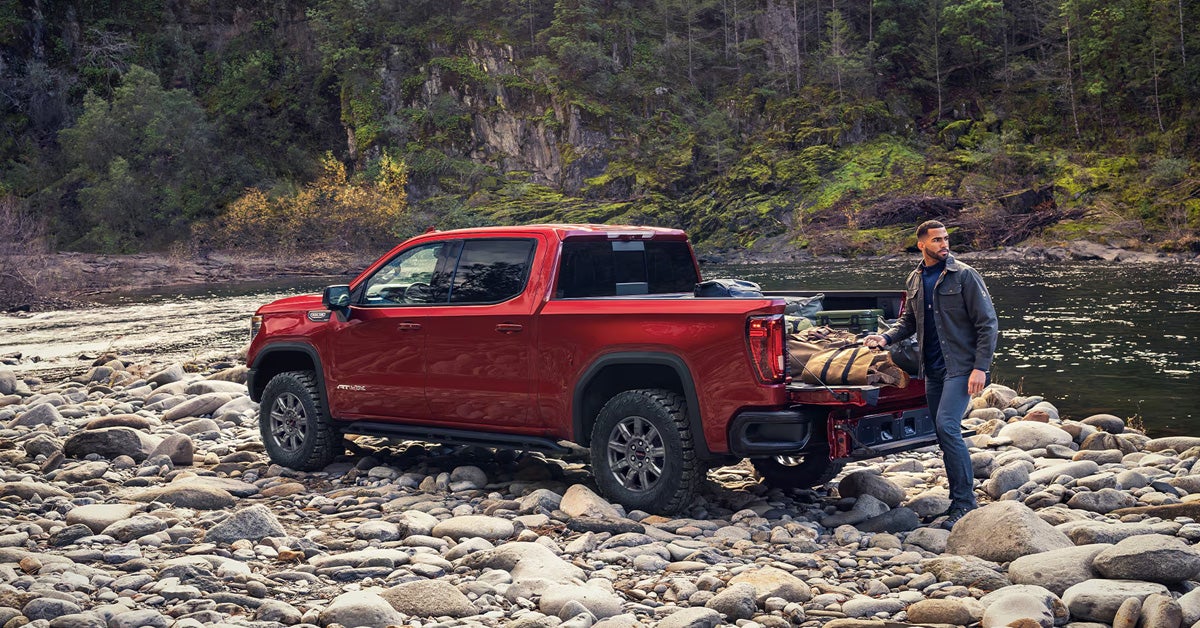
Transparent Trailer View on the 2026 GMC Sierra 1500 allows drivers to see a clear, unobstructed view behind a compatible trailer by combining the tailgate camera with an accessory rear trailer camera. With the proper equipment, accurate measurements, and a quick calibration process through the GMC Trailering App, this feature enhances forward visibility while towing and helps drivers stay more confident on the road. Understanding how to set up, calibrate, and activate Transparent Trailer View ensures the Sierra 1500 delivers its full trailering capability when it matters most.
At Joe Ball GMC, we are here to help you make the most of advanced features like Transparent Trailer View on your Sierra 1500. From expert sales guidance to certified service, genuine GMC parts, and trailering accessories, our team is ready to support all your automotive needs. Visit us or contact Joe Ball GMC today to learn more, get hands-on assistance, or schedule help with your GMC truck.
How Does Transparent Trailer View Work on the 2026 GMC Sierra 1500?
Transparent Trailer View on the 2026 GMC Sierra 1500 lets drivers see behind a trailer by blending the tailgate camera with an accessory rear trailer camera. This creates a “see-through” effect, making it easier to monitor traffic, obstacles, and road conditions while driving forward.
The system works best in everyday towing situations like changing lanes, merging onto highways, or navigating tight roads. It automatically turns off when the vehicle is shifted out of a forward gear or when another camera view is selected.
Key components include:
- The Sierra 1500’s factory tailgate camera
- An accessory camera mounted on the trailer
- Image processing that aligns both views into a seamless display
Transparent Trailer View reduces blind spots and increases confidence for Sierra 1500 owners, especially during frequent towing. To see this feature in action or get help setting it up, contact the team at Joe Ball GMC for expert guidance and hands-on support.
What Equipment Is Required to Use Transparent Trailer View on a GMC Sierra 1500?
To use Transparent Trailer View on your Sierra 1500, you need the right combination of cameras, software, and trailer compatibility.
The Sierra 1500 invisible trailer setup relies on:
- A Sierra 1500 with the ProGrade Trailering System
- An accessory camera mounted on the rear of your trailer
- A compatible trailer up to 32 feet in length
- Access to the GMC Trailering App for setup and calibration
These components work together to merge the tailgate and trailer camera feeds into a single, seamless view, making it easier to see what’s behind your trailer. Having the correct equipment ensures accurate alignment and reliable performance.
What Is the Sierra 1500 Invisible Trailer Setup Process?
Setting up Transparent Trailer View on a Sierra 1500 is easier than it might seem once you understand the key steps. The process combines proper GMC accessory trailer camera installation, trailer measurements, and in-vehicle configuration to create the “see-through” effect that makes towing safer.
Step-by-Step Setup Process
- Install the accessory trailer camera
- Mount the camera on the rear of the trailer, centered horizontally and slightly above the tailgate camera
- Connect the camera to the 7-pin or auxiliary trailer receptacle
- Create a trailer profile in the GMC Trailering App
- Open the app on the Sierra 1500 infotainment screen
- Enter trailer measurements like coupler-to-rear distance and trailer width
- Select the Transparent Trailer option under Towing Assistance Setup
- Calibrate the system
- Drive straight at speeds under 35 mph
- The system will automatically align the cameras to merge the views
- Repeat calibration if prompted for the best results
Why Following the Setup Steps Matters
Proper setup ensures the Sierra 1500 invisible trailer setup functions smoothly every time you tow. A misaligned camera or skipped calibration can reduce visibility and limit the effectiveness of the Transparent Trailer View.
How Do You Install the GMC Accessory Trailer Camera Correctly?
Installing the GMC accessory trailer camera correctly is a critical step in getting the Transparent Trailer View to work effectively on your Sierra 1500. A well-positioned camera ensures clear visibility behind the trailer and makes it easier to calibrate the transparent trailer GMC technology for accurate alignment.
Steps for Proper Camera Installation
- Position the camera
- Mount it on the rear of the trailer, centered horizontally
- Place the camera slightly higher than the Sierra 1500 tailgate camera to avoid obstruction
- Secure the camera
- Use the provided brackets or mounts to prevent movement
- Ensure the camera is stable even on bumpy roads
- Connect the camera to power
- Plug into the 7-pin or auxiliary trailer connector near the hitch
- Check the cable routing to avoid pinch points or interference
- Test the camera feed
- Open the Sierra 1500 infotainment screen to confirm the camera is displaying properly
- Adjust positioning if the view is misaligned before calibration
Tips for a Smooth Calibration
After installation, it’s important to calibrate the transparent trailer GMC systems properly. Drive in a straight line at speeds under 35 mph while following the on-screen prompts in the Trailering App. Accurate camera placement makes this process quicker and ensures the “invisible trailer” effect works correctly every time.
How Do You Create a Trailer Profile in the GMC Trailering App?
Creating a trailer profile in the GMC Trailering App is a key step to unlock all the features of your Sierra 1500, including 2026 Sierra 1500 towing camera views. A properly set up profile ensures the Transparent Trailer View displays accurately and that your truck recognizes the dimensions of your trailer for safer towing.
Steps to Set Up a Trailer Profile
- Open the Trailering App
- Access the app through the Sierra 1500 infotainment screen
- Make sure your truck is parked and in a forward gear for setup
- Add a New Trailer
- Select “Create New Trailer” and enter a name for easy reference
- Input essential measurements such as trailer width and coupler-to-rear distance
- Configure Towing Assistance
- Choose “Transparent Trailer” under Towing Assistance Setup
- Adjust any settings recommended by the app for your trailer type
- Save and Test the Profile
- Confirm the profile is saved in the system
- Use the camera view to check alignment and visibility before hitting the road
Why Trailer Profiles Make Towing Safer
By entering accurate measurements, the Sierra 1500 can display precise 2026 towing camera views that help reduce blind spots and improve confidence when maneuvering with a trailer. This step also makes calibration easier and ensures the Invisible Trailer Setup functions as intended.
What Measurements Are Needed During Transparent Trailer Setup?
Accurate measurements are essential when learning how to use Transparent Trailer View GMC on your Sierra 1500. Proper measurements ensure the system aligns the tailgate and trailer camera feeds correctly, giving a true “see-through” view behind your trailer. Without precise input, the invisible trailer effect can appear distorted or misaligned, which reduces the benefit of this advanced towing feature.
Key Measurements to Enter
When setting up Transparent Trailer View, focus on these critical dimensions:
- Trailer width – Measure the widest part of the trailer to ensure full coverage
- Coupler-to-rear distance – The length from the hitch to the back of the trailer
- Trailer height – Optional for some setups, helps the system align vertical angles
- Camera placement – Distance and height relative to the Sierra 1500 tailgate camera
Tips for Accurate Measurement
- Use a tape measure on a flat surface for the most precise results
- Double-check each measurement before entering it into the GMC Trailering App
- Mark the camera position clearly to avoid shifts that could affect alignment
Taking the time to measure accurately makes the Sierra 1500’s Transparent Trailer View more reliable, helping you tow with confidence and clarity every time.
How Do You Calibrate Transparent Trailer View on a GMC Sierra 1500?
Calibrating Transparent Trailer View is a key step in the Sierra 1500 invisible trailer setup, ensuring that the tailgate and trailer cameras align perfectly to create the “see-through” effect. Proper calibration makes towing safer and gives drivers a clearer view of what is behind the trailer while moving forward.
Steps to Calibrate Transparent Trailer View
- Prepare your trailer
- Make sure the GMC accessory trailer camera is installed and connected
- Confirm the trailer profile is set up in the Trailering App
- Drive in a straight line
- Keep speeds under 35 mph on a flat, open surface
- The system uses this movement to automatically align the camera feeds
- Monitor on-screen prompts
- Follow any instructions the infotainment screen displays
- If the system requests a repeat calibration, perform another straight-line pass
- Test the view
- Shift through forward gears and verify that the “invisible trailer” effect is smooth
- Adjust trailer or camera placement if the view appears misaligned
Why Calibration Matters
Even with correct installation, skipping calibration can result in a distorted or partially obstructed view. Accurate calibration ensures that the Sierra 1500 invisible trailer setup functions reliably, giving drivers confidence during lane changes, turns, and highway towing.
How Do You Activate Transparent Trailer View on a GMC Sierra 1500?
Once the GMC accessory trailer camera is installed and the Sierra 1500 invisible trailer setup is complete, activating Transparent Trailer View is simple and intuitive. This feature allows drivers to see behind the trailer in real time, improving visibility and confidence while towing.
Steps to Activate Transparent Trailer View
- Access the Camera App
- Open the infotainment screen on your Sierra 1500
- Select the Camera App from the main menu
- Choose the Transparent Trailer View
- Tap the Transparent Trailer icon at the bottom of the display
- The system merges the tailgate camera and trailer camera feeds for a seamless view
- Confirm the View
- Make sure the trailer appears correctly aligned on the screen
- Check that all obstacles behind the trailer are visible before moving forward
Tips for a Smooth Experience
- Always engage Transparent Trailer View while in a forward gear; it automatically turns off in Reverse, Neutral, or Park
- Keep the GMC accessory trailer camera clean and free of debris to maintain a clear image
- If the view appears distorted, check the camera placement and recalibrate if needed
Activating Transparent Trailer View enhances the Sierra 1500’s towing capabilities, giving drivers a clearer perspective behind their trailer and making tight maneuvers much easier.
When Does Transparent Trailer View Turn Off Automatically?
Transparent Trailer View on the Sierra 1500 is designed to help drivers focus on what’s behind the trailer while moving forward, but it doesn’t remain active in every driving situation. Understanding when the system turns off helps ensure safe towing and proper use of your Sierra 1500’s cameras.
Situations That Disable Transparent Trailer View
- Shifting out of a forward gear – The view automatically turns off if the truck is in Reverse, Neutral, or Park
- Switching camera views – Selecting another camera angle, such as the rear or side view, will temporarily disable the Transparent Trailer view
- System prompts – If calibration is needed or if the trailer profile is missing, the system may not display the Transparent Trailer view until corrected
Why This Matters
Knowing these limits prevents confusion when towing. Even after you calibrate transparent trailer GMC systems, the feature is intended as an aid, not a replacement for careful observation. Drivers should always rely on mirrors and direct sightlines in addition to the trailer view.
What Are the Key Safety Considerations When Using Transparent Trailer View?
Transparent Trailer View is a powerful tool for Sierra 1500 owners, but it is not a replacement for attentive driving. Understanding safety considerations ensures you get the most out of the 2026 Sierra 1500 towing camera views while keeping yourself and others on the road safe.
Essential Safety Tips
- Always monitor your surroundings – Even with the invisible trailer effect, check mirrors and blind spots
- Keep speeds moderate during calibration – Accurate alignment of the trailer camera improves visibility and prevents distortion
- Ensure cameras are clean and unobstructed – Dirt, debris, or snow can reduce the clarity of 2026 Sierra 1500 towing camera views
- Understand system limitations – Transparent Trailer View only works in forward gears and may temporarily turn off when switching camera angles
- Double-check trailer setup – Proper trailer width, coupler-to-rear distance, and GMC accessory trailer camera installation are critical for accurate views
Why These Practices Matter
Even the most advanced technology cannot replace situational awareness. By combining the Transparent Trailer View with careful observation, drivers can navigate tight spaces, change lanes safely, and tow with confidence.
How Does Transparent Trailer View Improve Towing Confidence?
Transparent Trailer View on the Sierra 1500 transforms how drivers interact with their trailer while on the road. By combining the tailgate camera and GMC accessory trailer camera, this feature allows drivers to see a near “invisible” trailer, giving a clear view of vehicles, obstacles, and road conditions behind them. Understanding how to use Transparent Trailer View GMC technology can make towing feel safer and more controlled, even in tight or crowded areas.
Key Ways It Boosts Confidence
- Clear visibility in tight spaces – Maneuvering into parking lots or narrow streets becomes easier with fewer blind spots
- Safer lane changes on highways – Drivers can quickly see surrounding traffic behind the trailer
- Reduced guesswork – The stitched camera view removes the uncertainty of what’s directly behind the trailer
- Better overall awareness – Enhances other 2026 Sierra 1500 towing camera views by integrating them into a comprehensive perspective
Real-World Impact
Imagine pulling a long trailer through downtown Pittsburgh or navigating winding roads outside Homestead. Transparent Trailer View allows you to make these maneuvers with confidence, knowing you have a reliable visual of the area behind your trailer. It turns what used to be stressful towing situations into more predictable, manageable experiences.
Which Sierra 1500 Drivers Benefit Most From Transparent Trailer View?
Transparent Trailer View is designed to enhance towing for a wide range of Sierra 1500 owners, but certain drivers see the greatest advantage from the Sierra 1500 invisible trailer setup. Understanding who benefits most can help you maximize the system’s value and improve safety on every trip.
Drivers Who Gain the Most
- Frequent tower owners – Those who regularly haul trailers, boats, or campers benefit from improved visibility and reduced blind spots
- New or less experienced tow drivers – Transparent Trailer View helps build confidence when maneuvering large trailers for the first time
- Drivers navigating tight spaces – Parking lots, residential streets, and construction zones are easier to handle with a clear rear view
- Those towing long or wide trailers – Longer trailers often create significant blind spots that the Sierra 1500 invisible trailer setup helps eliminate
Everyday Advantages
Even if you tow occasionally, having a transparent view behind your trailer makes merging onto highways, passing slower vehicles, and backing out of tight driveways simpler and safer. Drivers in urban areas like Pittsburgh or busy suburban roads around Munhall and Homestead will particularly appreciate the added perspective and peace of mind.
Where Can Drivers Learn More About Sierra 1500 Trailering Technology?
For drivers looking to get the most out of their Sierra 1500, understanding all aspects of towing technology is key. From transparent trailer setups to 2026 Sierra 1500 towing camera views, knowing how each system works can make every trip safer and more efficient.
Ways to Explore Trailering Features
- GMC manuals and guides – Official documentation covers the Sierra 1500’s towing capabilities and step-by-step instructions for setup
- In-vehicle tutorials – The infotainment system includes guidance for setting up the GMC accessory trailer camera installation and creating trailer profiles
- Online resources and videos – Demonstrations can show calibration, camera alignment, and how to use Transparent Trailer View in real-world scenarios
- Hands-on practice – Familiarizing yourself with camera angles and trailer setup in a safe, open area builds confidence before hitting busy roads
Benefits of Learning About Trailering Technology
Knowing how to install and use towing features properly reduces stress when maneuvering trailers and helps prevent accidents. Drivers who understand the Sierra 1500 invisible trailer setup gain better awareness, smoother control, and more confidence during every towing task.
Frequently Asked Questions About Transparent Trailer View on the Sierra 1500
What specific equipment do I need to use Transparent Trailer View on my Sierra 1500?
You need a Sierra 1500 equipped with the ProGrade Trailering System, a compatible accessory trailer camera mounted on the rear of your trailer, a conventionally hitched trailer up to 32 feet long, and access to the GMC Trailering App for setup and calibration.
Does Transparent Trailer View work with fifth-wheel or gooseneck trailers?
No, this feature is only compatible with conventionally hitched trailers. Fifth-wheel and gooseneck setups are not supported.
How do I calibrate the Transparent Trailer View after installation?
After installing the accessory trailer camera and creating a trailer profile, drive straight at speeds under 35 mph, following the prompts in the Trailering App. The system automatically aligns the cameras to create the “invisible trailer” effect.
What is the maximum trailer length supported for the “invisible” view feature?
The maximum supported trailer length is 32 feet.
Why is the Transparent Trailer image distorted or not appearing on my infotainment screen?
Distortion or a missing image can occur if the accessory trailer camera is misaligned, the trailer profile is not set up correctly, or the system requires recalibration. Ensuring proper camera placement and entering accurate measurements usually resolves the issue.
Explore More About Sierra 1500 Towing and Technology
Transparent Trailer View is just one of the many advanced features that make the Sierra 1500 a leader in towing and technology. From improved visibility behind your trailer to seamless integration with the ProGrade Trailering System, these tools are designed to make towing safer, easier, and more confident. Drivers in Pittsburgh, Munhall, and Homestead can take advantage of these features while exploring the wide selection of Sierra 1500 models and other GMC vehicles.
If you’re curious about optimizing your Sierra 1500 for every towing situation, you can also learn more about how GMC’s trailering systems work and how to make the most of advanced driver-assistance features. Features like Super Cruise features, ProGrade Trailering setup, and Key Fob troubleshooting are all worth exploring to get the most out of your Sierra 1500’s technology.
Take the next step to experience the full capabilities of the Sierra 1500. Contact Joe Ball GMC today to ask questions, schedule a demonstration, or explore available models in our inventory. Whether you’re navigating city streets, suburban roads, or towing through rural areas, these features help you tow with confidence every time.
Get Directions to Joe Ball GMC
Disclaimer: All information is provided for general informational and entertainment purposes only. While we strive for accuracy, we cannot guarantee that all content is complete, current, or error-free. Any reliance you place on such information is strictly at your own risk. This article may include opinions and is not endorsed by, or officially affiliated with, any vehicle manufacturer or brand. Always consult official sources – such as the vehicle’s owner’s manual, authorized dealerships, or certified professionals – for the most up-to-date and personalized information.